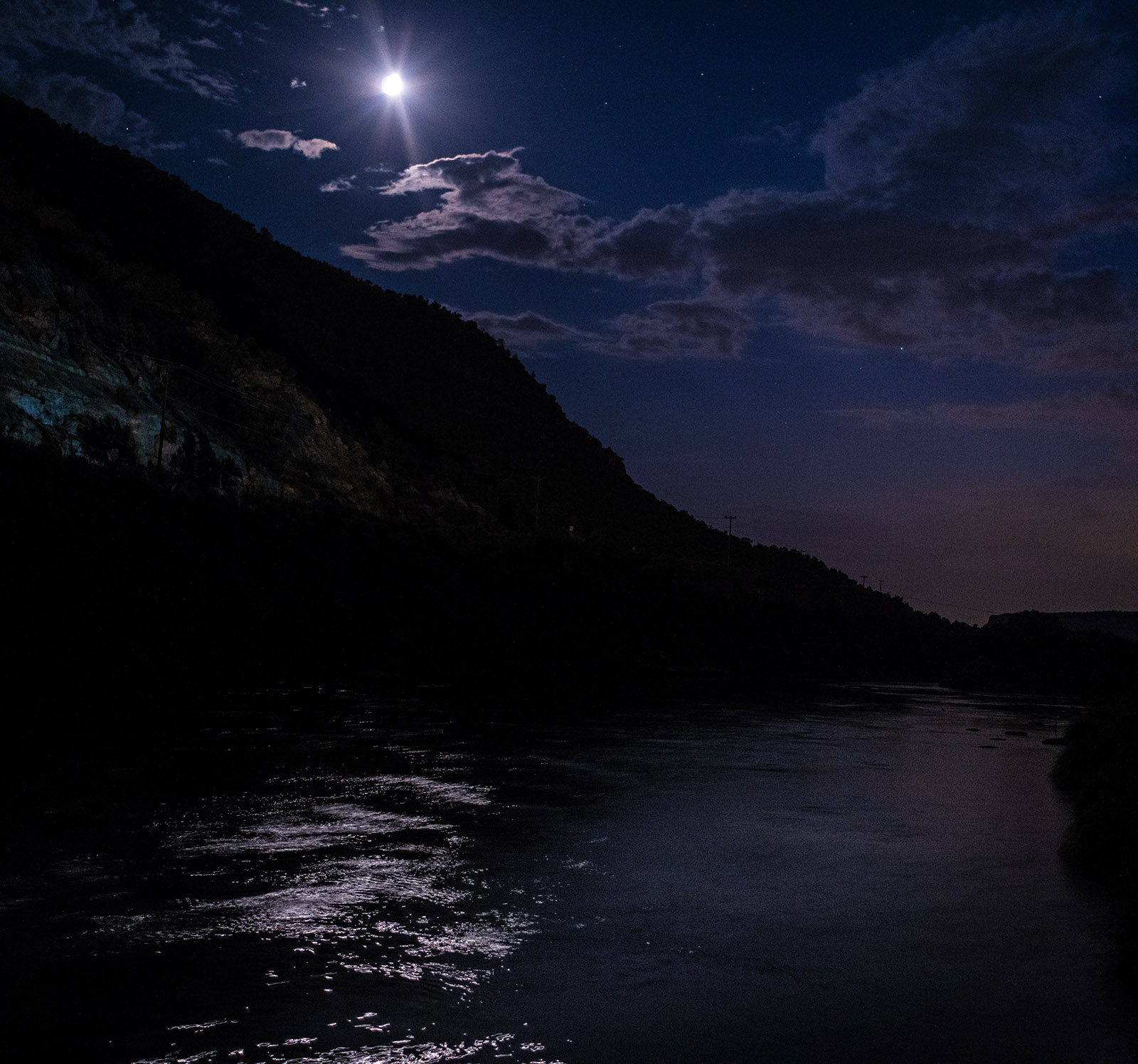
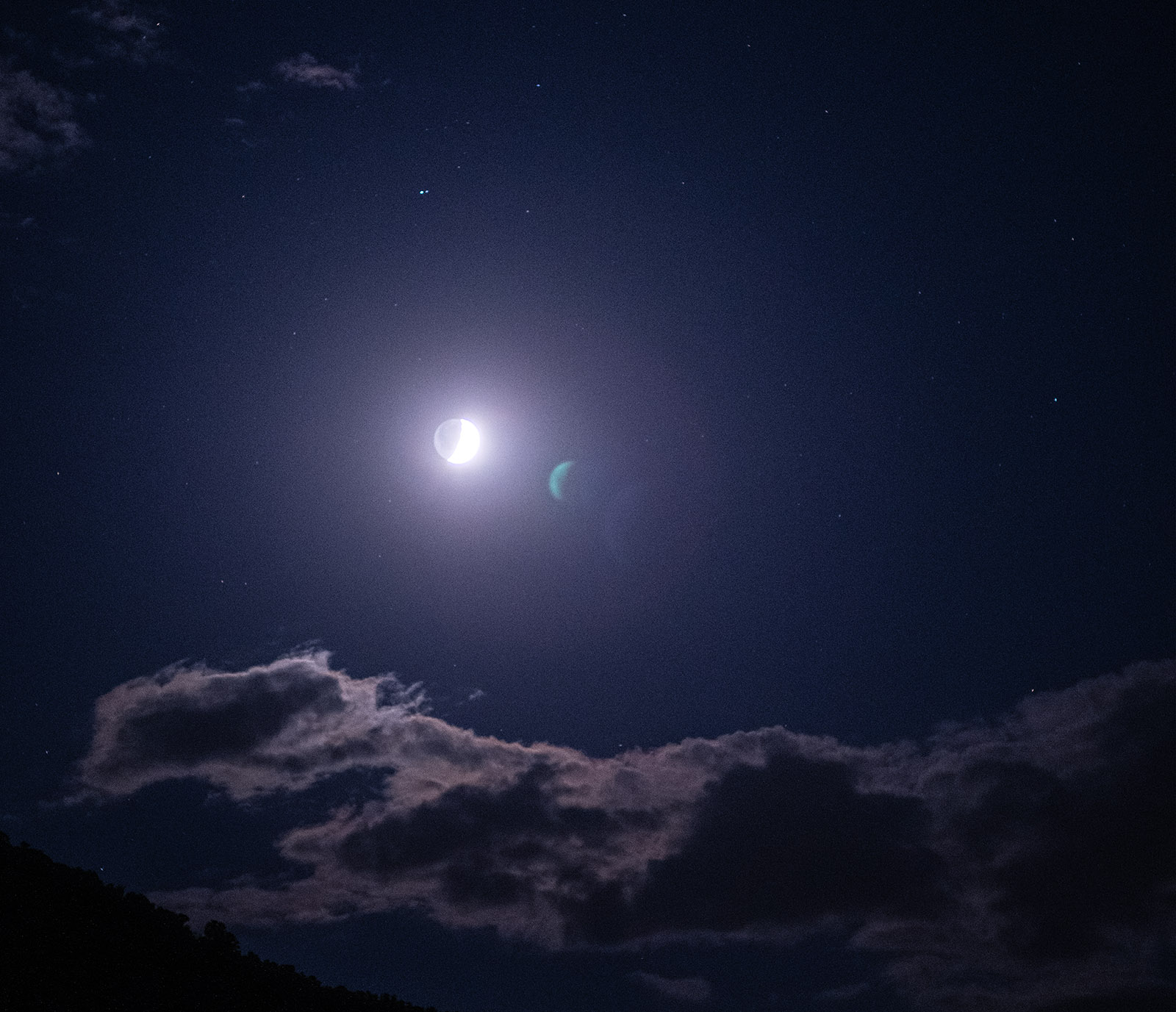
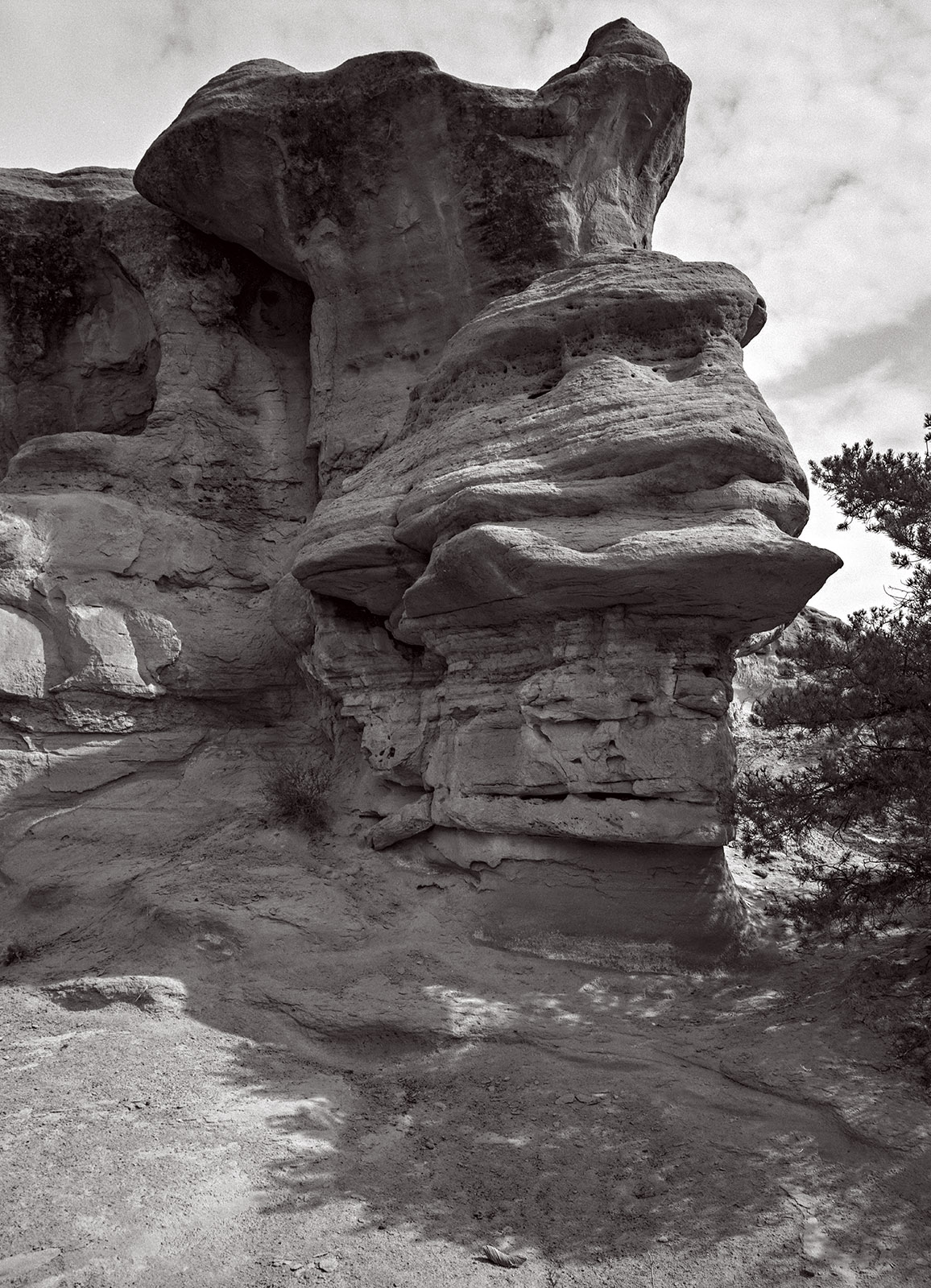
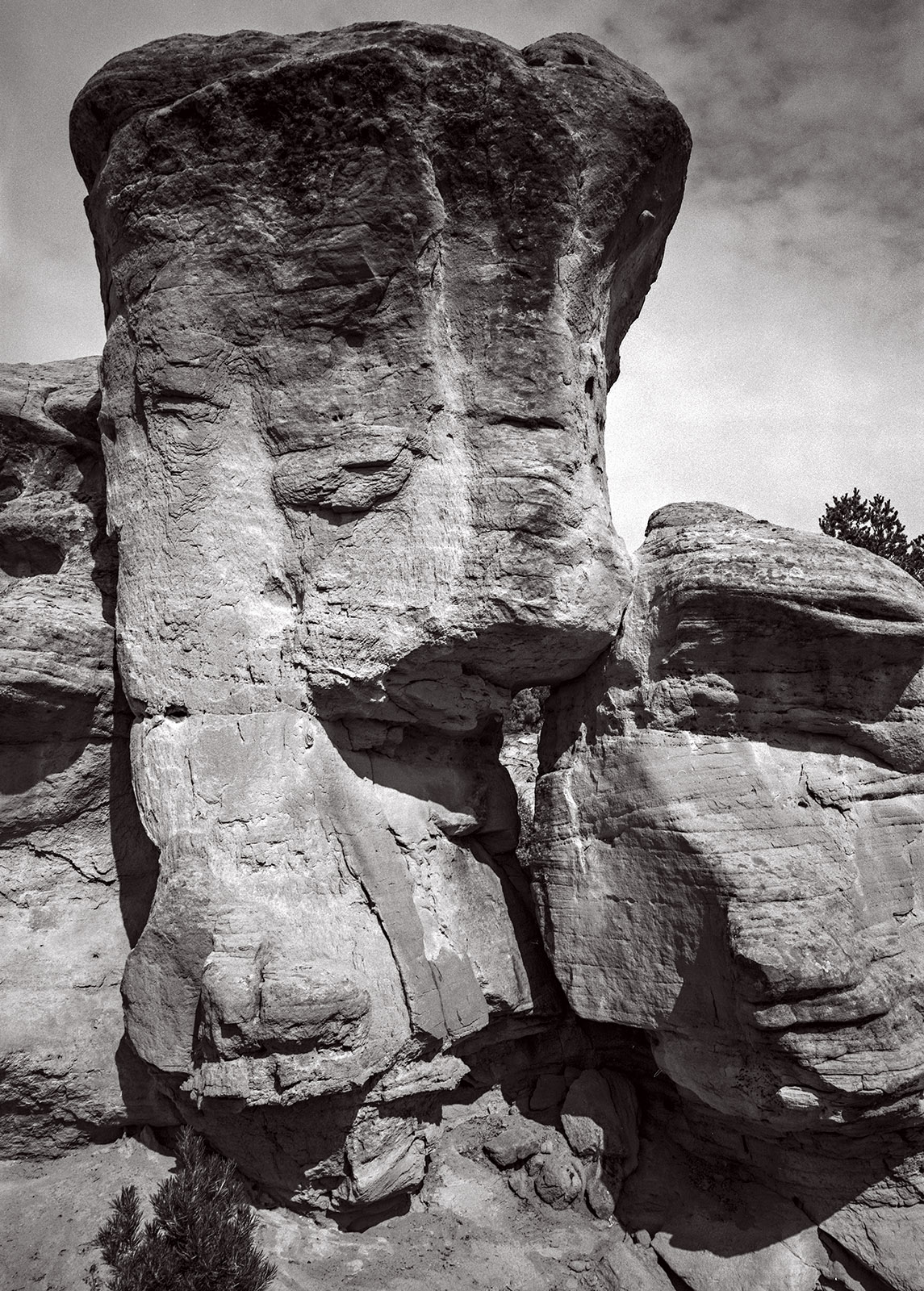
Photo Notes A place to talk about making images.

April 17, 2026

Goerz vs. Kodak, Classic Lens Tests

Filed under: Uncategorized — John Siskin @ 4:50 pm


I was out yesterday testing a couple of 12-inch lenses for my 8×10 and smaller sheet film cameras. I recently got a 12-inch Kodak Commercial Ektar, a lens with a great reputation. I’ve had a 12-inch Goerz Dagor for some years. Mine is one of the later coated Dagors. So, I needed to see the Ektar in action up against the Dagor. As it happened, I went out to lunch with another photographer right after the shoot. He mentioned a new digital lens he might get saying that it tested better than other lenses. I asked what did they actually test; which turned out to be sharpness, contrast and clarity. Frankly, if sharpness and contrast don’t add up to clarity, I don’t know what I’m missing.

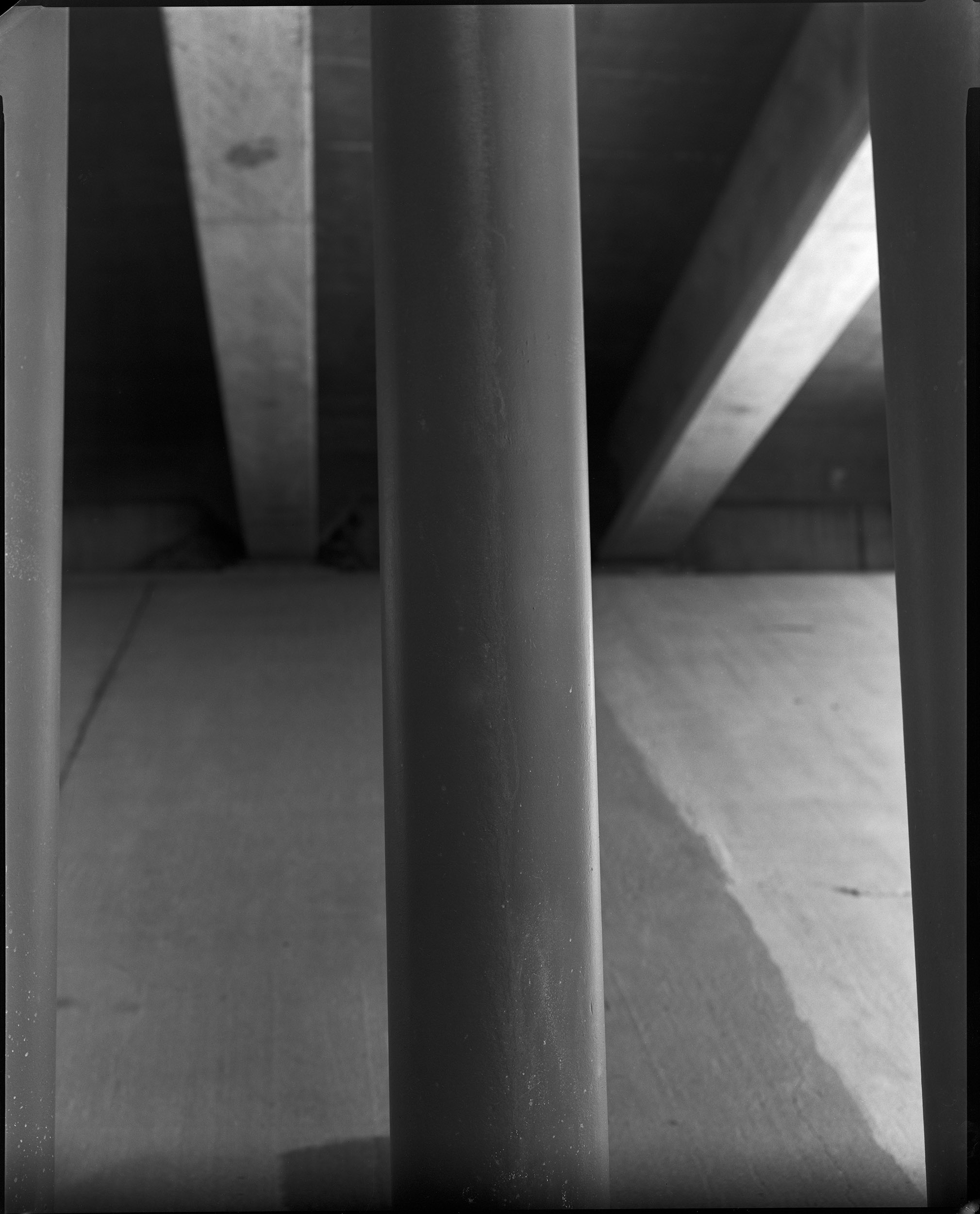
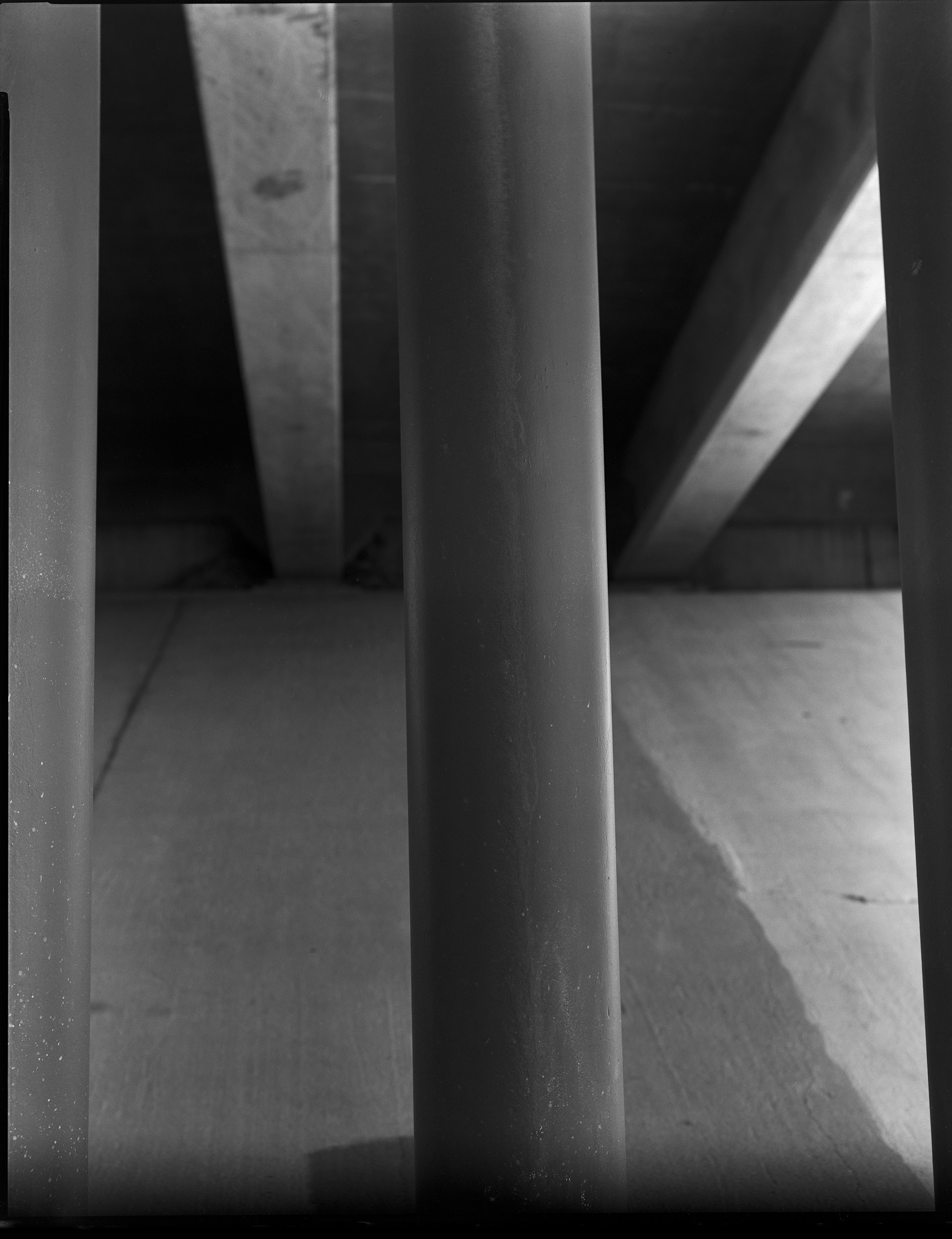
I am interested in sharpness with a view camera lens; however, I am much more interested in a lens that shows long tonal gradation than one that is contrasty. The tonal gradation is a big part of the feel of a classic view camera lens. The late view camera lenses were optimized for shooting transparency film for commercial work and so they were quite contrasty. These days I prefer a different tonality for my black and white work. So, for me, a good view camera lens will show the shape of an object. In the test negatives I included columns, which are an excellent way to evaluate the way a lens records shape.

Another critical aspect of a view camera lens is bokeh, probably not in the way you think. When I first heard about bokeh it was in regard to view camera lenses. A lens with good bokeh showed more presence and detail in the out of focus area of the image, than a lens with bad bokeh. Pretty much the opposite of the way the word is understood now. Now people use the word to mean a lens which tends to isolate the subject from the background. I don’t like this because I want the subtle gradation and a presence in the background to create a greater sense of three-dimensionality in my photographs.

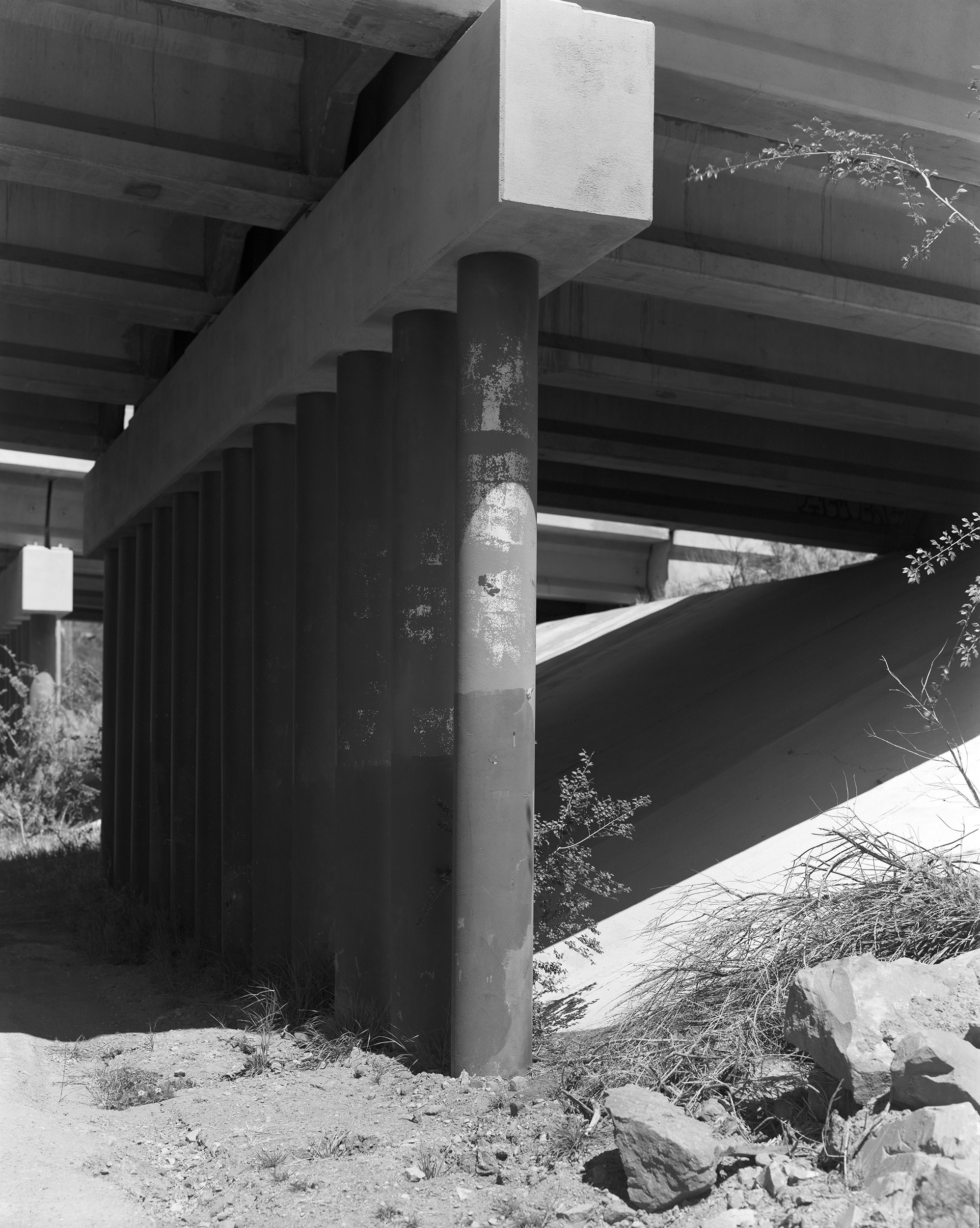
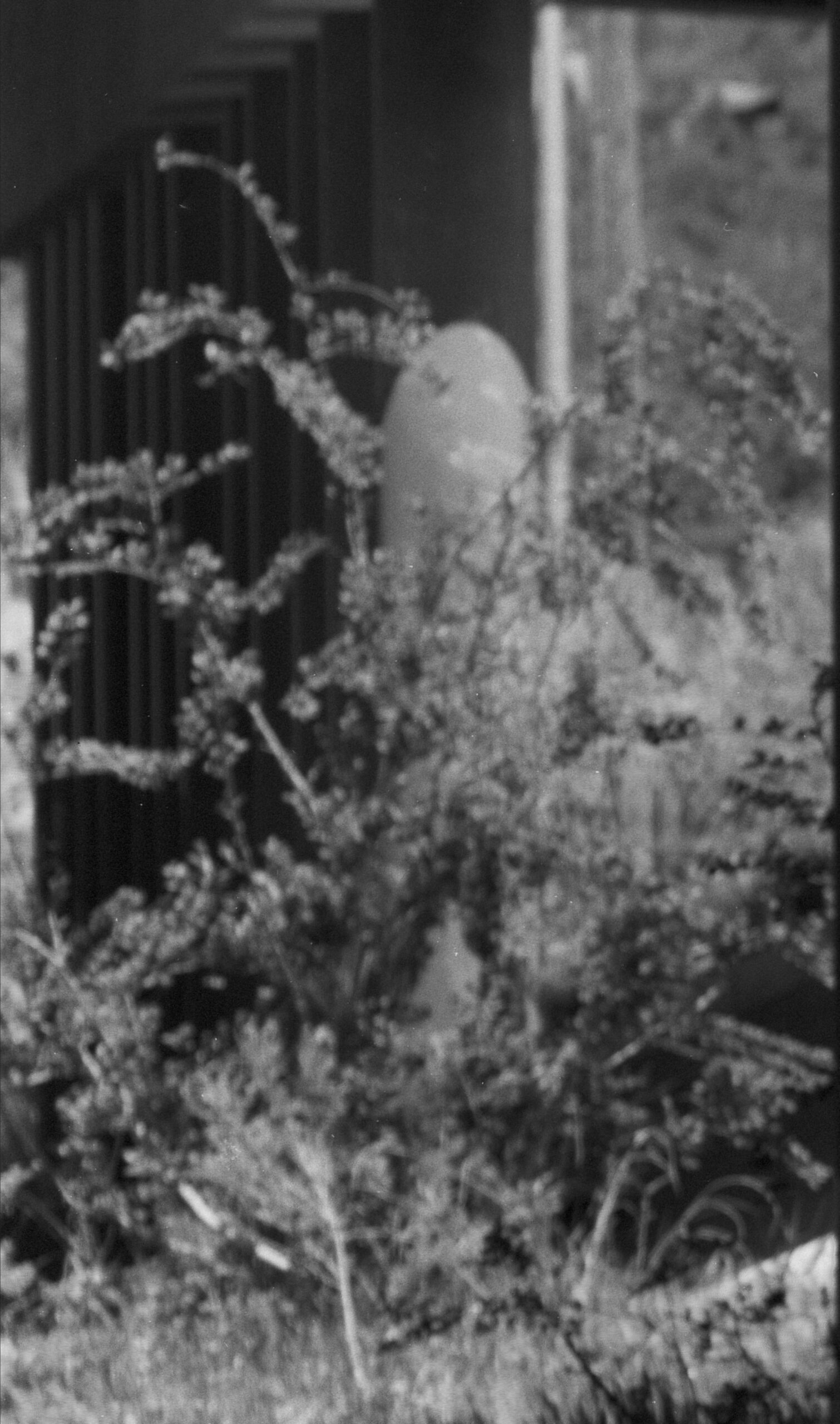
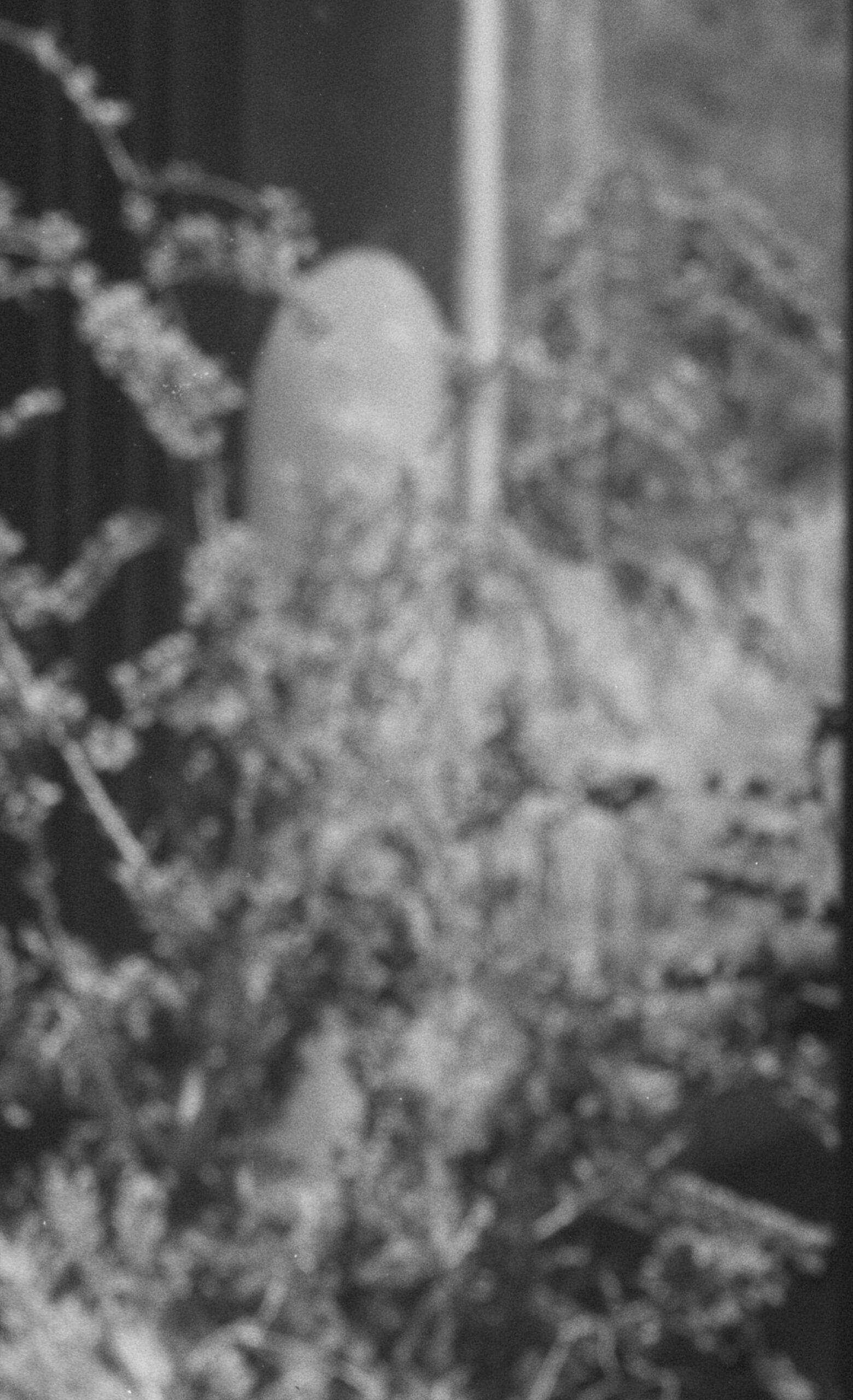
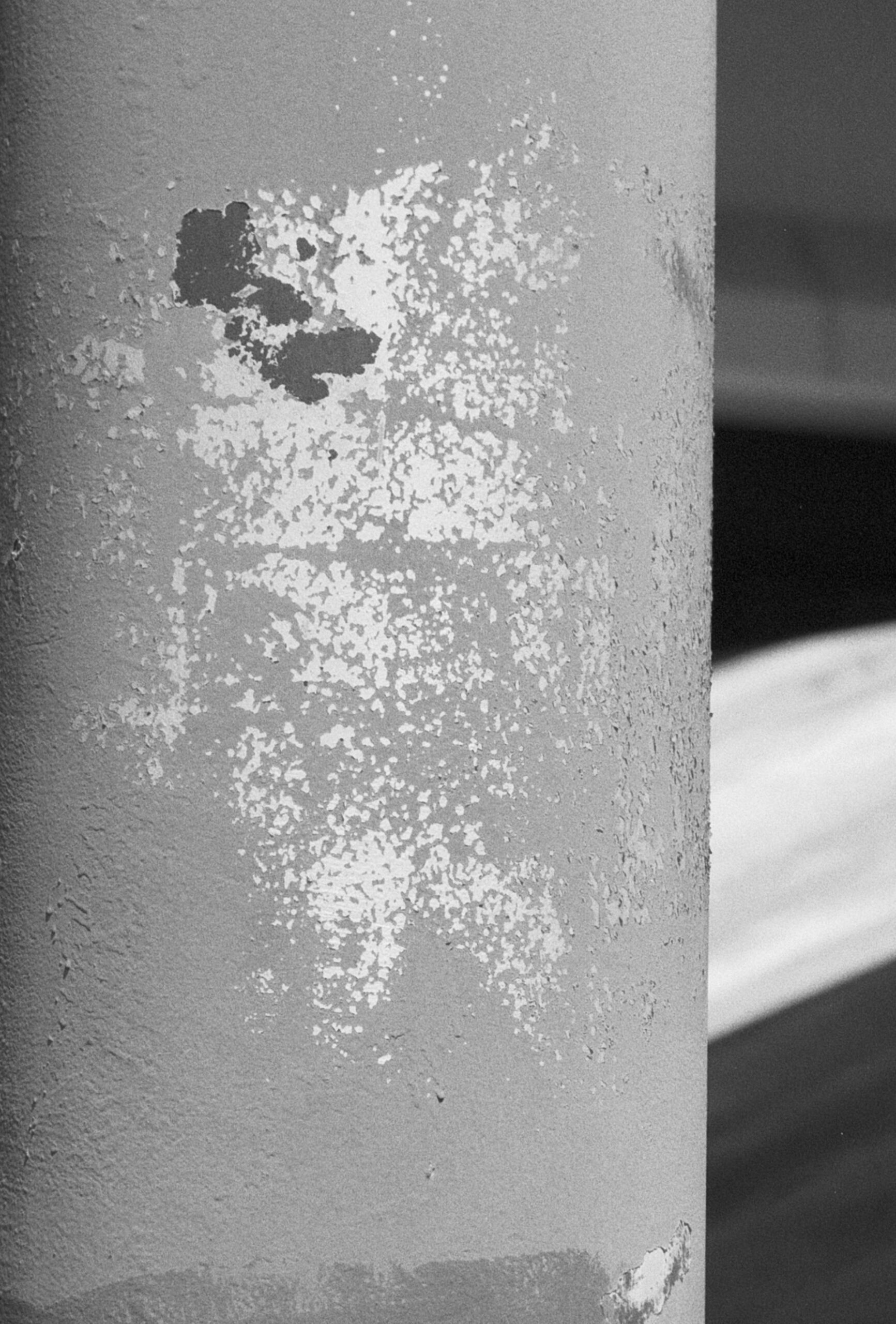
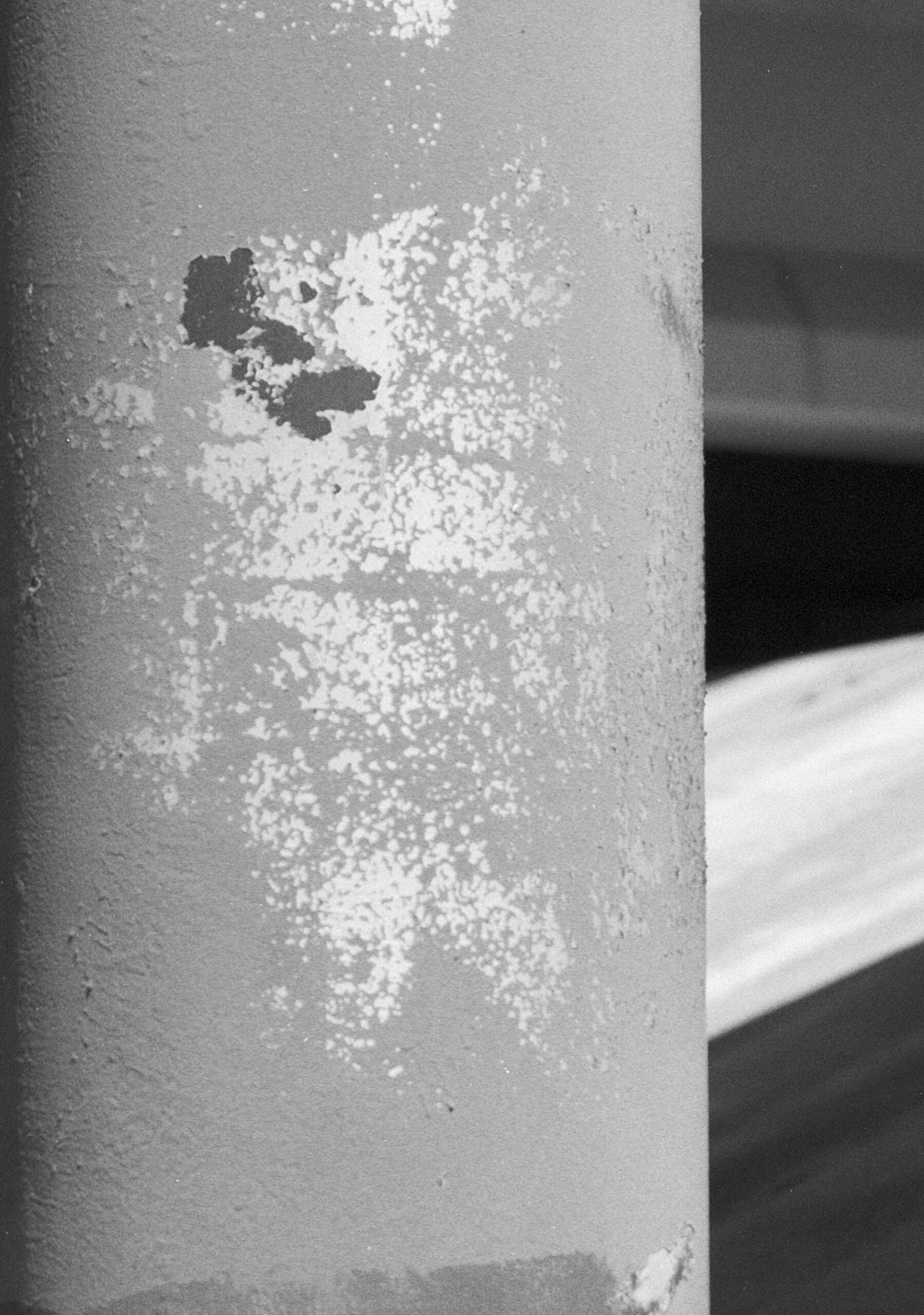
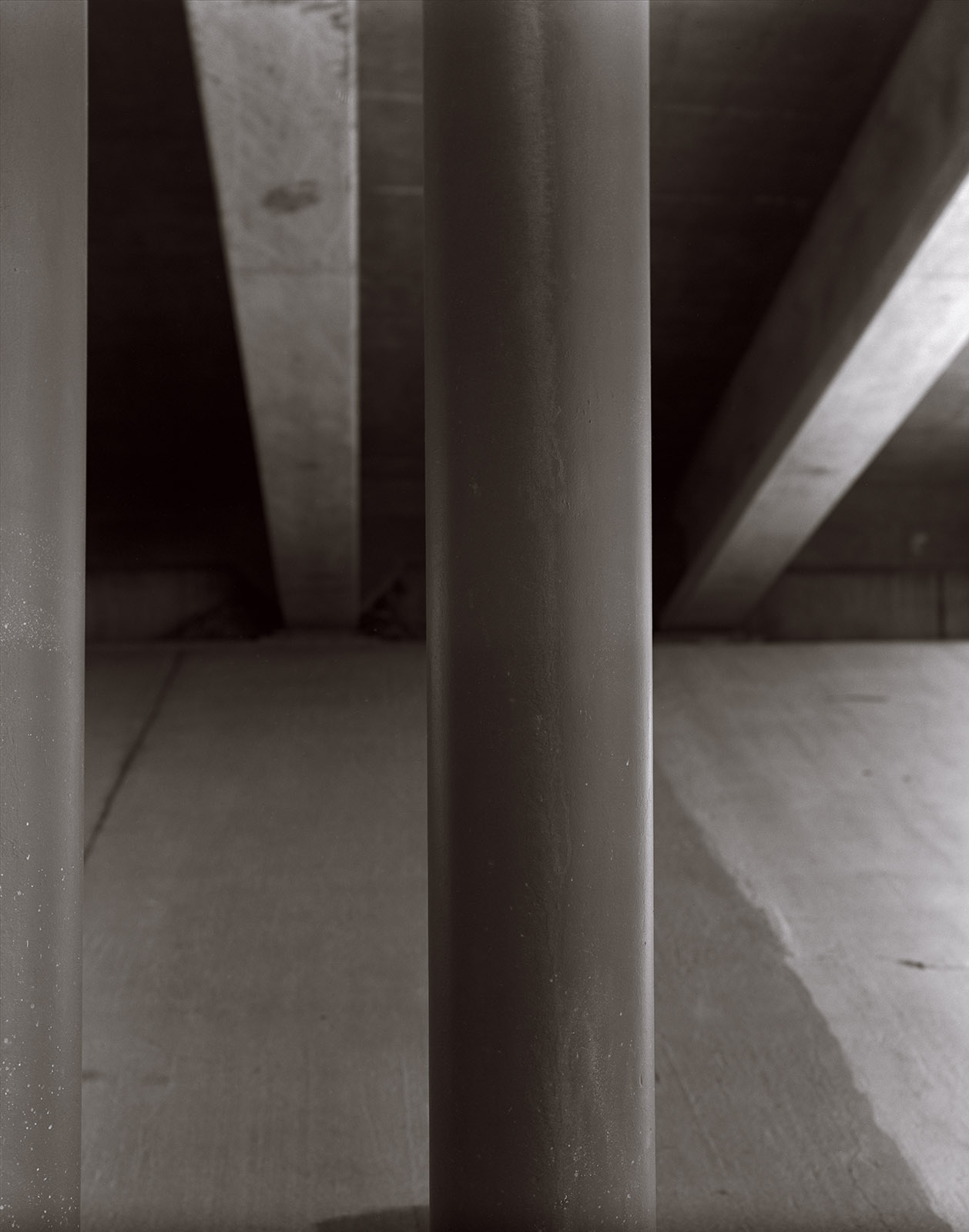
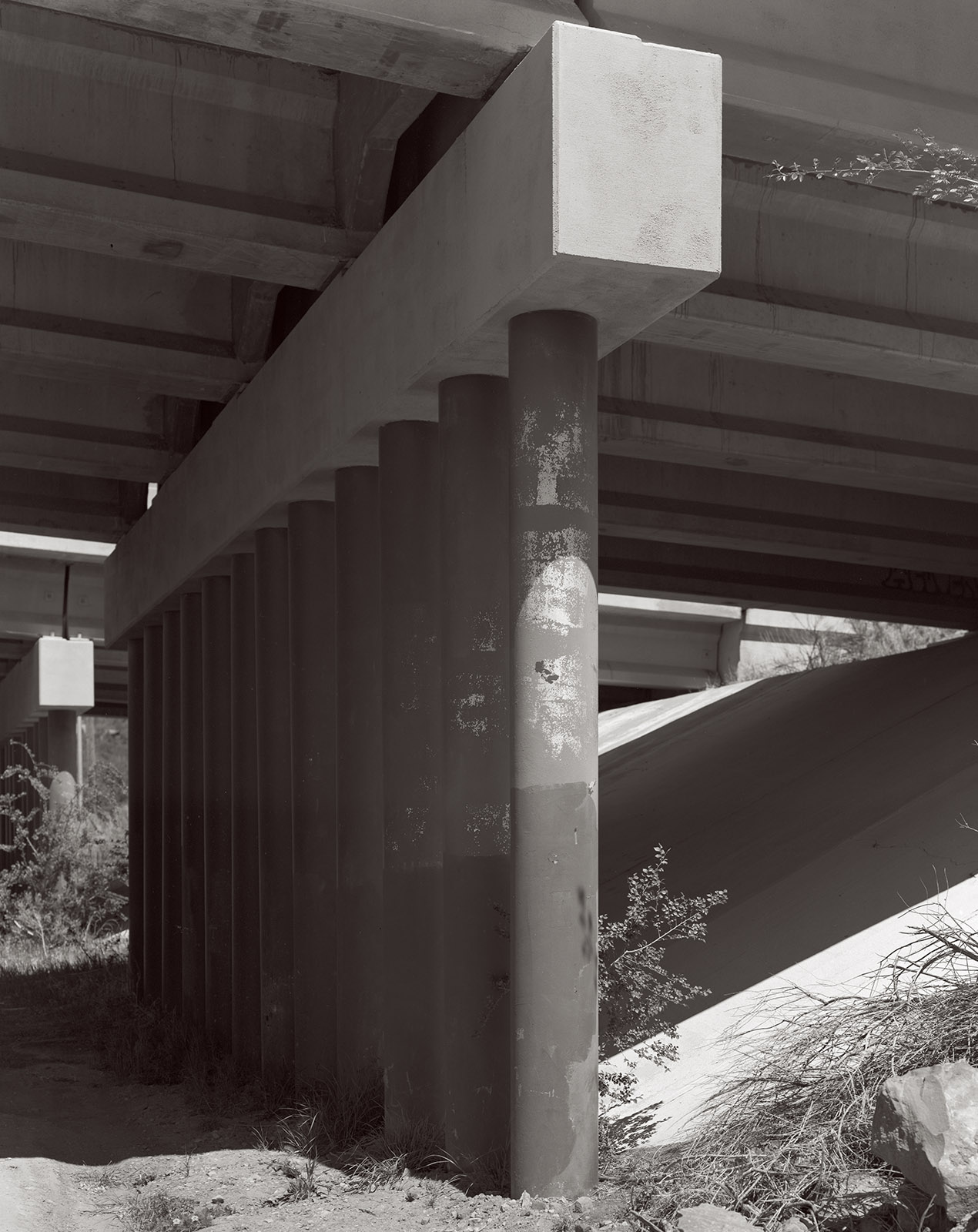
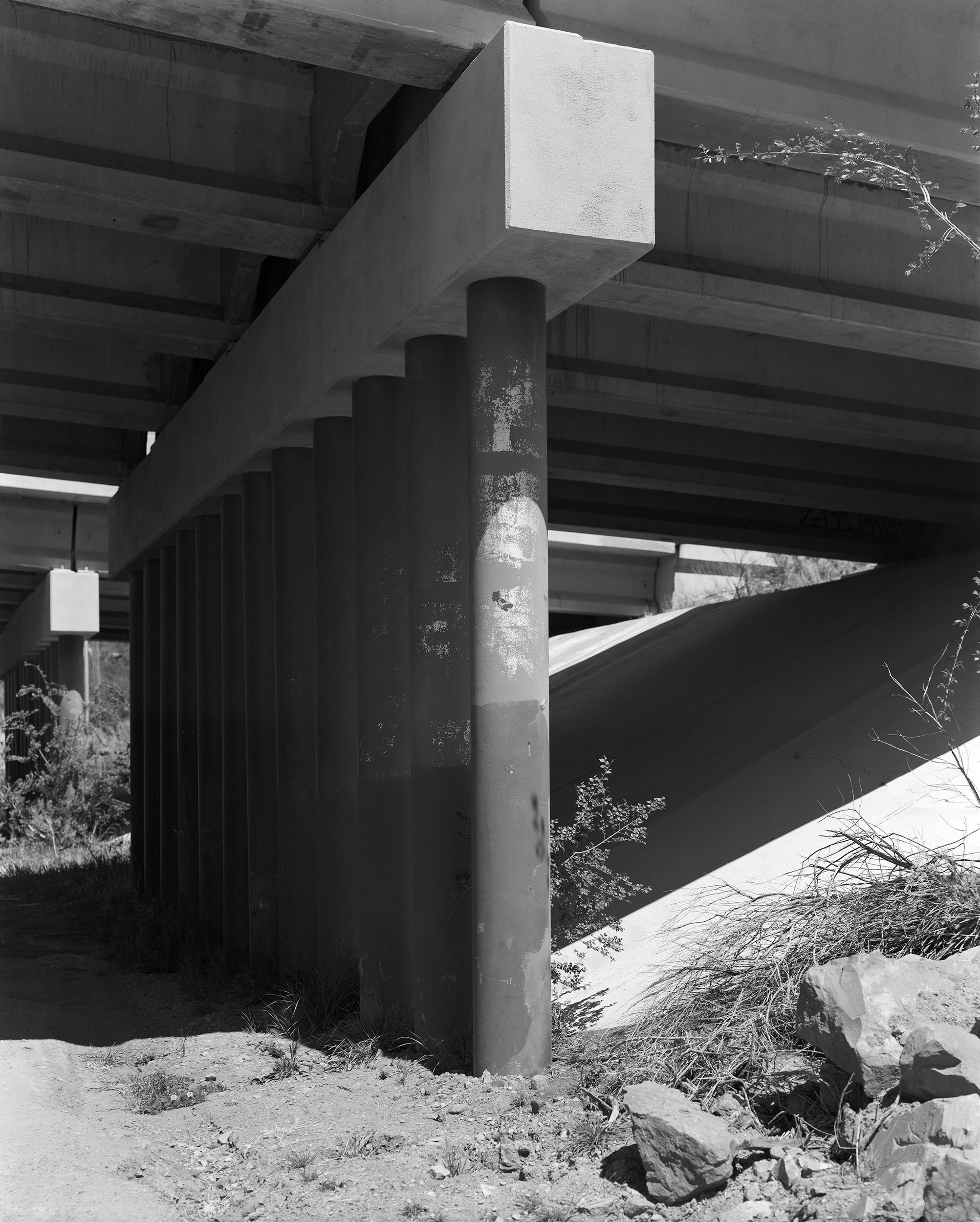
Now, perhaps you wouldn’t photograph a highway underpass, but I think it’s a perfect subject to evaluate lenses: columns and long tonal range. I’ve included scans of the complete negatives, which were made with Ilford HP-5 processed in Kodak Xtol. However, these scans are lower resolution because I can’t upload a 1.3 gigabyte file. I also included a couple of cut outs from the full image, which are at the full resolution of the original scans. Probably the easiest difference to see, in these scans, is the change in detail in the distant part of the image. The Goerz lens has much more detail than the Kodak. This is not a surprise. The Kodak lens is a 4 element, in three groups, design: a Tessar type, while the Dagor is a 6 element lens in two groups. Both lenses are in the same shutter and have similar diaphragms, so the difference is in the glass. I used my Toyo 810M field camera for these tests.

The first shot was made at f16.5 with a 1/150 shutter speed. The cut outs are from the front column, where I focused and the left side of the image. I did not use camera movements to adjust the focus, since I was particularly interested in how the lens deals with an out of focus image.

The second image was made at f11.5 and a 25th of a second. The Goerz might be just a little sharper, but it’s hard to tell. You may note that the image from the Kodak Ektar appears slightly closer to the subject. I did not move the camera. It appears that though both lenses are marked 12-inch, they have slightly different focal length. This image was made with a lot of front rise on the camera which is probably why both lenses appear to vignette at the base of the image.

Both are good lenses, but the Goerz will remain my go-to lens in this focal length. There are some links to my recent work at the end of the post. Thanks for your attention

12 Inch Goerz Dagor, coated, at f16.5

12 inch Kodak Commercial Ektar, coated, at f16.5

12 inch Goerz Dagor

12 Inch Kodak Ektar

12 inch Kodak Ektar

12 Inch Goerz Dagor

Another image made at f11.5

Kodak 12 inch Commercial Ektar, coated, at f11.5

Goerz 12 inch Dagor, coated at f11.5

A few links

Siskinphoto.Home

Introduction Page

Monument Valley

Taos Pueblo

Night Sky

Lightning

Flowers

Monastery Road

Petroglyphs

Rock

Ice and Snow

Tsankawi

Sugarite Campground

Churchs

El Morro National Monument

I did a large show when I was still in Indianapolis called Courting Chaos. The link will take you to the pages which describe the work and its evolution. These images are, well, chaotic and many of them are nudes. I hope you’ll find it interesting.

Links to my books, still available at Amazon!

April 8, 2026

Upcoming Portfolio in Black and White Magazine!

Filed under: Uncategorized — John Siskin @ 5:36 pm

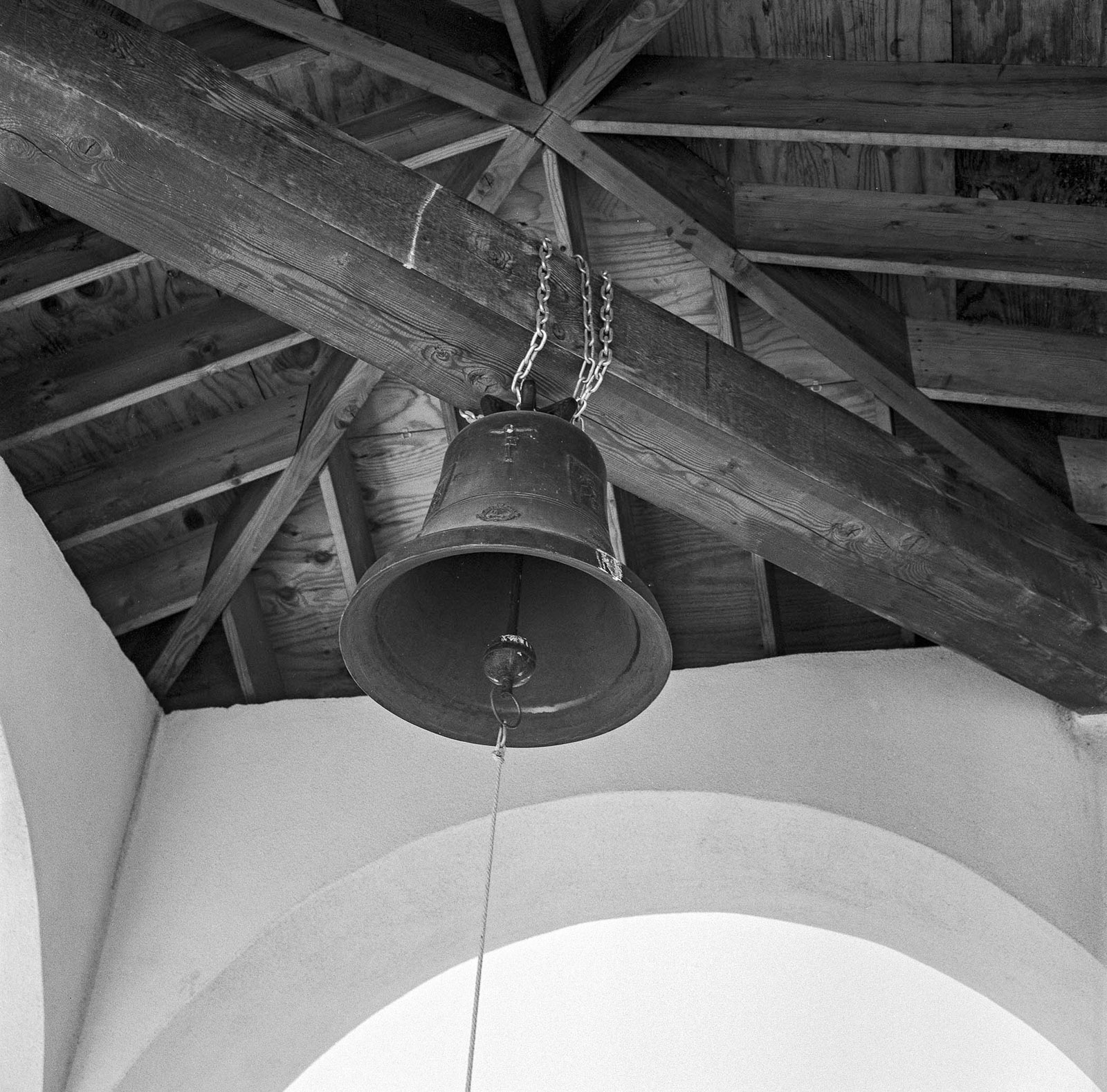
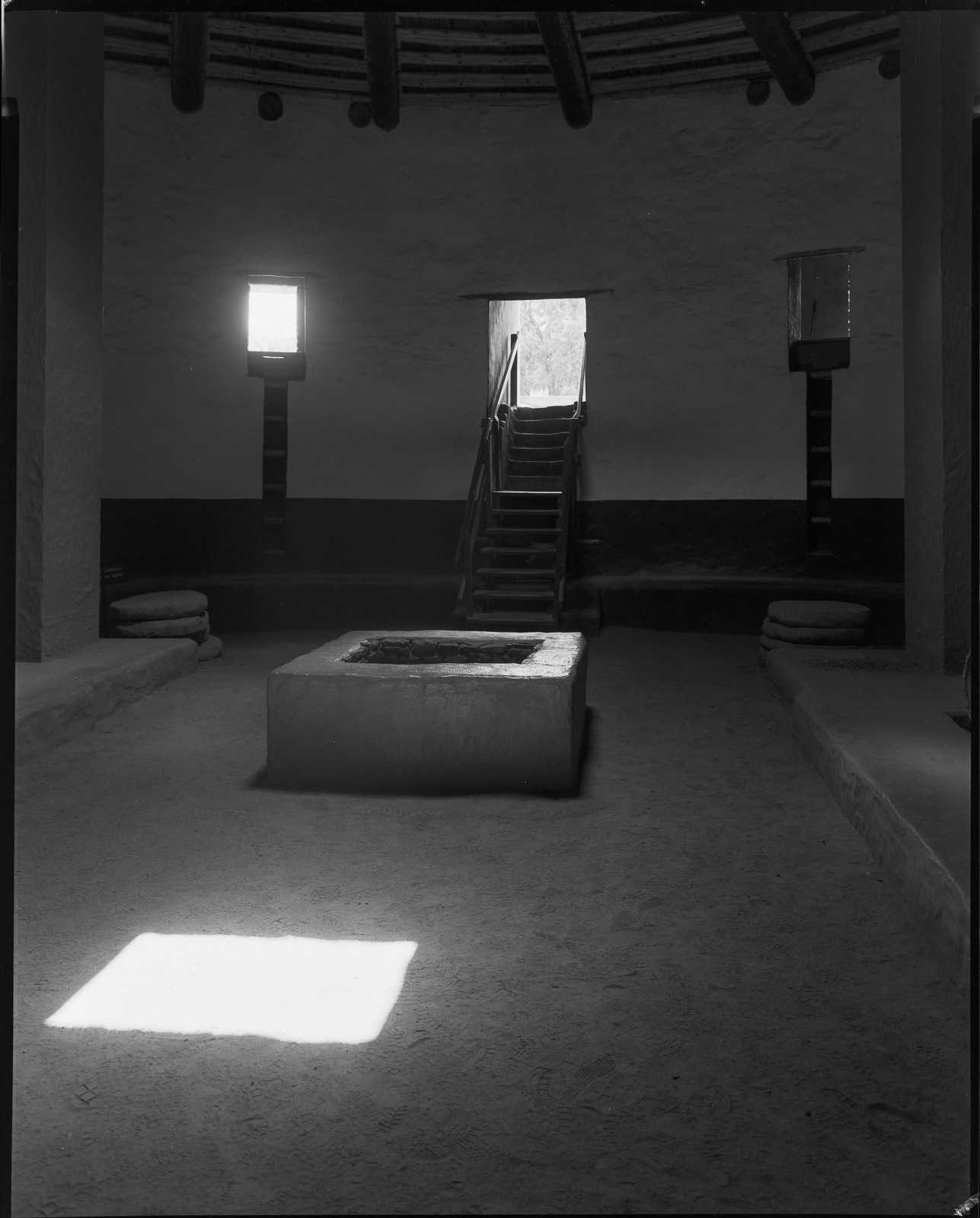
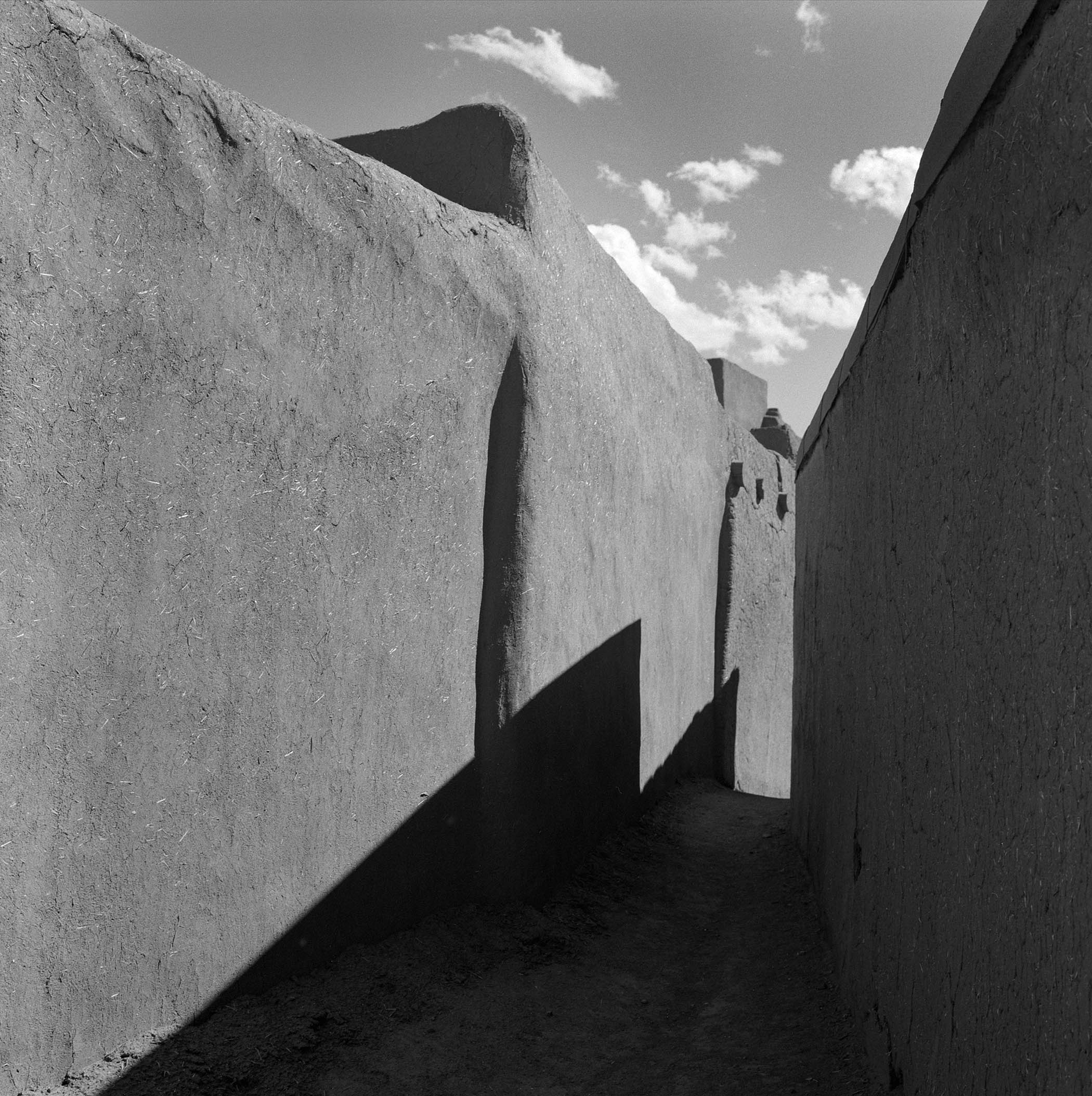
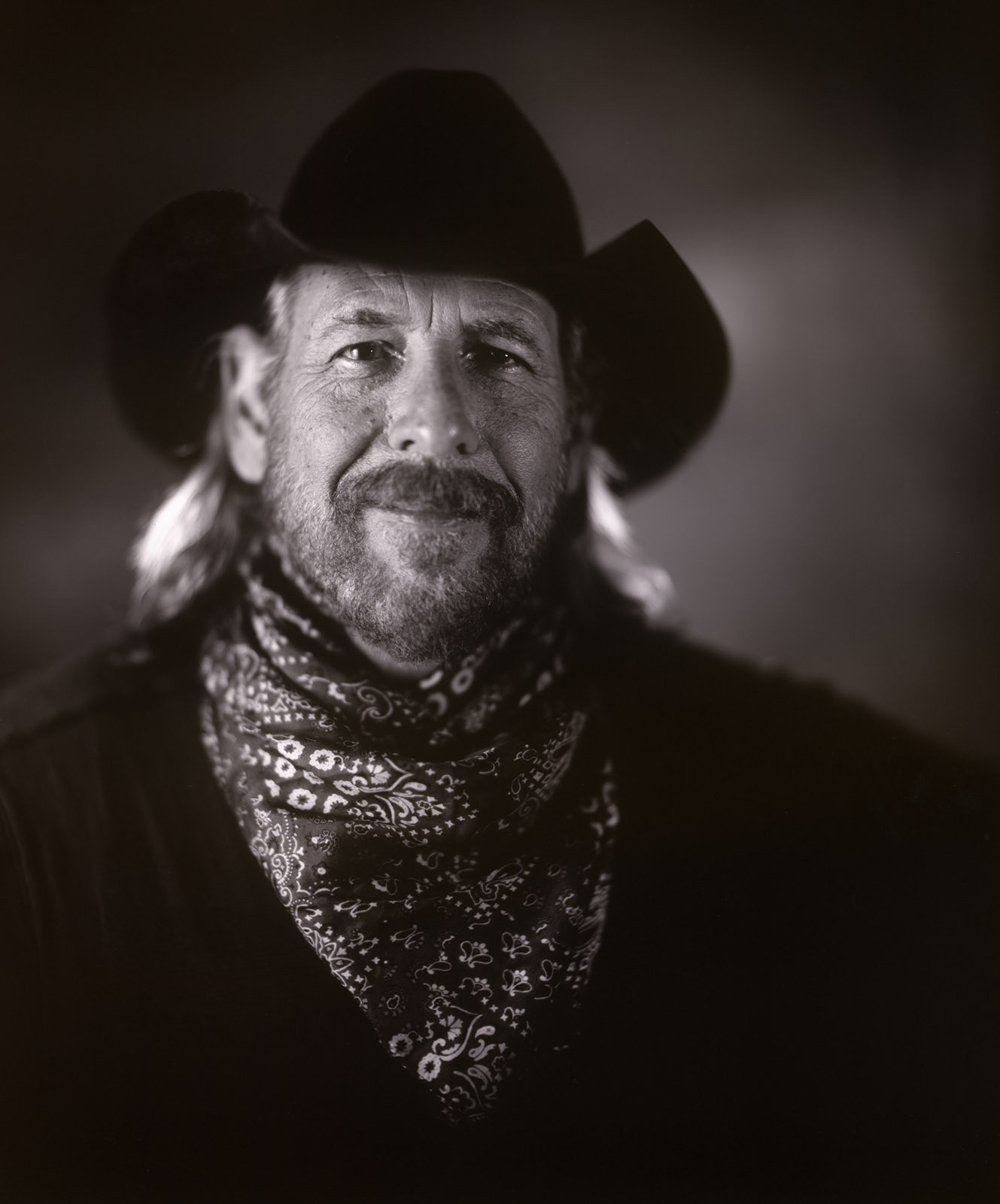
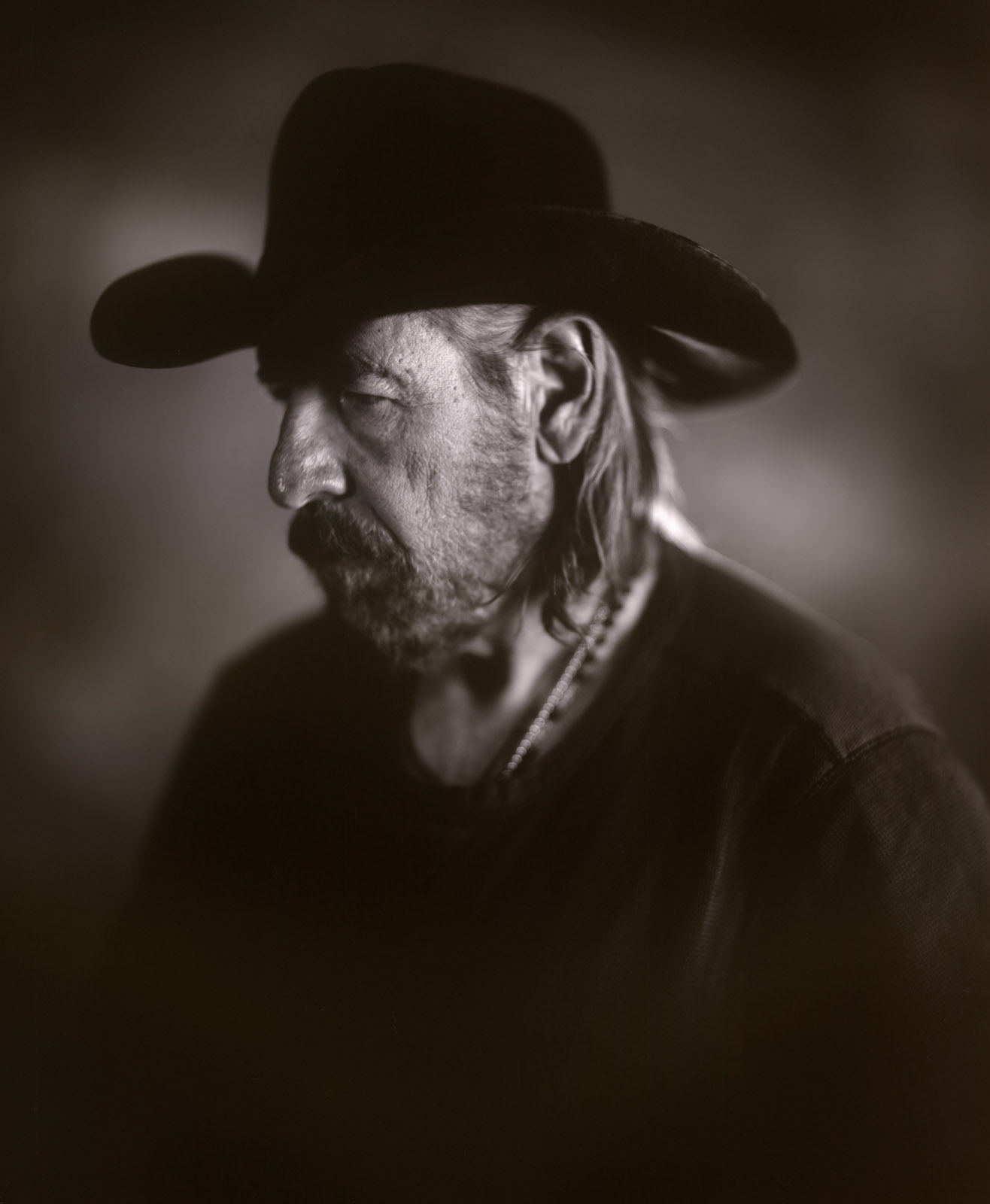
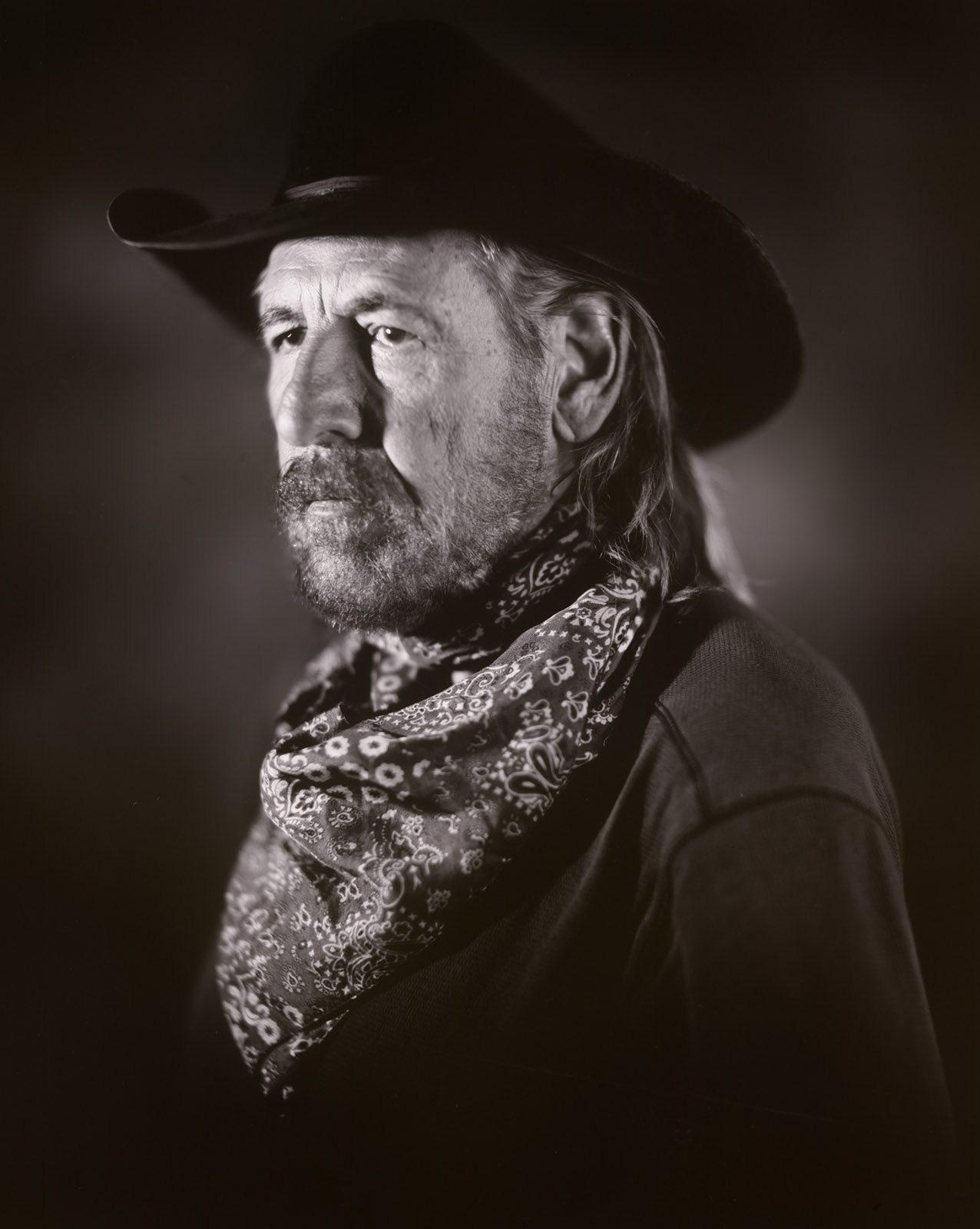
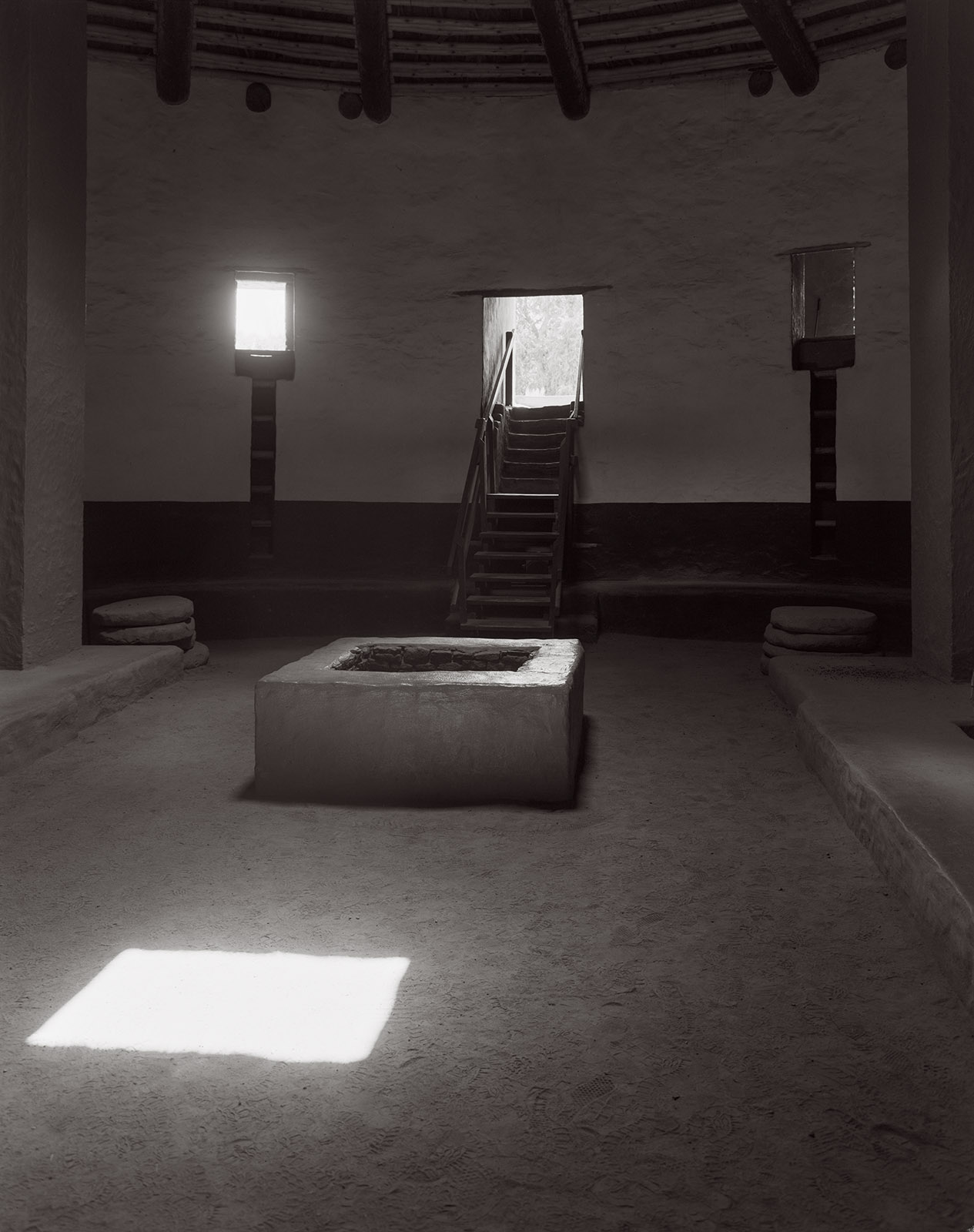
I admit that I like to see my images in print. So, I often participate in the various opportunities that Black and White Magazine offers to submit images. I have been fortunate to have been chosen for publication a number of times. Some images from this group, I don’t know which ones, will be published in August. These images are all from New Mexico. If you are interested in prints from this group, please contact me at john@siskinphoto.com. You can see many of my magazine articles at this link: https://www.siskinphoto.com/magazinearticles.php and some of the magazine covers I did at this link: https://www.siskinphoto.com/magazinecovers.php. There are a bunch of other links to recent work at the end of this post. As always, thanks for your attention.

Taos Pueblo. Taos, New Mexico. From 2024

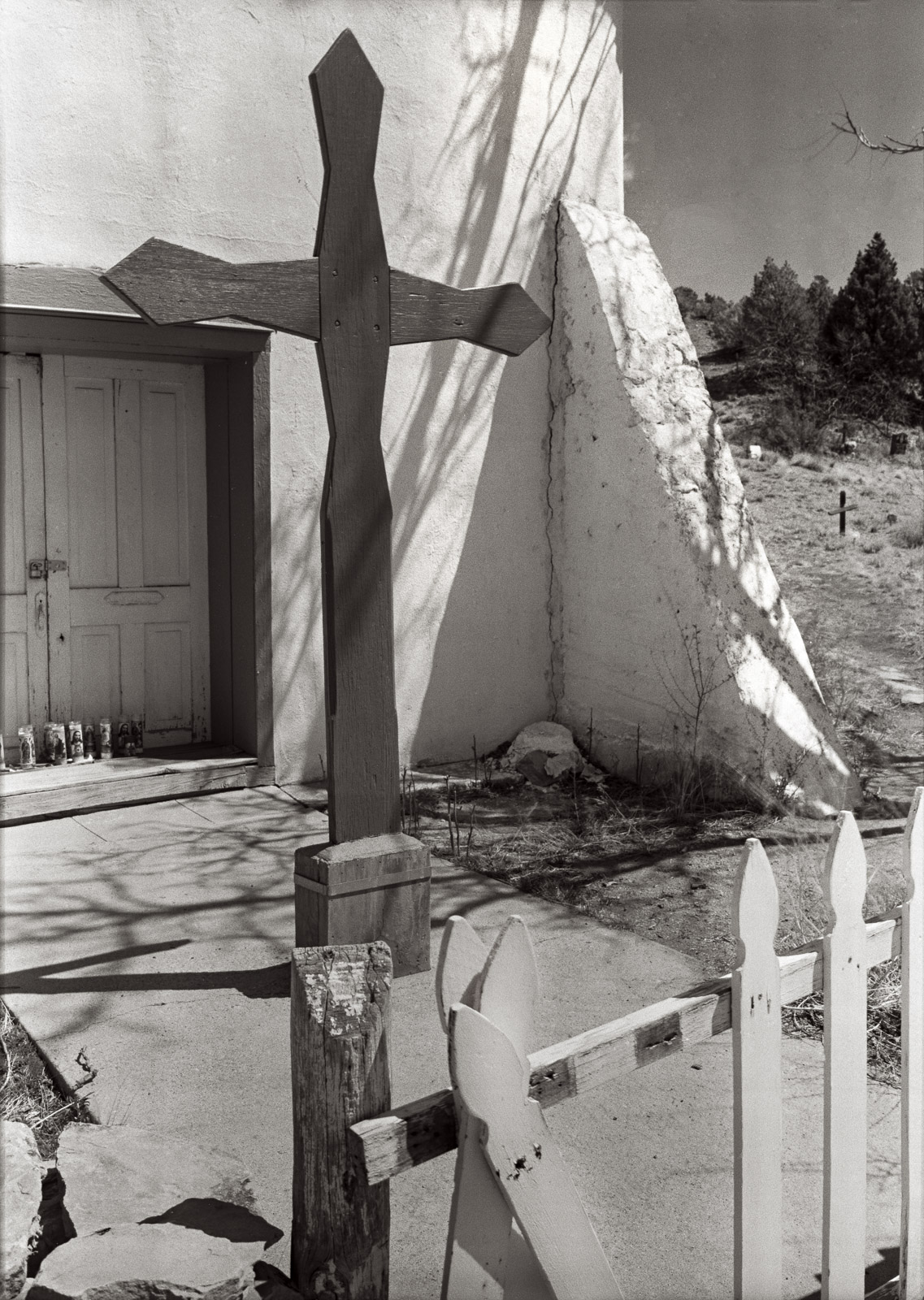
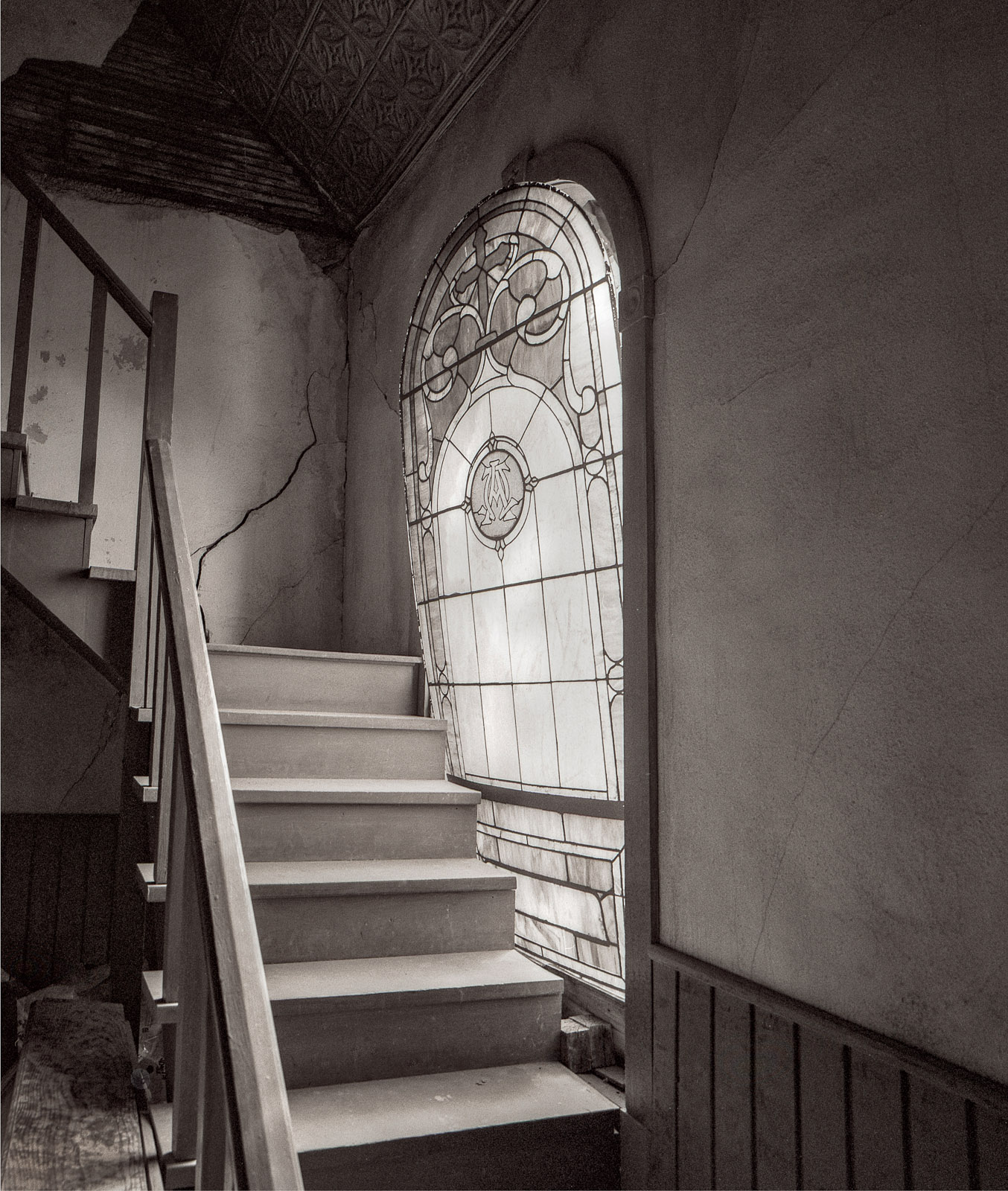
Nuestra Senora de Luz. Cañoncito, New Mexico. From 2022

Nuestra Senora de Luz. Cañoncito, New Mexico. From 2022

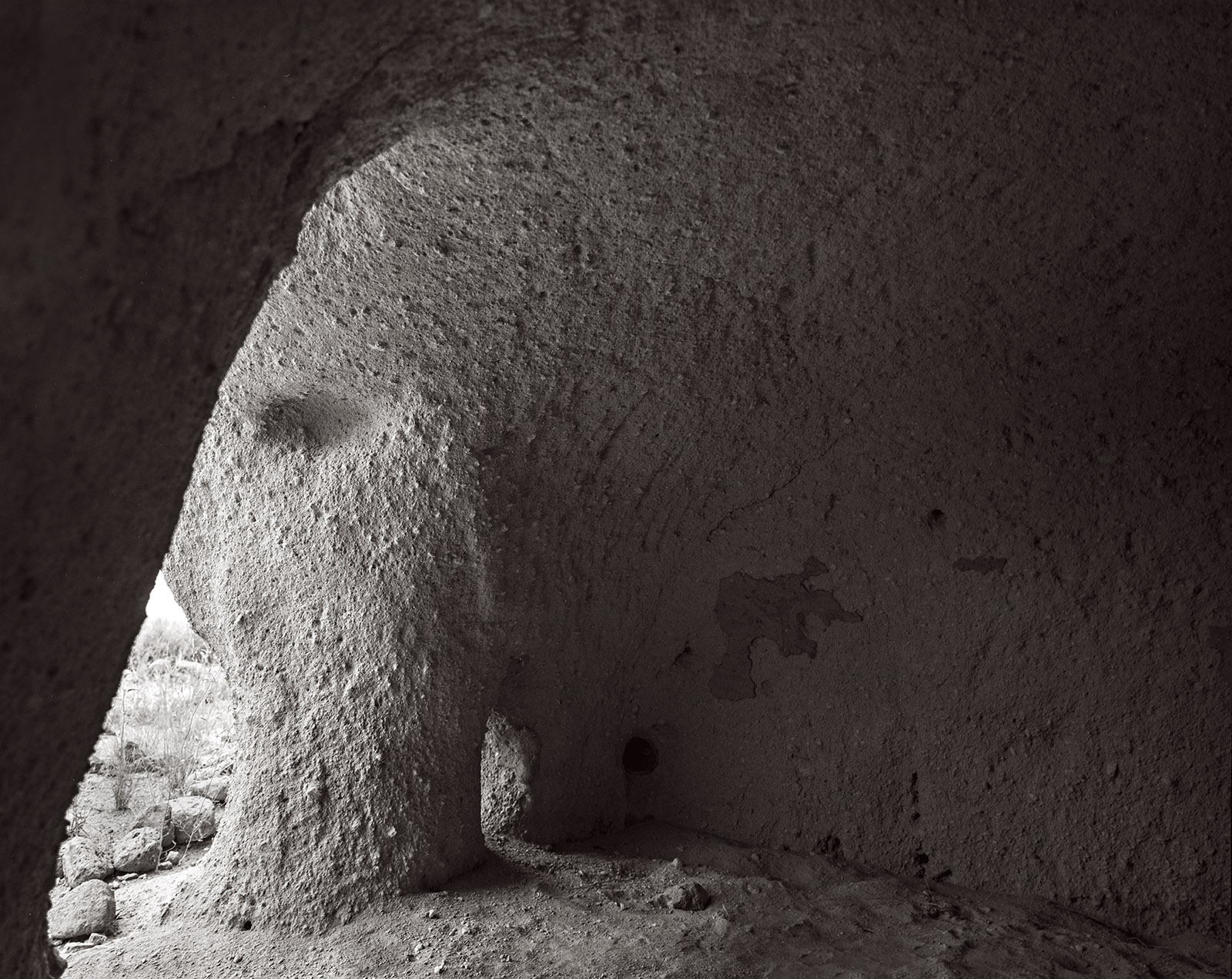
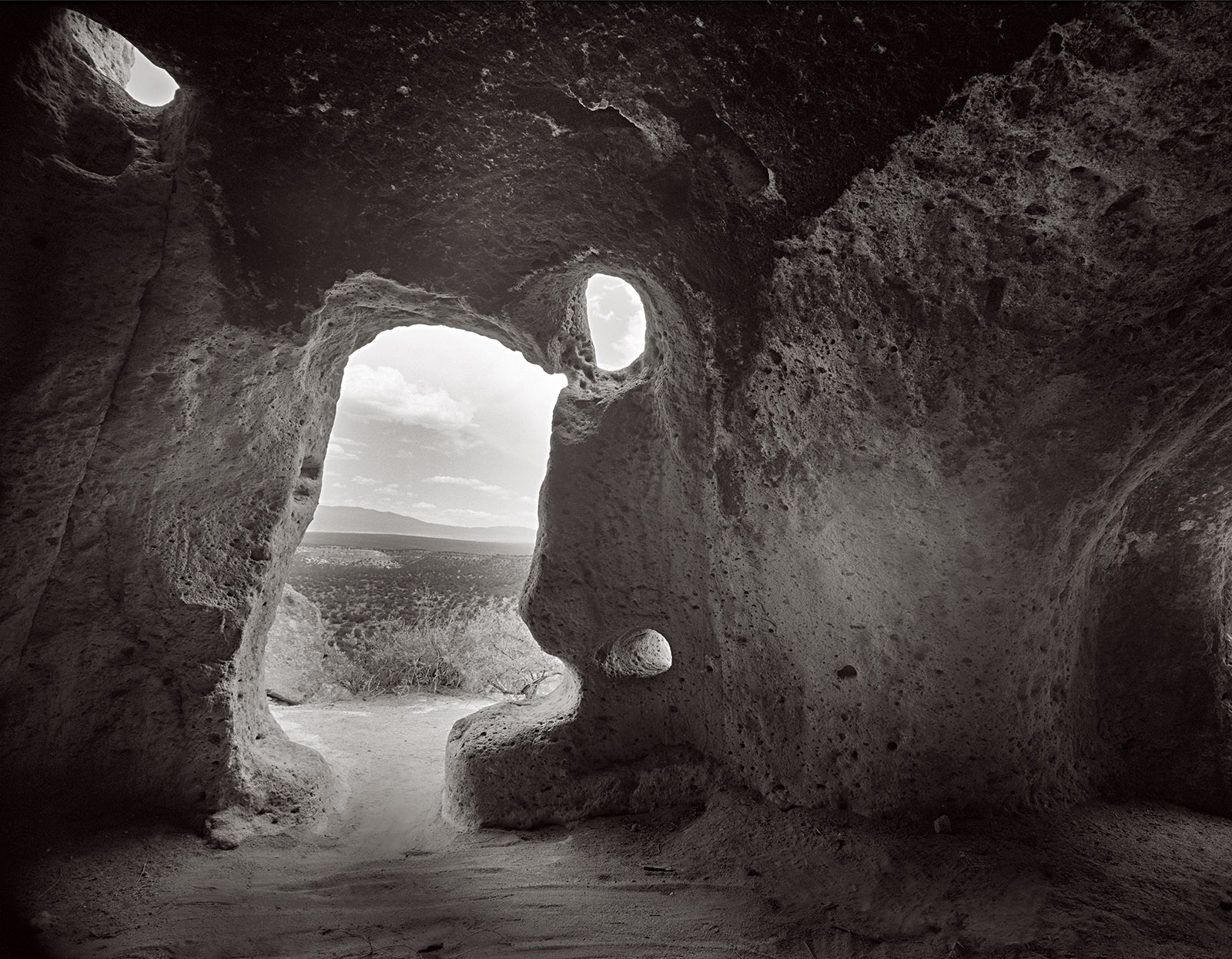
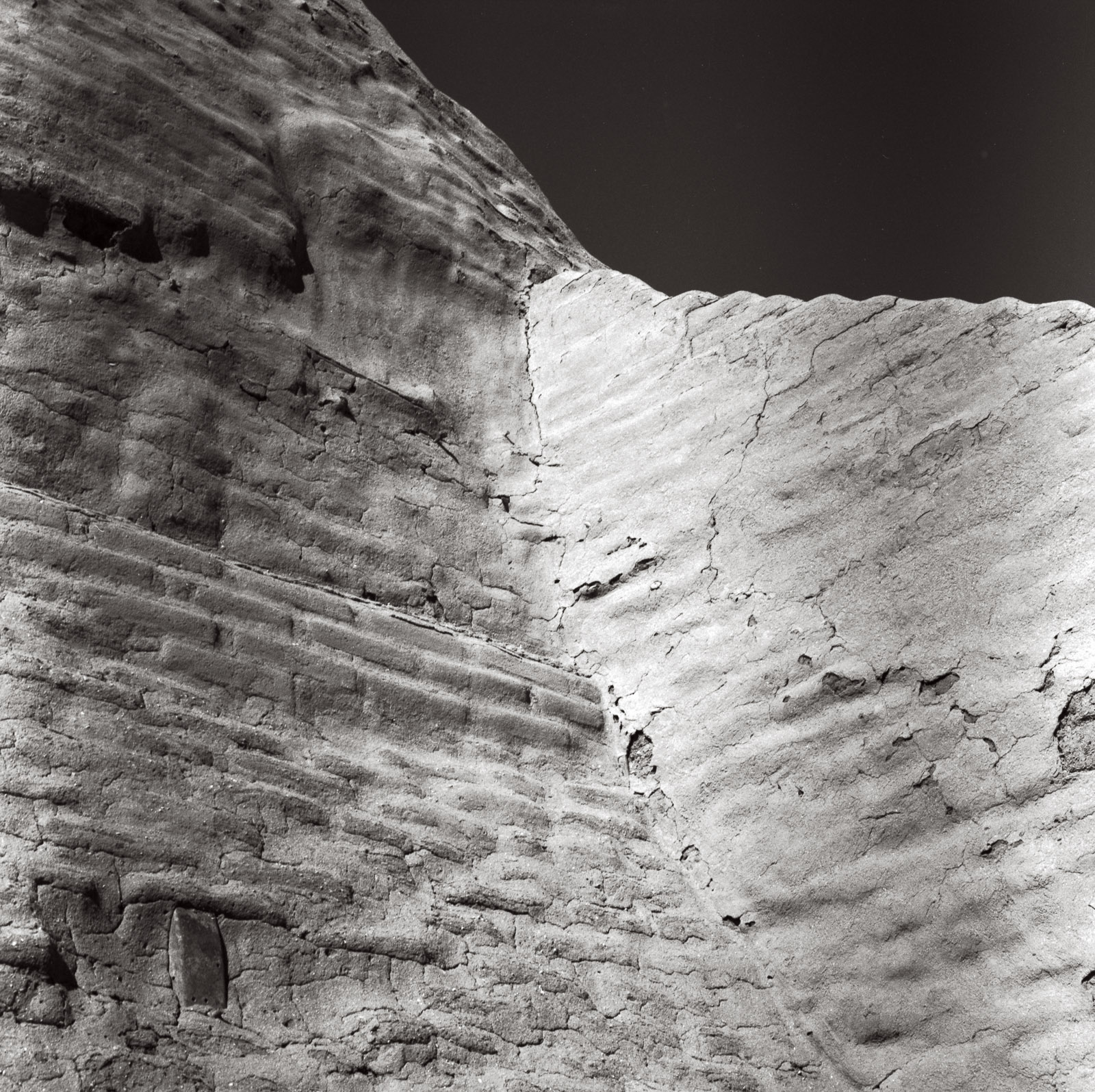
Puye Cliff Dwelling. Santa Clara Pueblo Reservation, New Mexico. From 2025

Puye Cliff Dwelling. Santa Clara Pueblo Reservation, New Mexico. From 2025

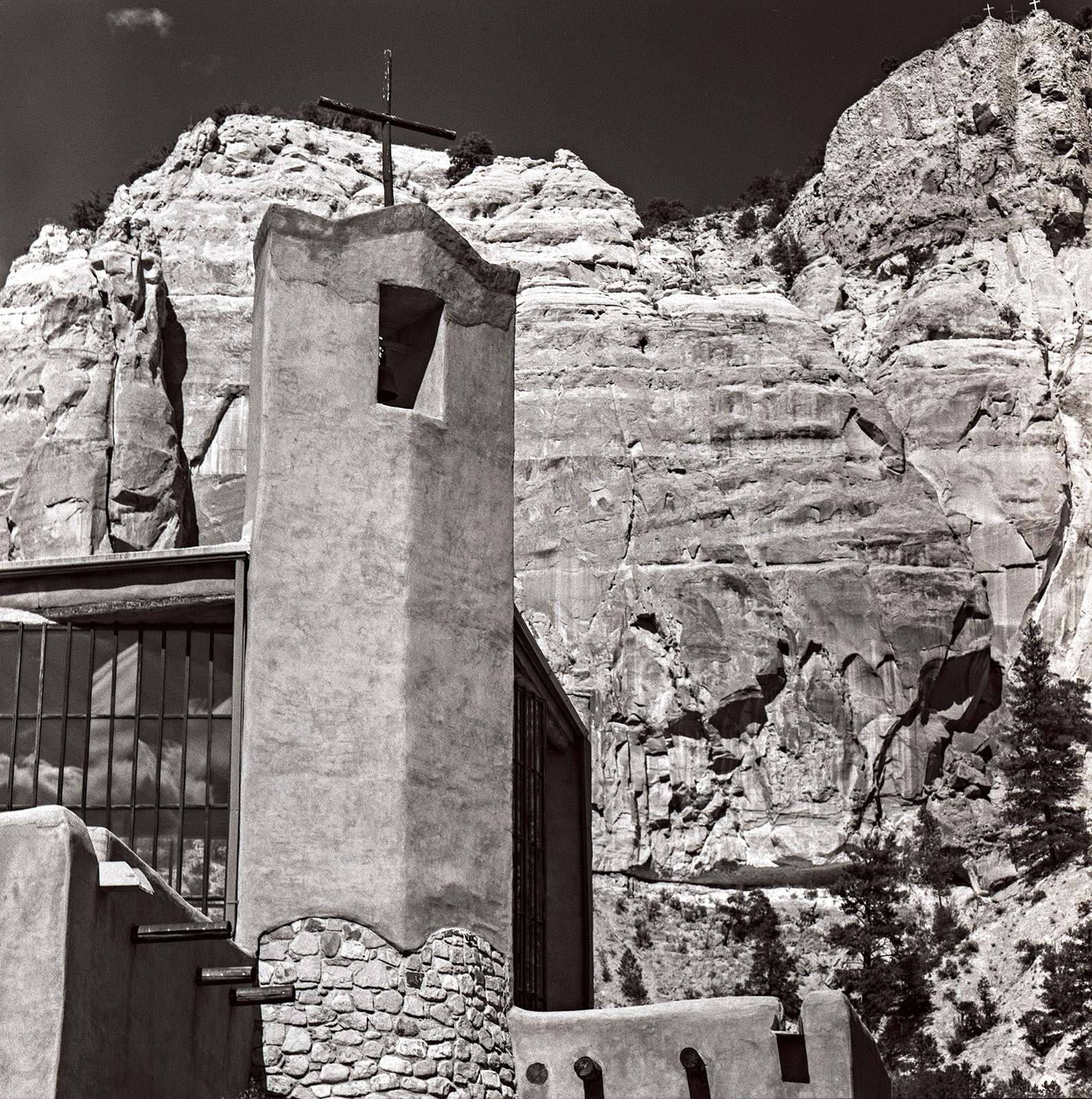
Christ in the Desert Monastery. Rio Arriba, New Mexico. From 2022.

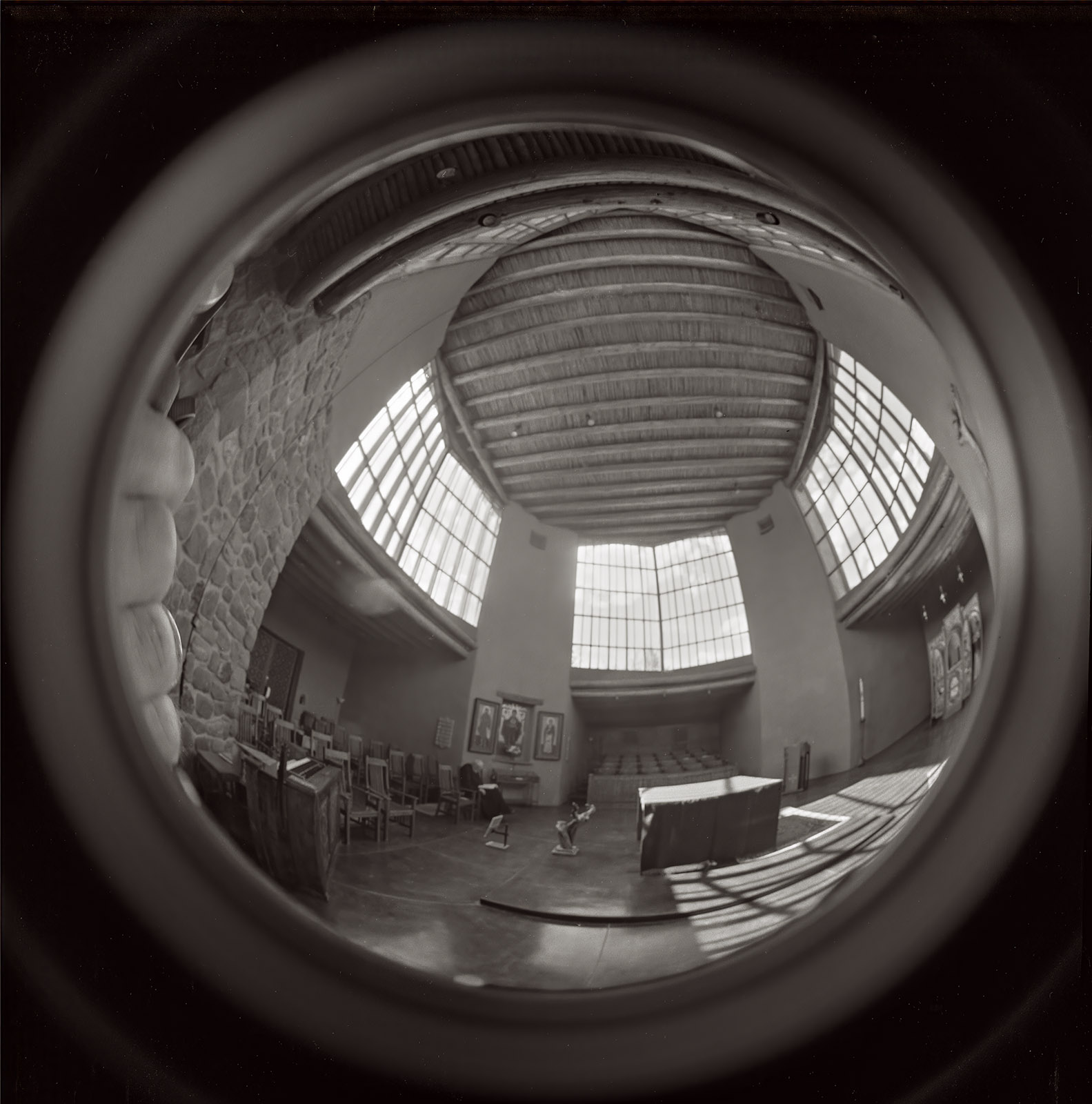
Sanctuary, Christ in the Desert Monastery. Rio Arriba, New Mexico. From 2024

Pecos Mission Church, Pecos New Mexico. From 2022

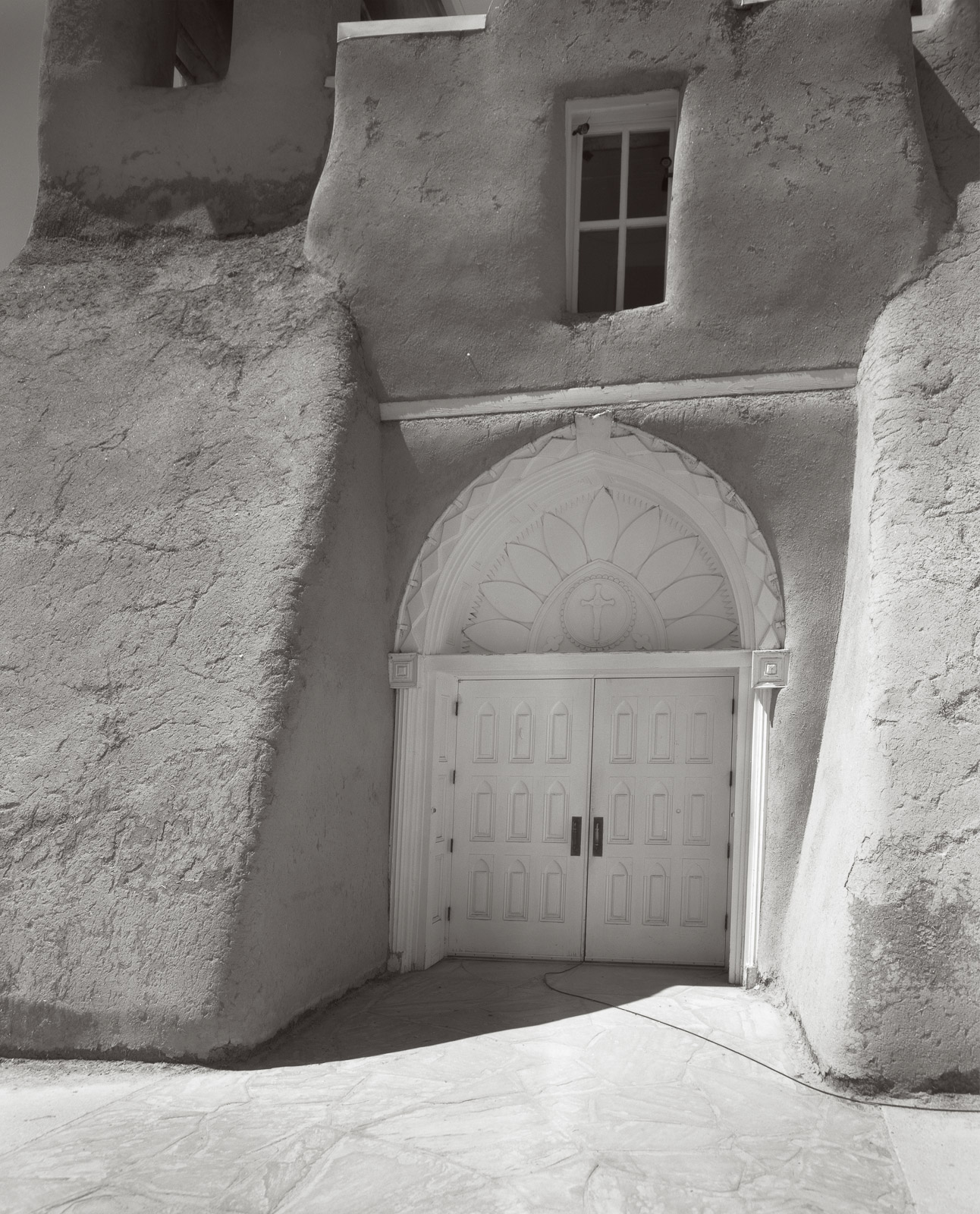
San Francisco de Asís Mission Church. Taos, New Mexico. From 2020.

Bell, St Elias the Prophet, Greek Orthodox Church. Eldorado, New Mexico. From 2021

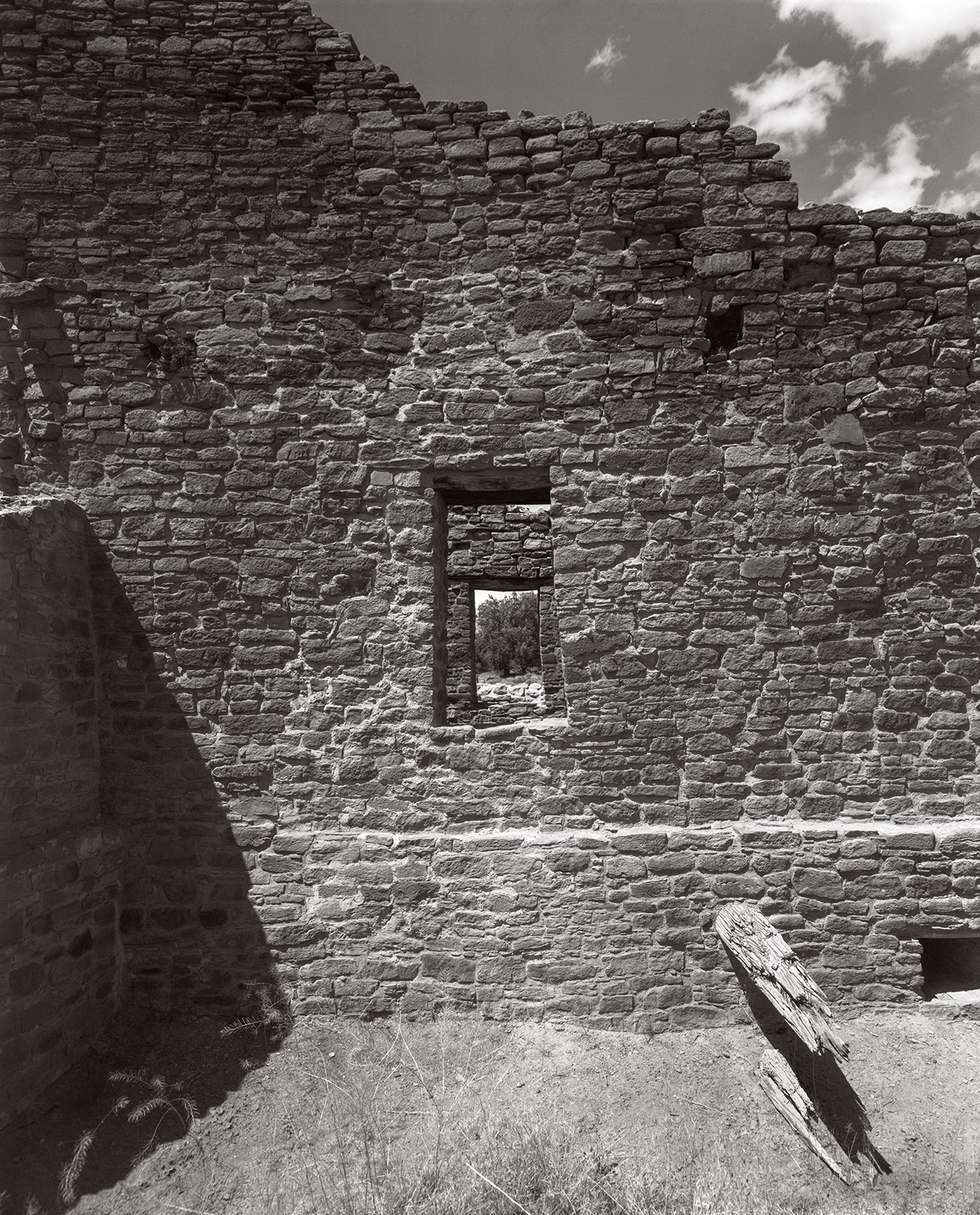
Great Kiva. Aztec, New Mexico. From 2024

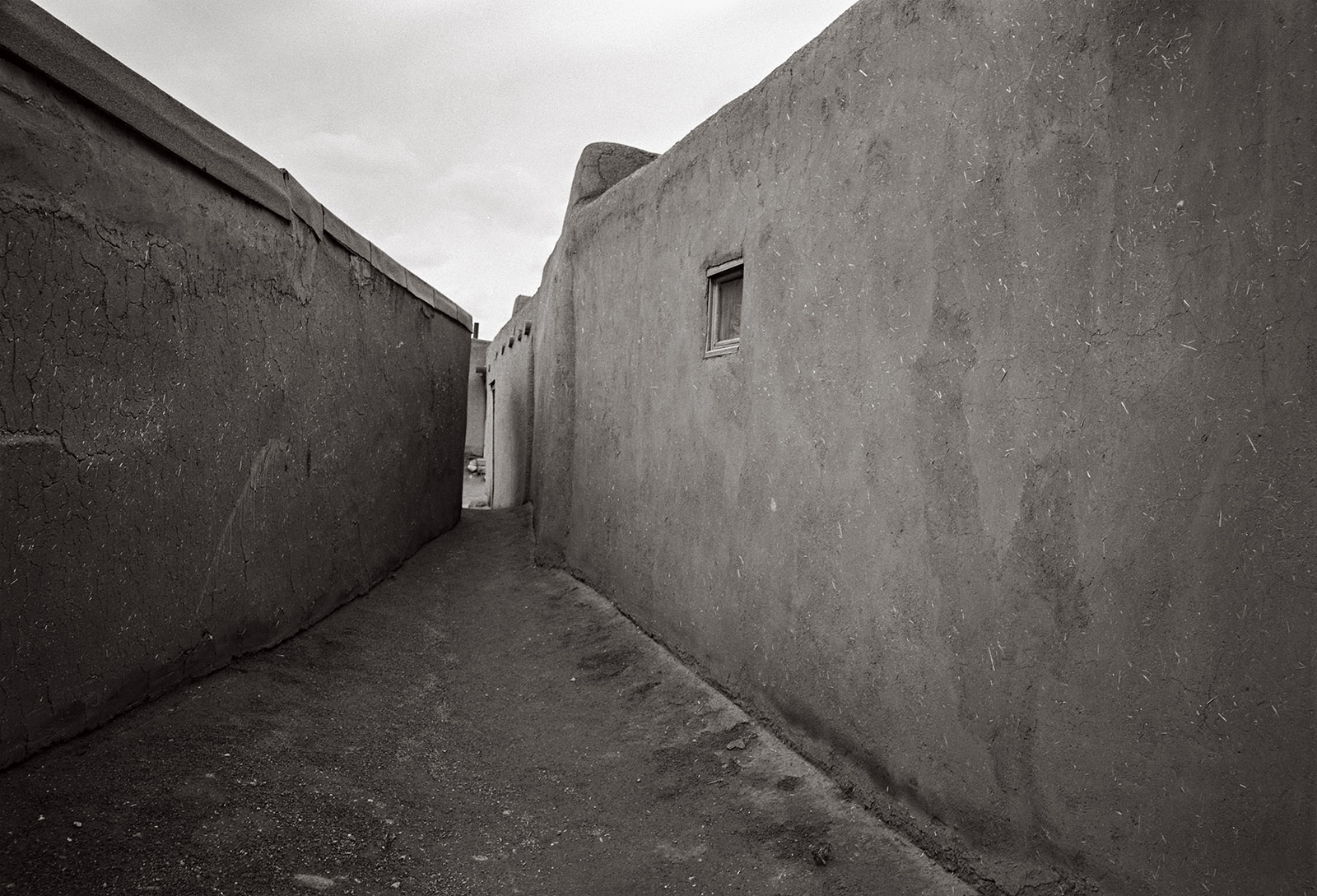
Walkway, Taos Pueblo. Taos, New Mexico. 2025

A few links

Siskinphoto.Home

Introduction Page

Monument Valley

Taos Pueblo

Night Sky

Lightning

Flowers

Monastery Road

Petroglyphs

Rock

Ice and Snow

Tsankawi

Sugarite Campground

Churchs

El Morro National Monument


I did a large show when I was still in Indianapolis called Courting Chaos. The link will take you to the pages which describe the work and its evolution. These images are, well, chaotic and many of them are nudes. I hope you’ll find it interesting.


Links to my books, still available at Amazon!

September 19, 2025

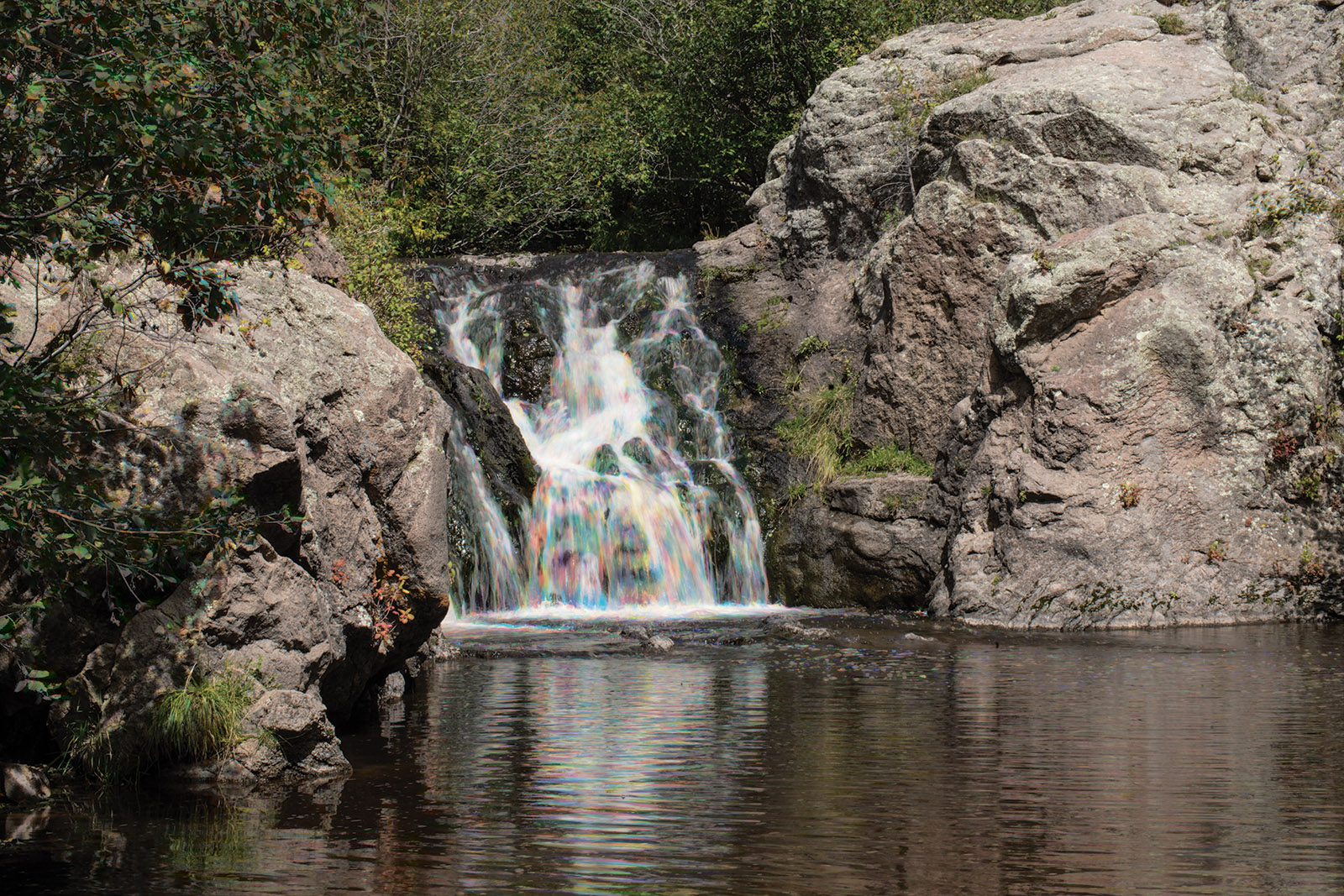
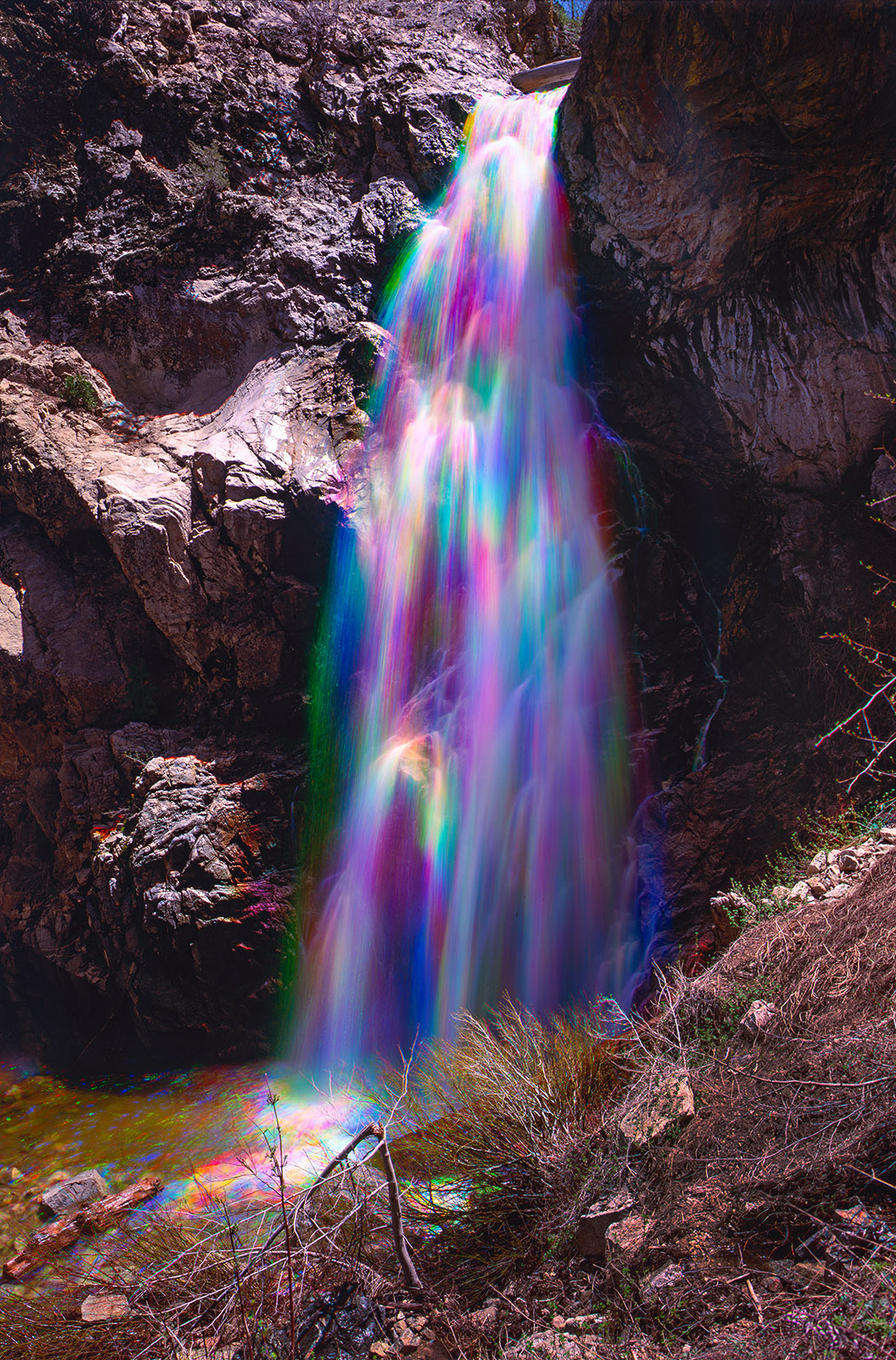
Rainbow Water

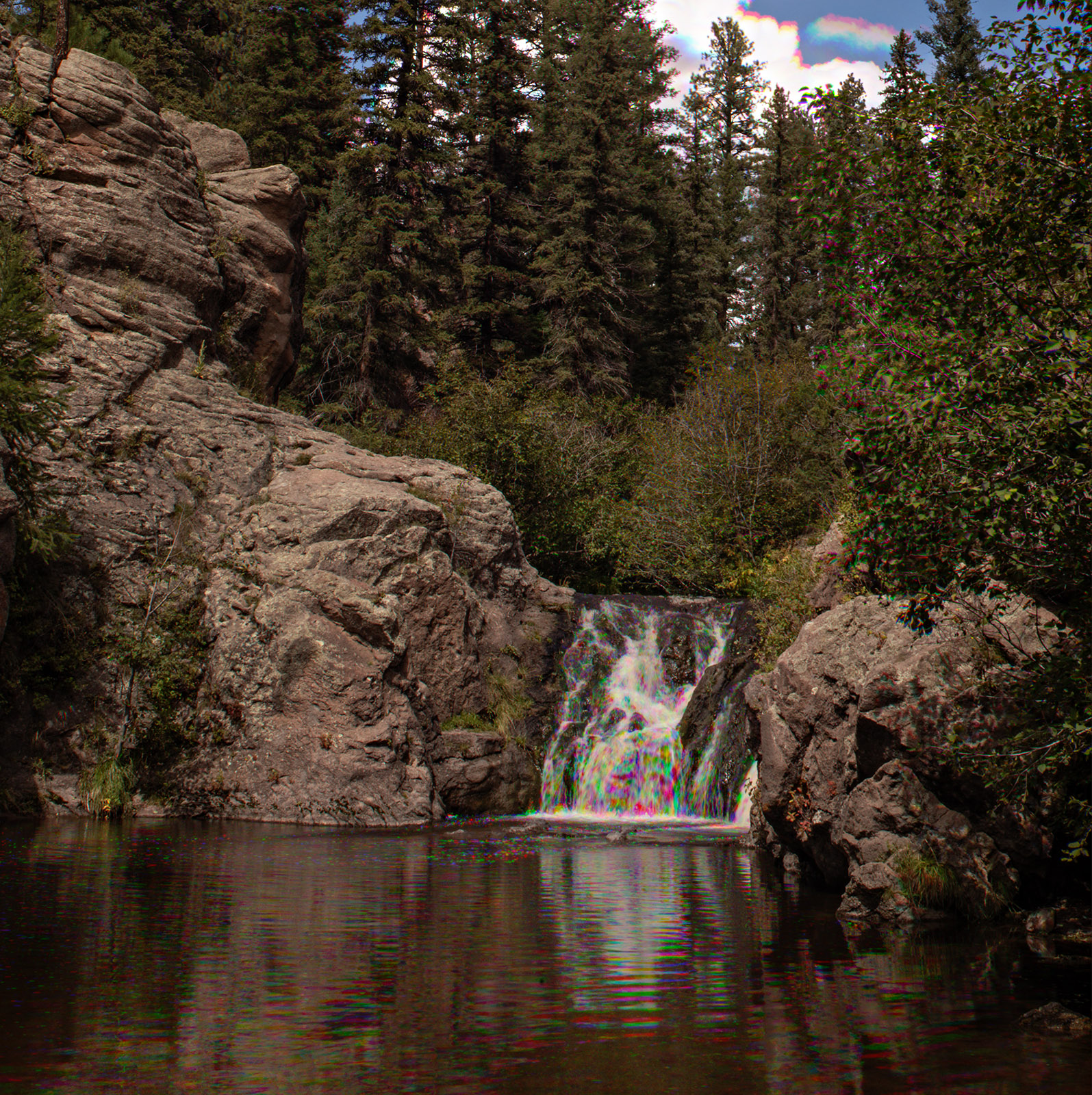
Jemez Falls, Rainbow Water

     This is an interesting technique, and works with any image where parts of the image move, but a large part of the image remains stationary. It has always worked best for me with flowing water.

     First take 3 or more shots of the same thing, use the same exposure. USE A TRIPOD. In other image stacking using Photoshop, you can get photoshop to align the images. That doesn’t work with this technique, so you have to use a tripod. Make sure the camera is locked down tight. I use the self-timer to trigger the camera, you might use a remote trigger or a cable release, but it’s important the camera does not move. I think it’s probably a good idea to shoot in camera raw.

     I use Adobe Bridge and Photoshop. I am going to describe how to do this technique with those programs. I do not know if this is doable with Lightroom or on your phone.


I select all the images I want to combine in Bridge and click on them so they open in Camera Raw. I select all the images and apply the same correction in Camera Raw to all the images, things like clarity, color correction and so on. Then click on open, so all the images come up separately in Photoshop.

Camera Raw, choose all the images


Open Photoshop

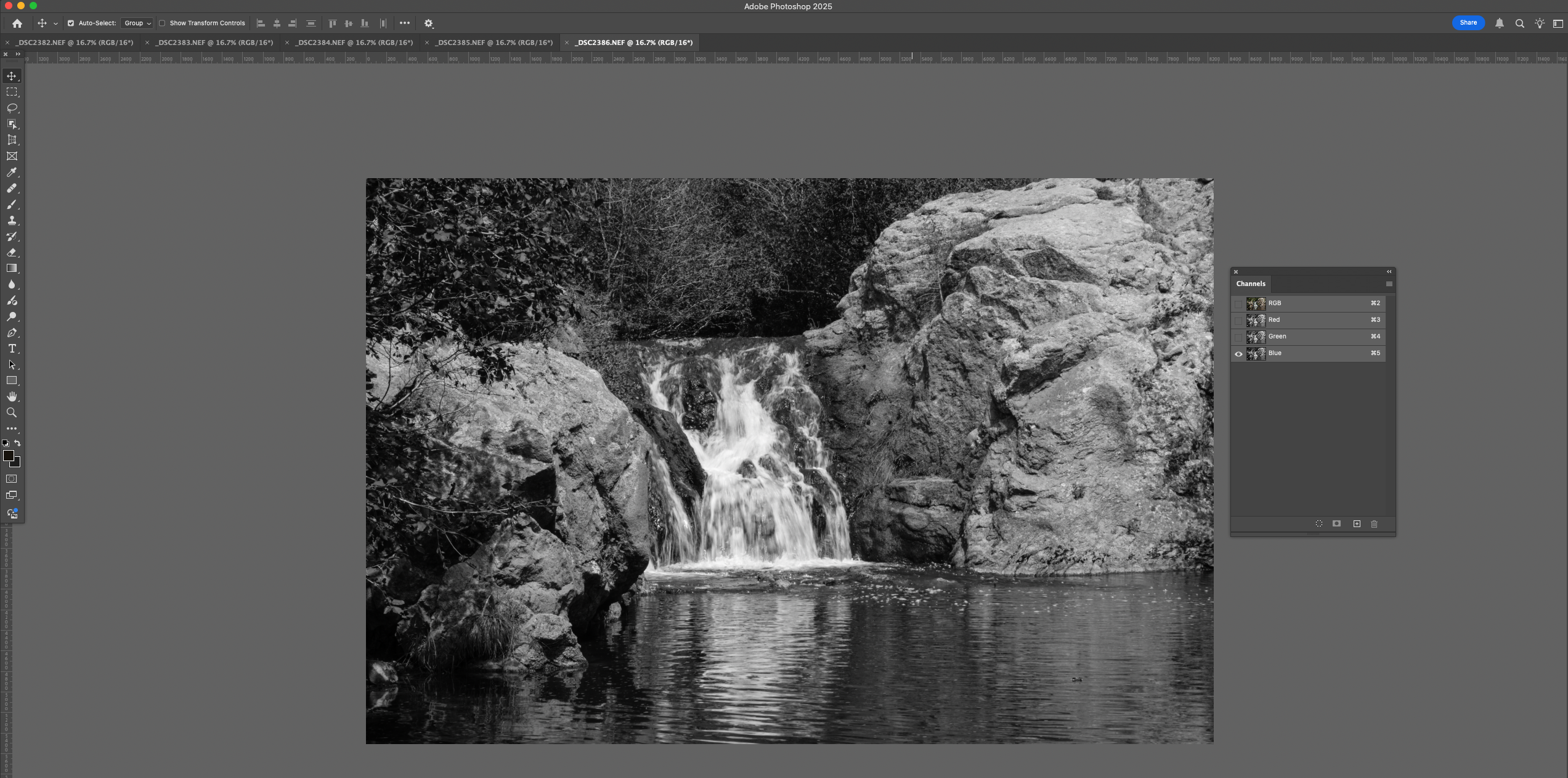
Start with any single image and look at the Channels Pallet. Click on the eye on two of the colors to turn off those colors. In this case I turned off Red and Green. The eye icon on RGB will also turn off. You will see a black and white image that represents the blue color in your image.

Copy the Blue Channel

Select All and copy the image in the image pallet.

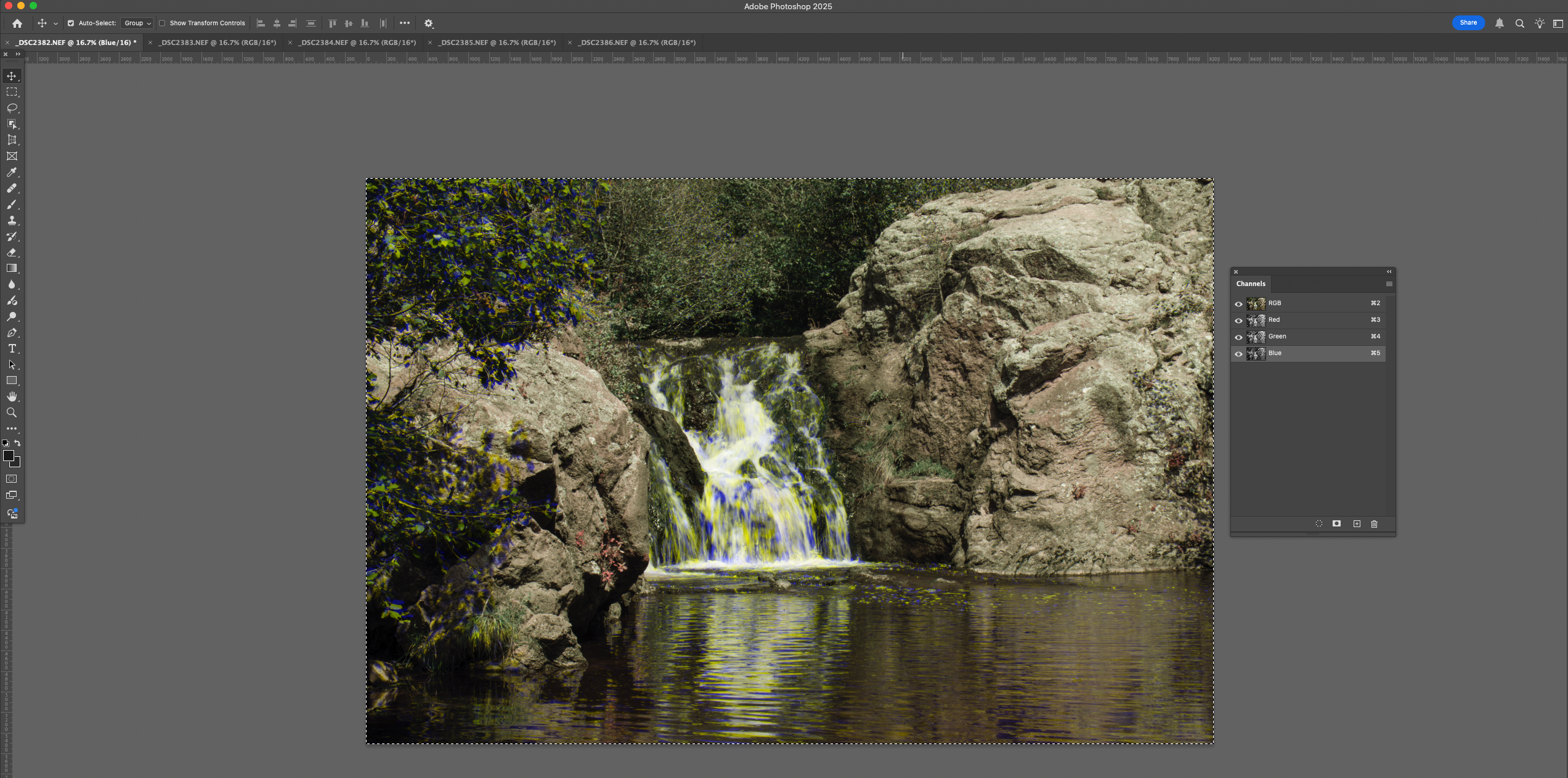
Go to another of your original images and open the Color Pallet again. Click on the Blue channel and then paste the copied image into the blue channel.

Paste the blue channel

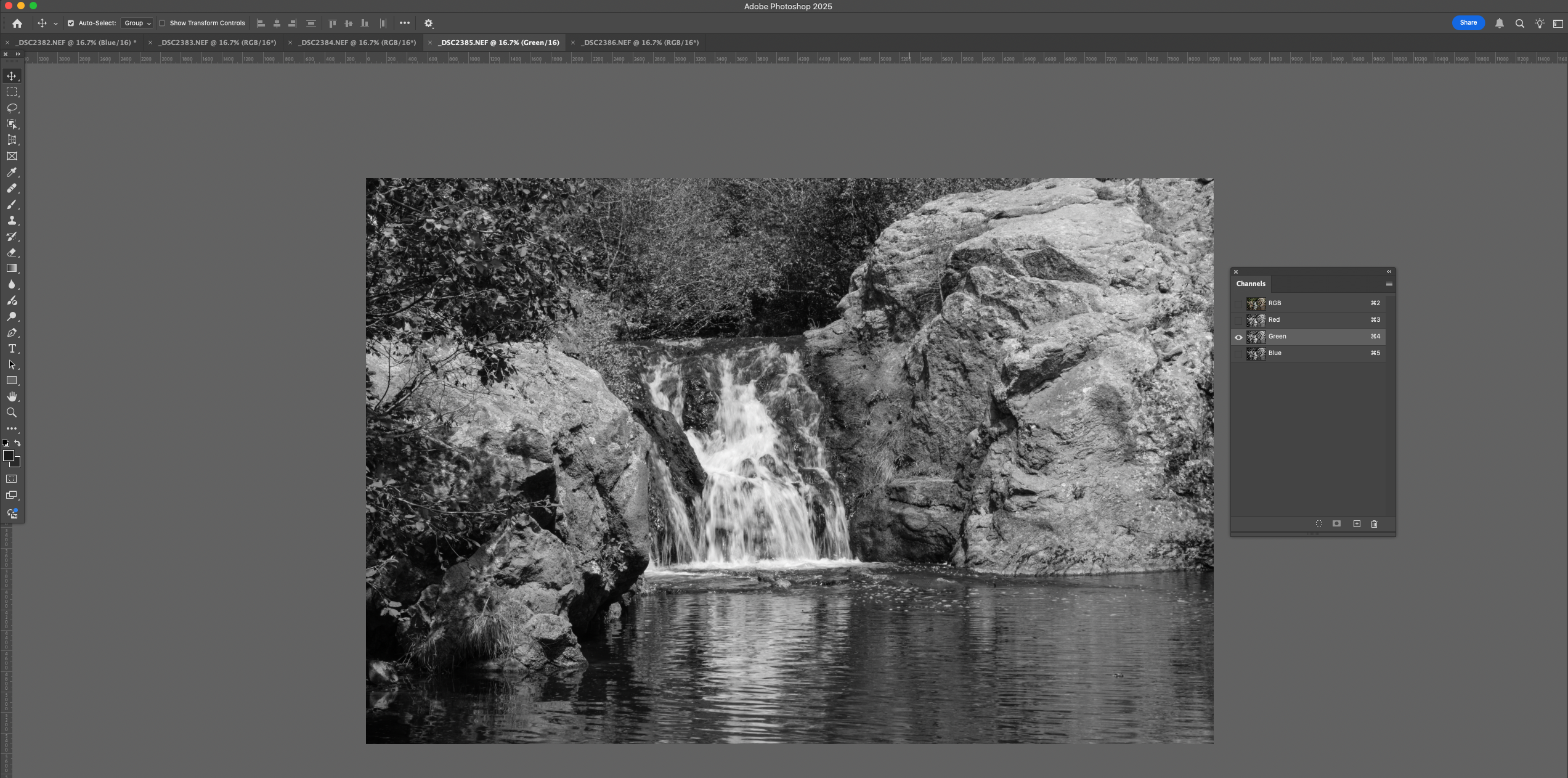
Now go to a third image and copy and copy another color channel. In this case I copied the Green channel.

Select and Copy the Green Channel

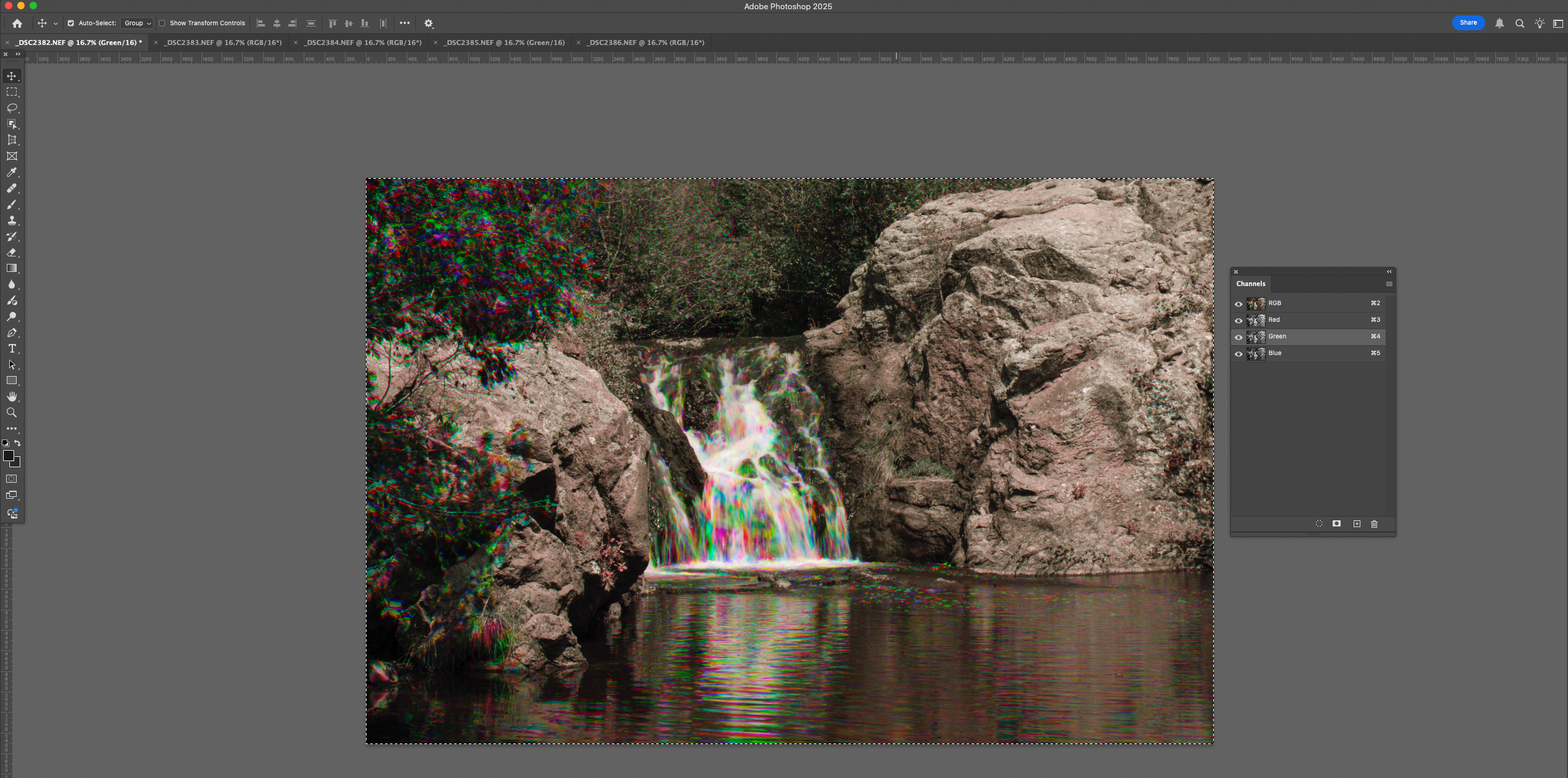
Go back to the second image you opened, where you pasted the blue channel, and click on the green channel. Paste the new green channel into the image.

You now have Rainbow water!


I’d suggest that you rename and save the file, so as to keep it separate from your original files.

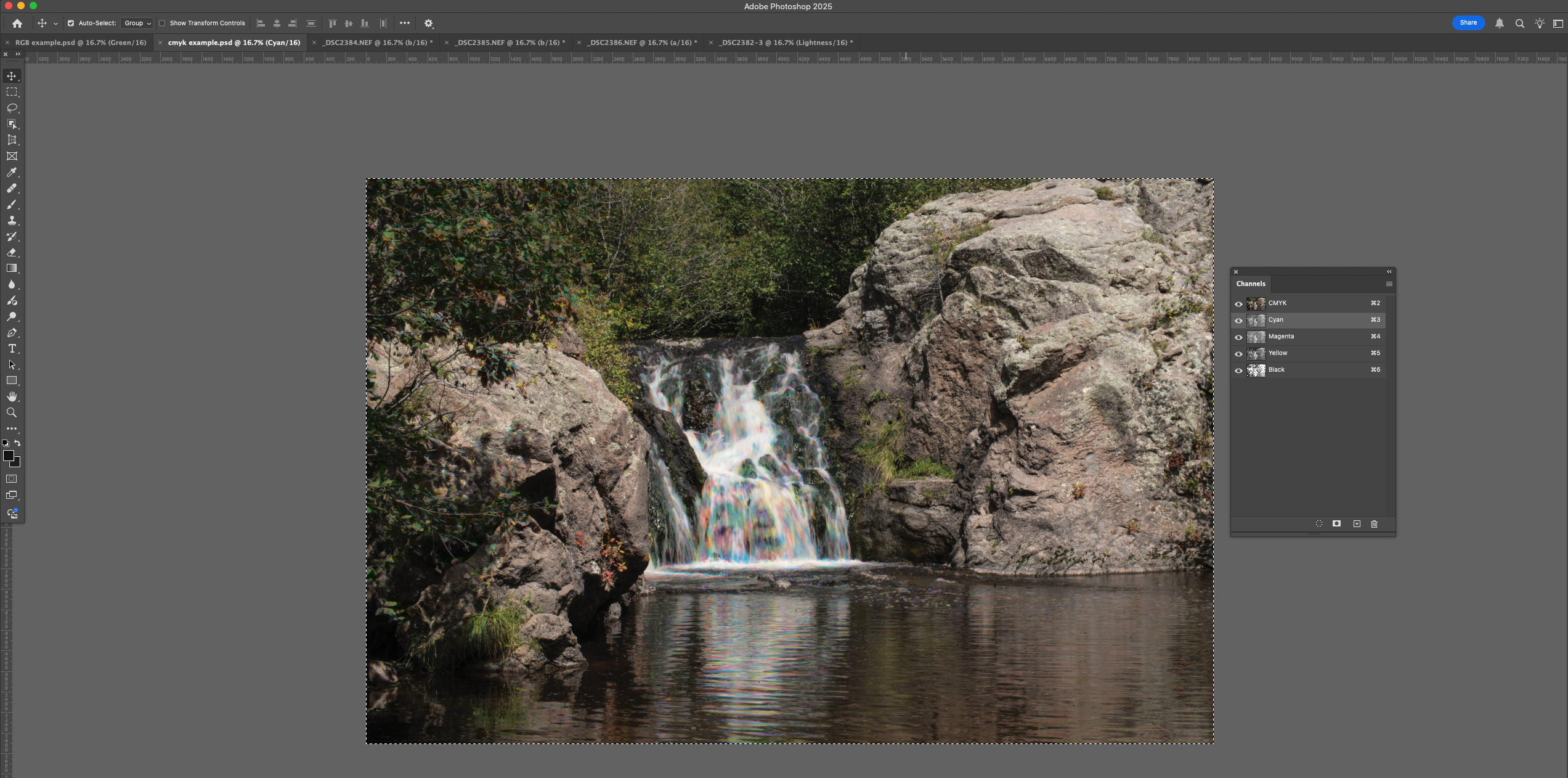
Some thoughts: If you shoot more that 3 images you can do the same thing with the other originals and have alternate versions. You can also do the same thing in the CMYK color space. I tried it with LAB color, but it didn’t seem to do much.

CMYK version

CMYK Channel Pallet

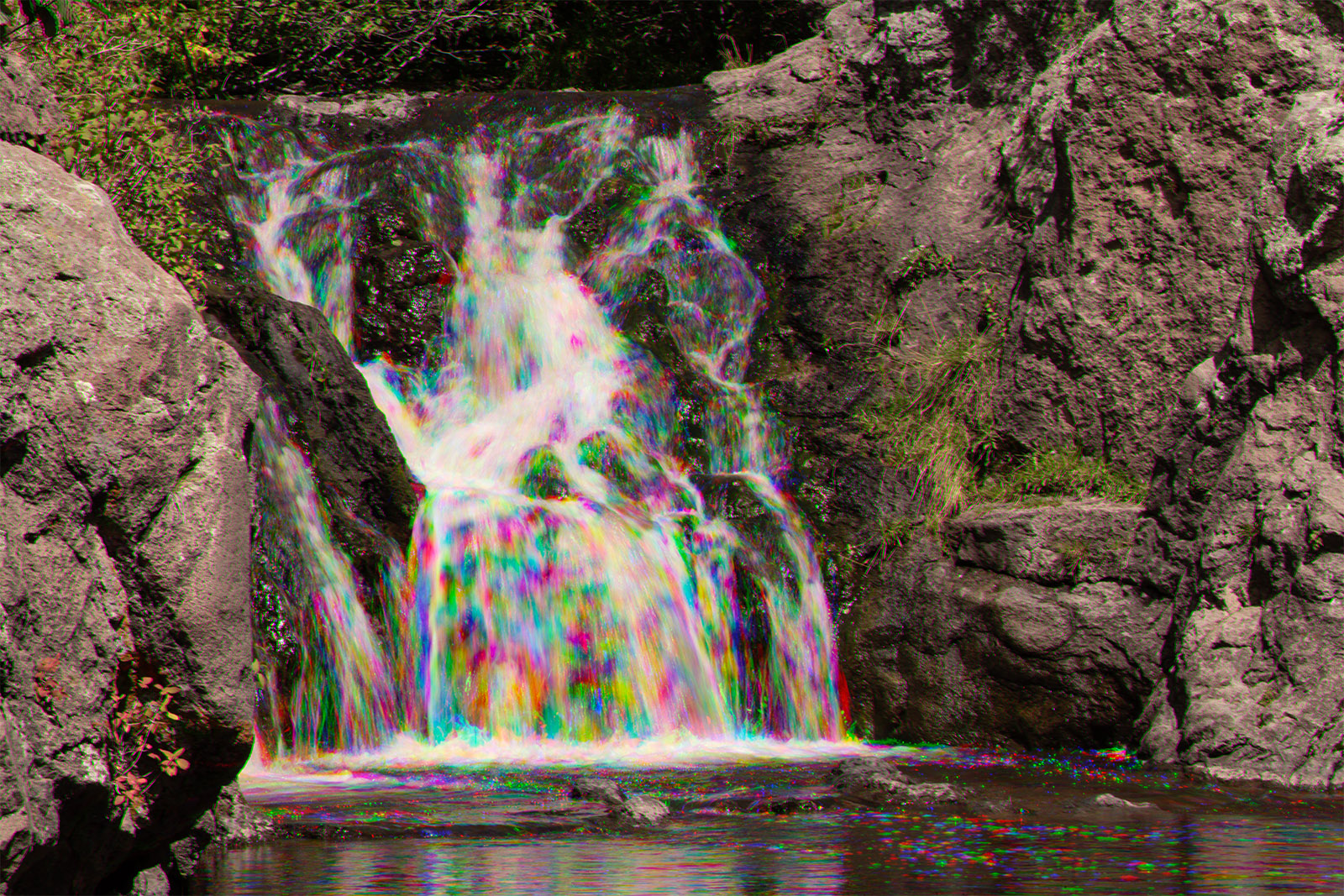
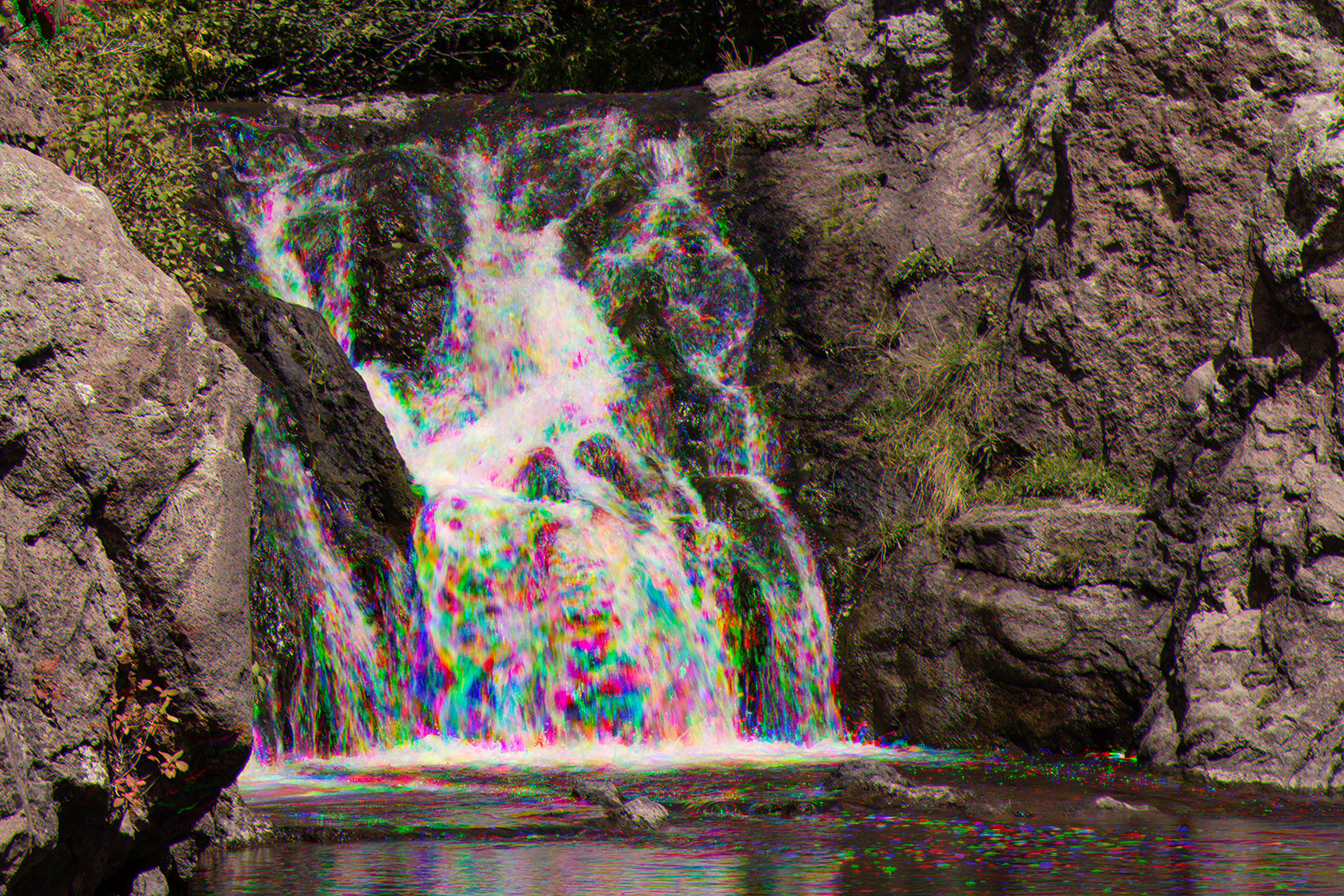
I prefer the effect when I start with long exposure images. It is more subtle. In addition to a tripod, it can help to have a neutral density filter to enable you to use longer exposures.

Long exposure 1/30 second

Shorter Exposure 1/125 second

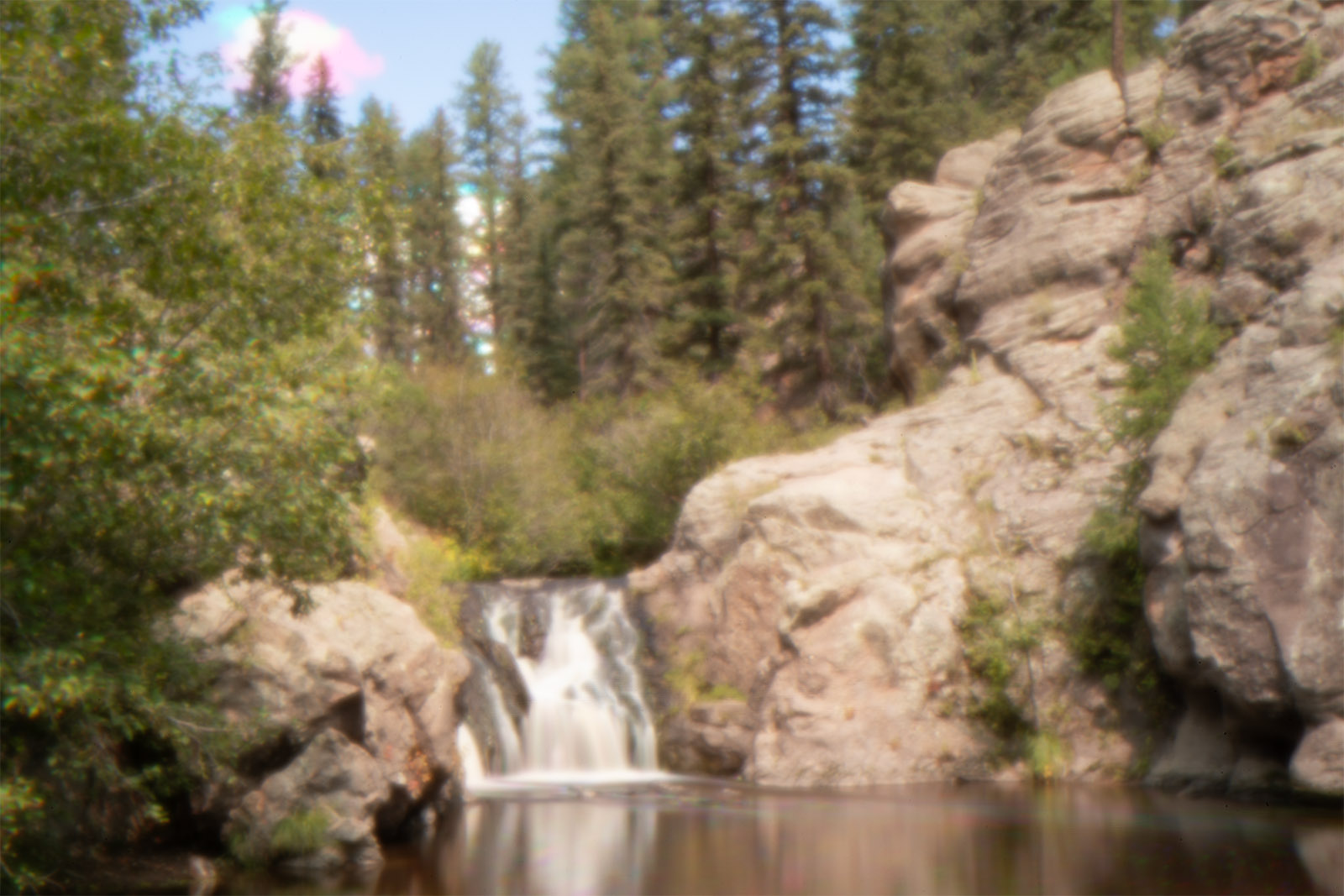
Here is an image I did with a pinhole rather than a lens. It made for a much longer exposure.

I first learned about this trick back in the 1970s in Nikon School. In those days we did multiple exposures on a single piece of film through Red Green and Blue filters.

Cooper Canyon Falls, made with 4×5 film

If you are still here, thanks for your attention. I haven’t done a technical post in quite a while. If there’s a problem with it, please let me know at john@siskinphoto.com

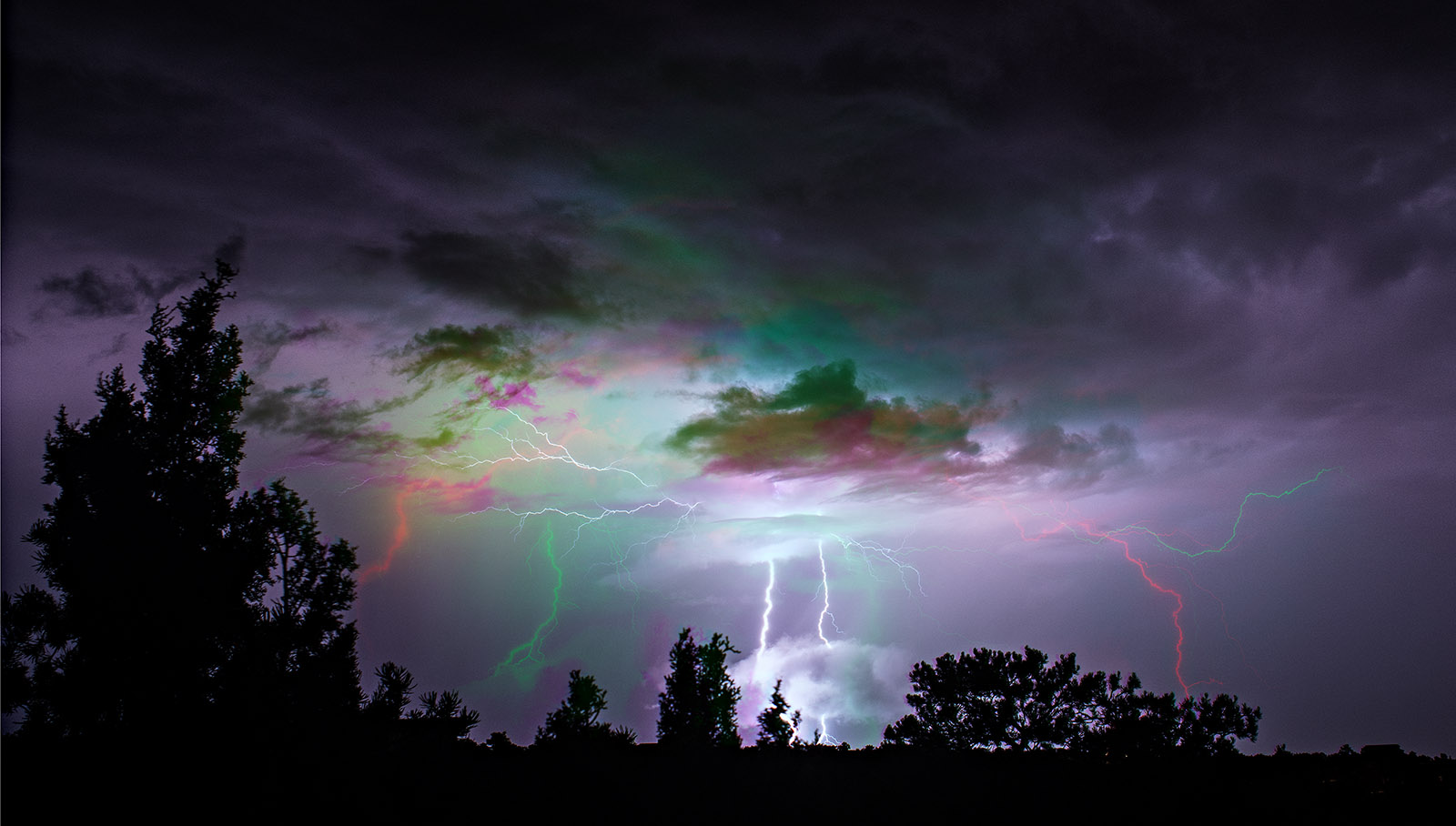
Ps. I added a few pictures to my lightning blog (https://siskinphoto.com/blog/?p=5655) after I finished this. It occurred to me that I used the tripod to take the lightning shotw without repositioning the camera, so that I might be able to use the separate color channels with those shots as well. Turned out to be a pretty good idea. For the shot below I made a rainbow shot as above but then I used it as a layer under one of the three original images. I used the brush to merge the two layers selectively. Pretty successful picture. Thanks!

Lightning

There are a lot of earlier technical posts here on the blog, why not look around? I’m also attaching a couple of links to posts with some of my recent images from New Mexico.

Siskinphoto.Home

Introduction Page

Monument Valley

Taos Pueblo

Night Sky

Lightning

Flowers

Monastery Road

Petroglyphs

Rock

Ice and Snow

Tsankawi

Sugarite Campground

Churchs

El Morro National Monument

I did a large show when I was still in Indianapolis called Courting Chaos. The link will take you to the pages which describe the work and its evolution. These images are, well, chaotic and many of them are nudes. I hope you’ll find it interesting.

Links to my books, still available at Amazon!


August 15, 2025

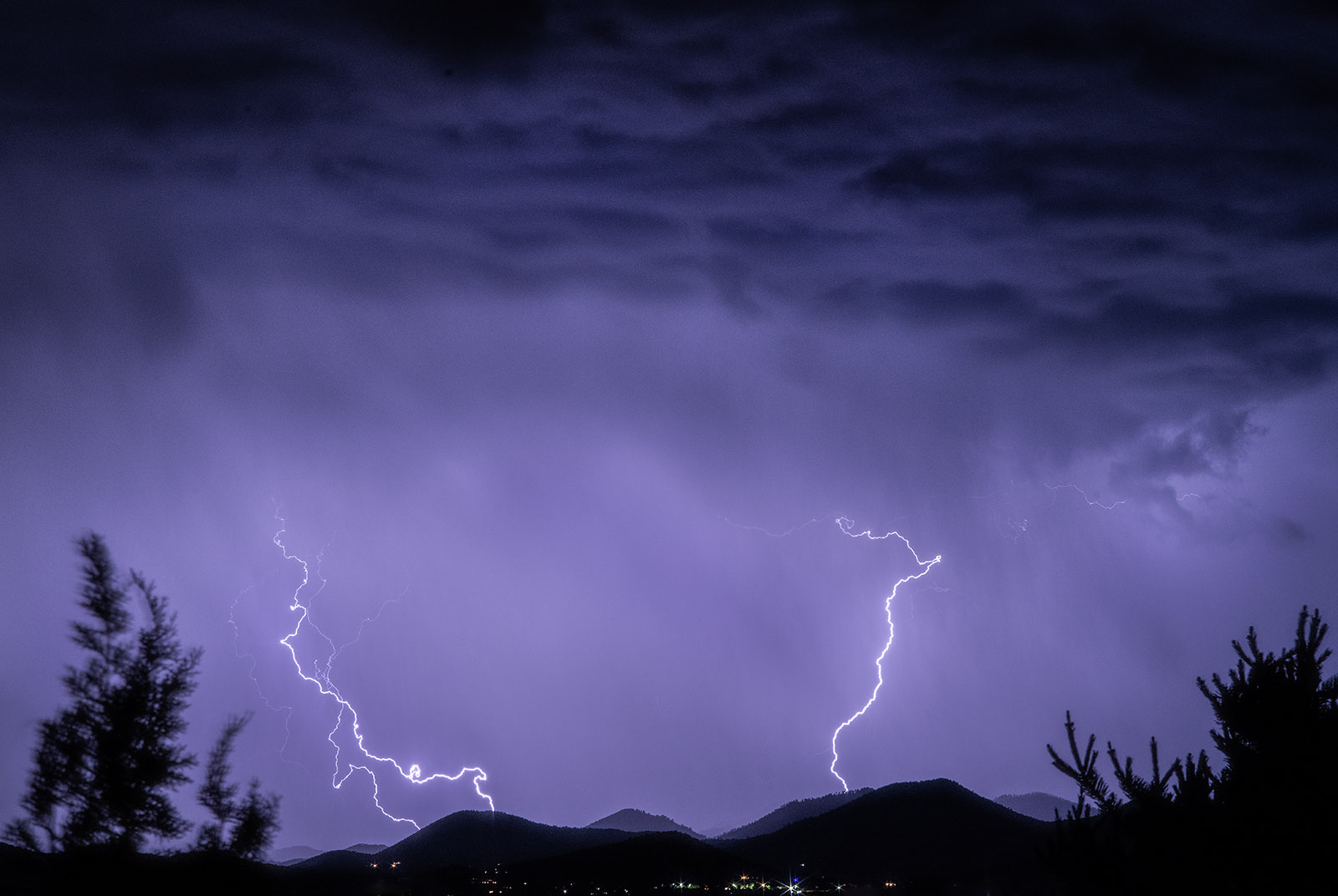
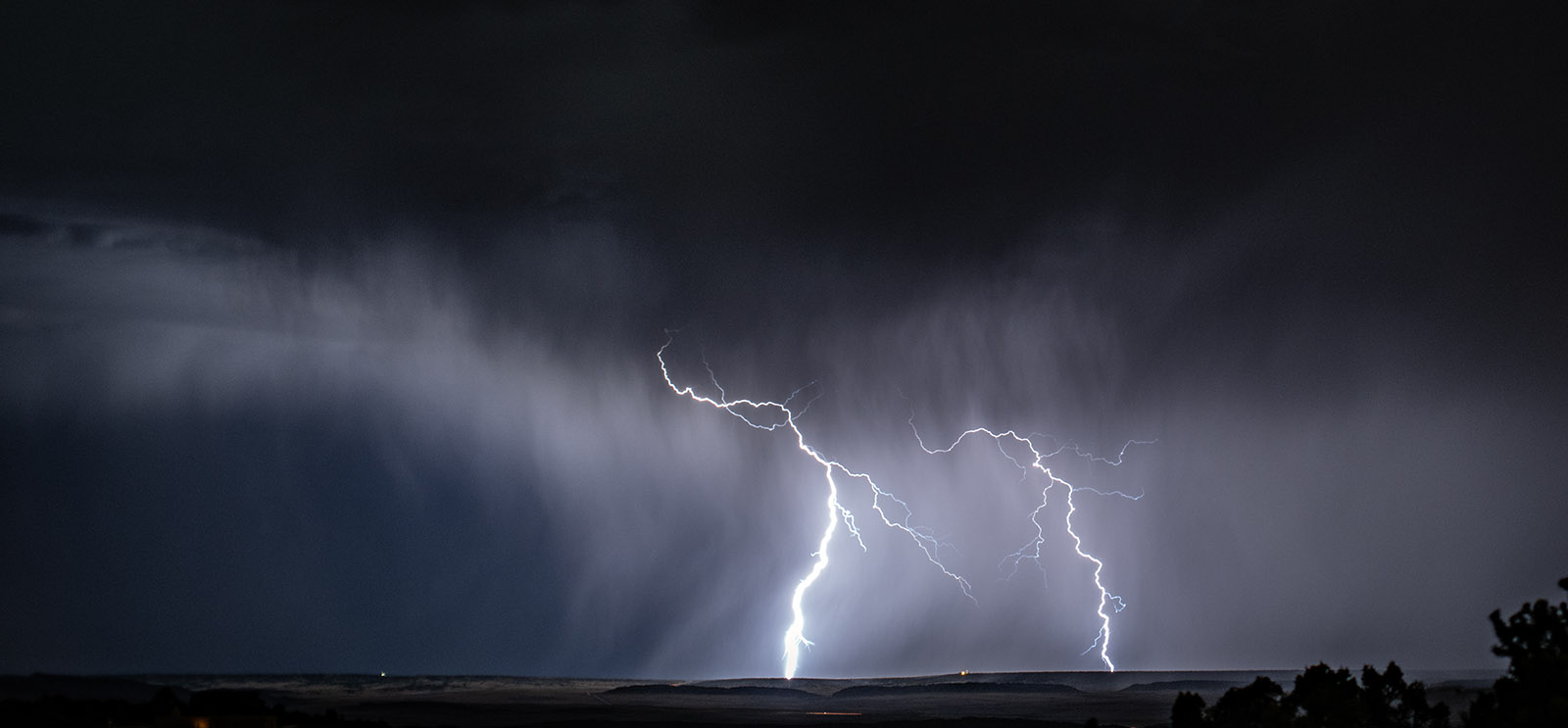
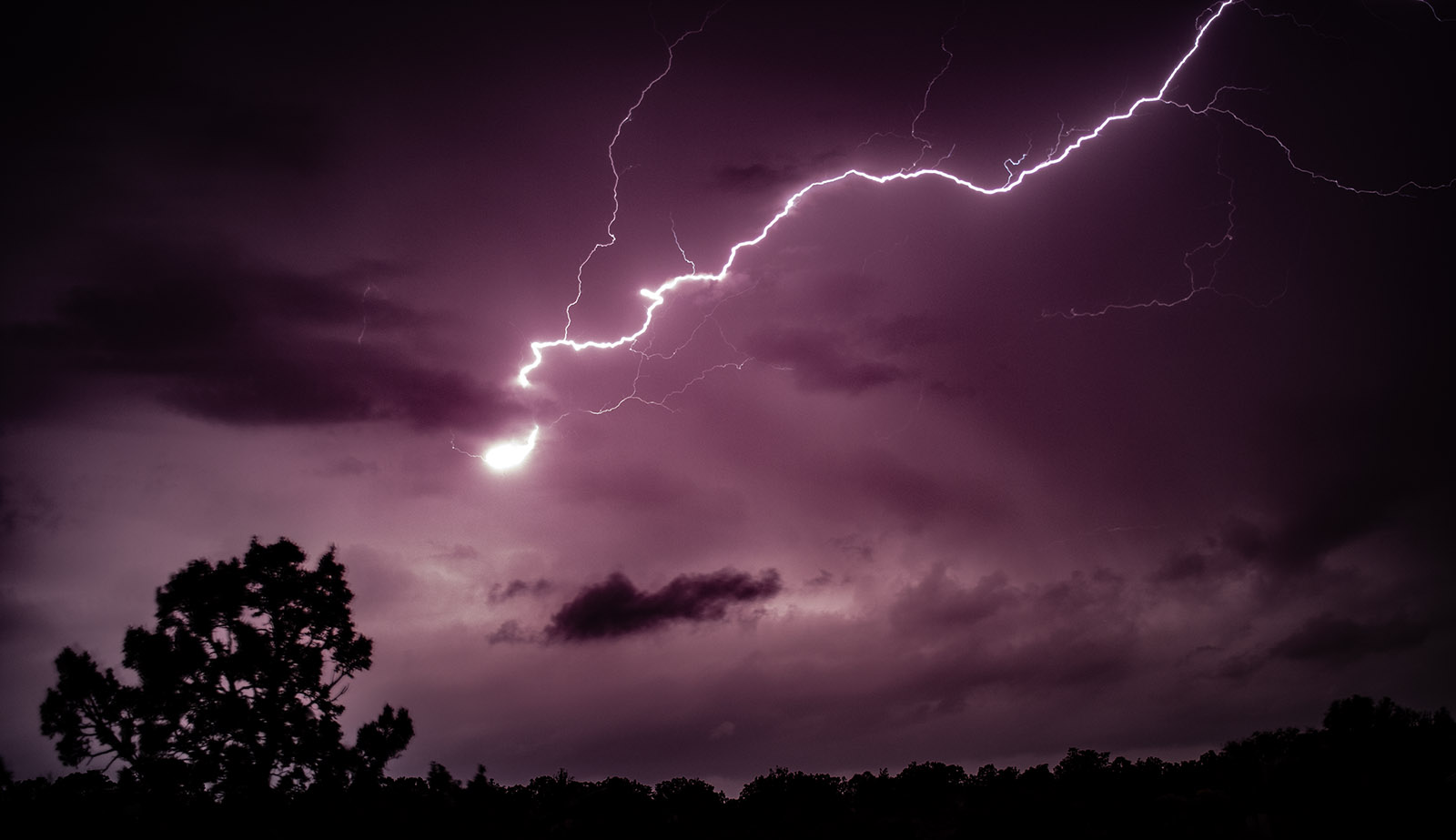
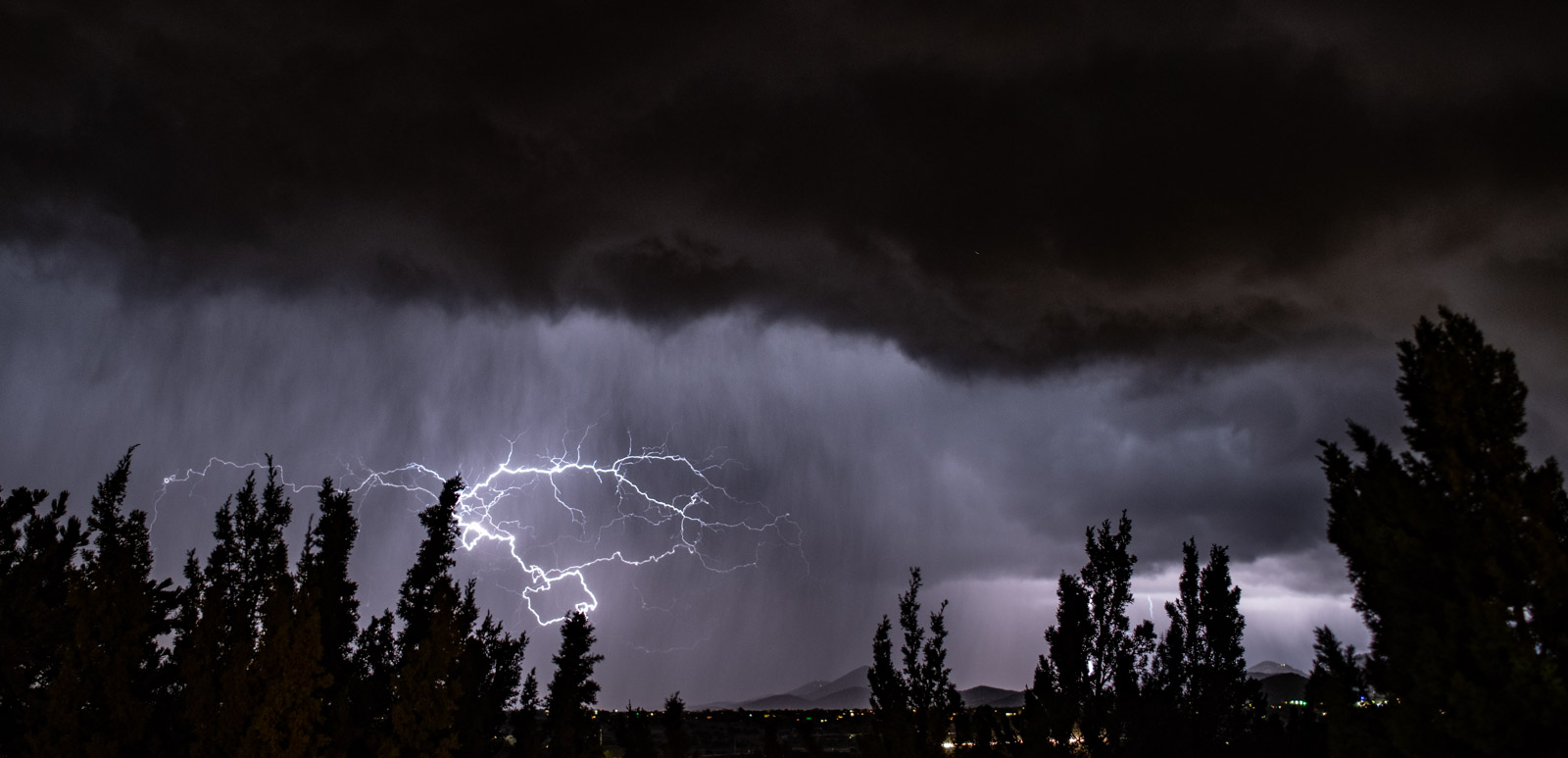
LIGHTNING!!

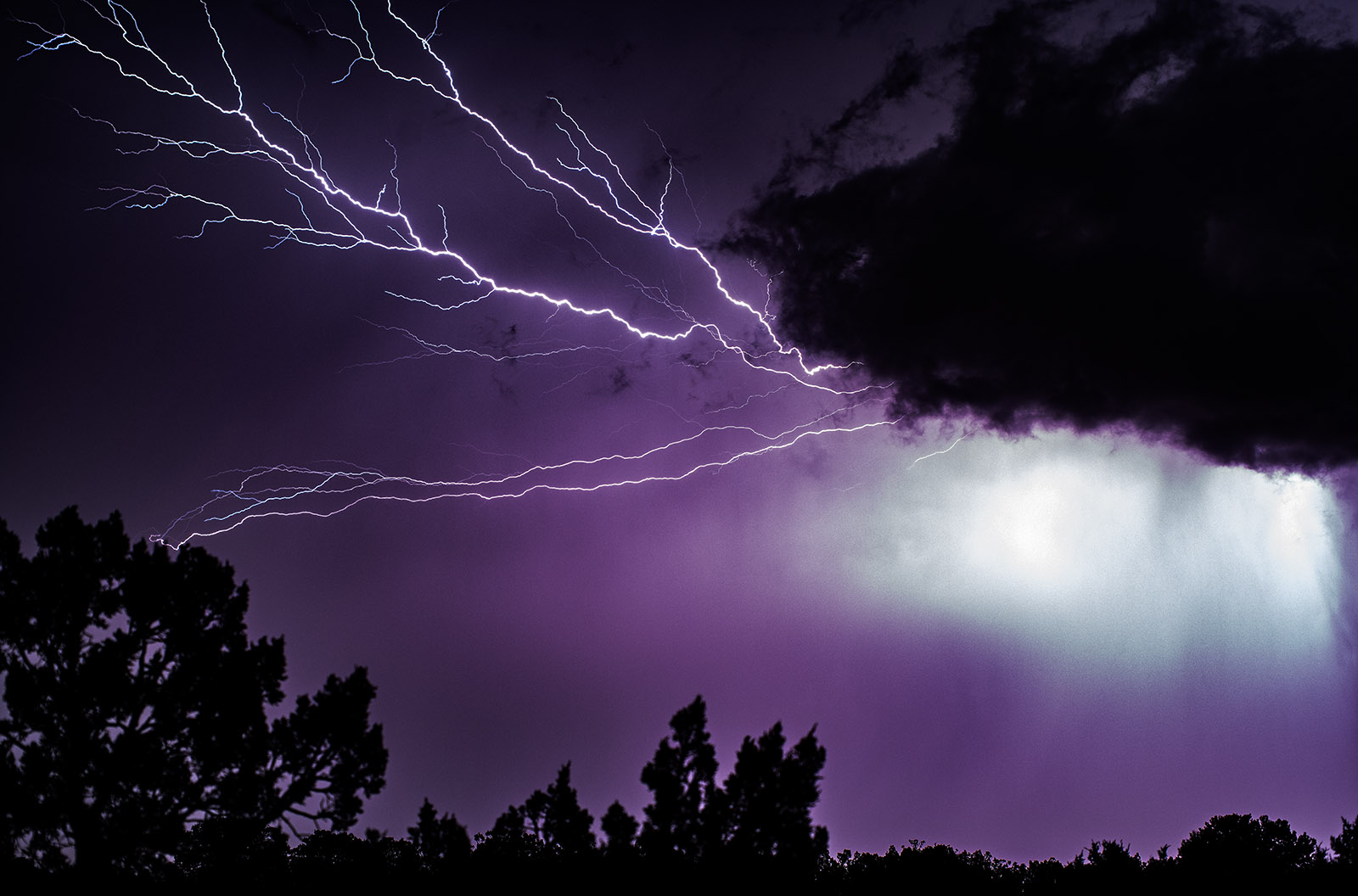
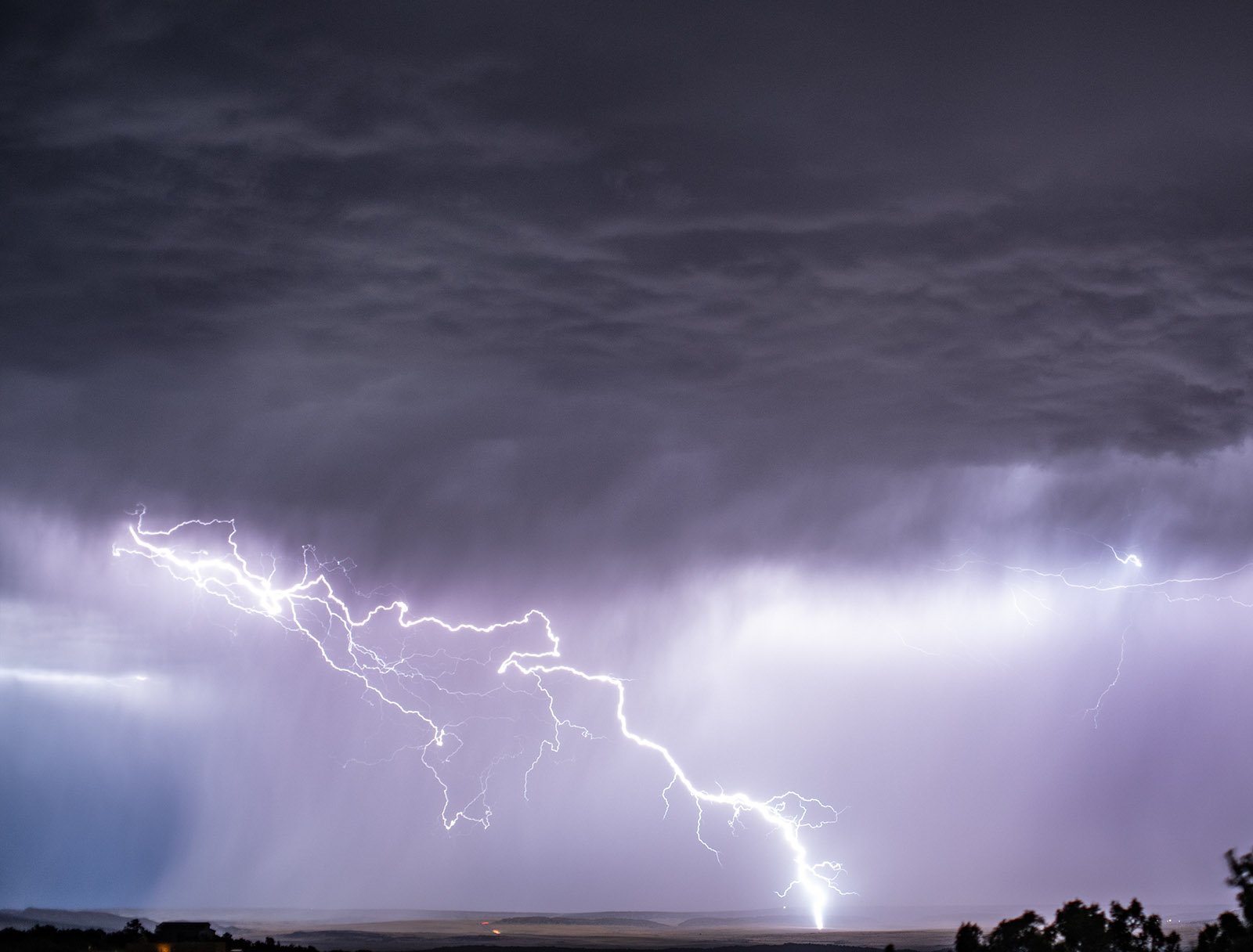
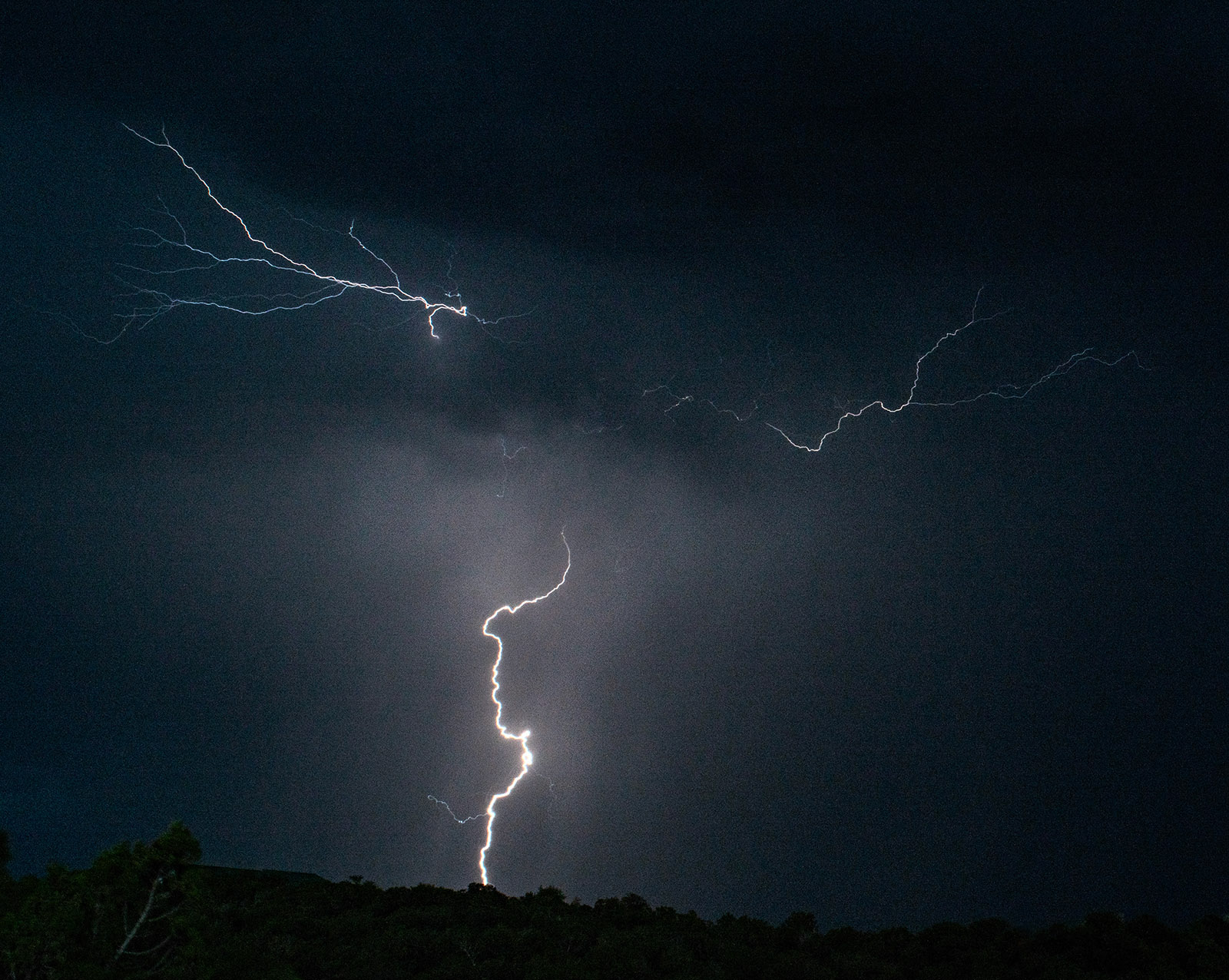
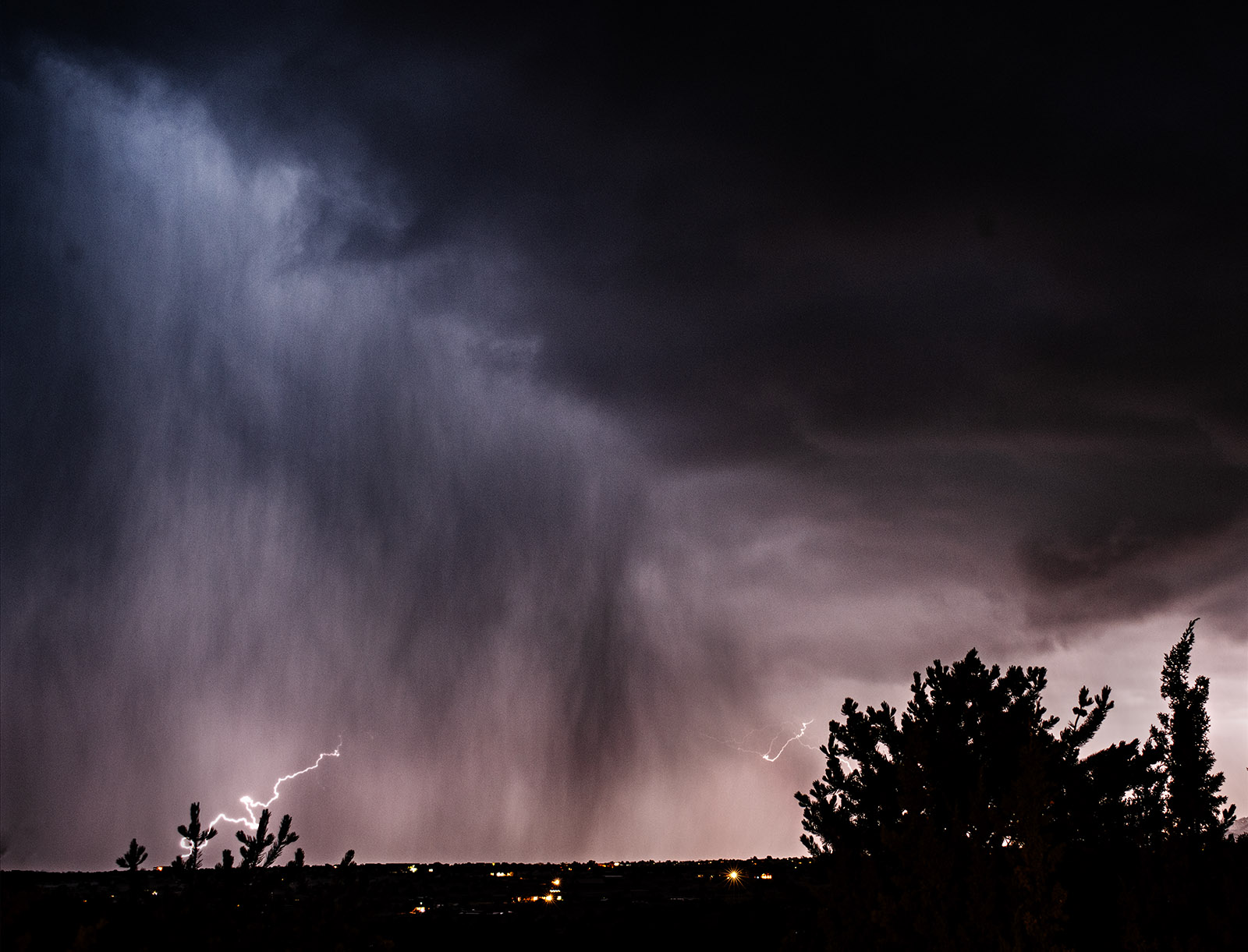
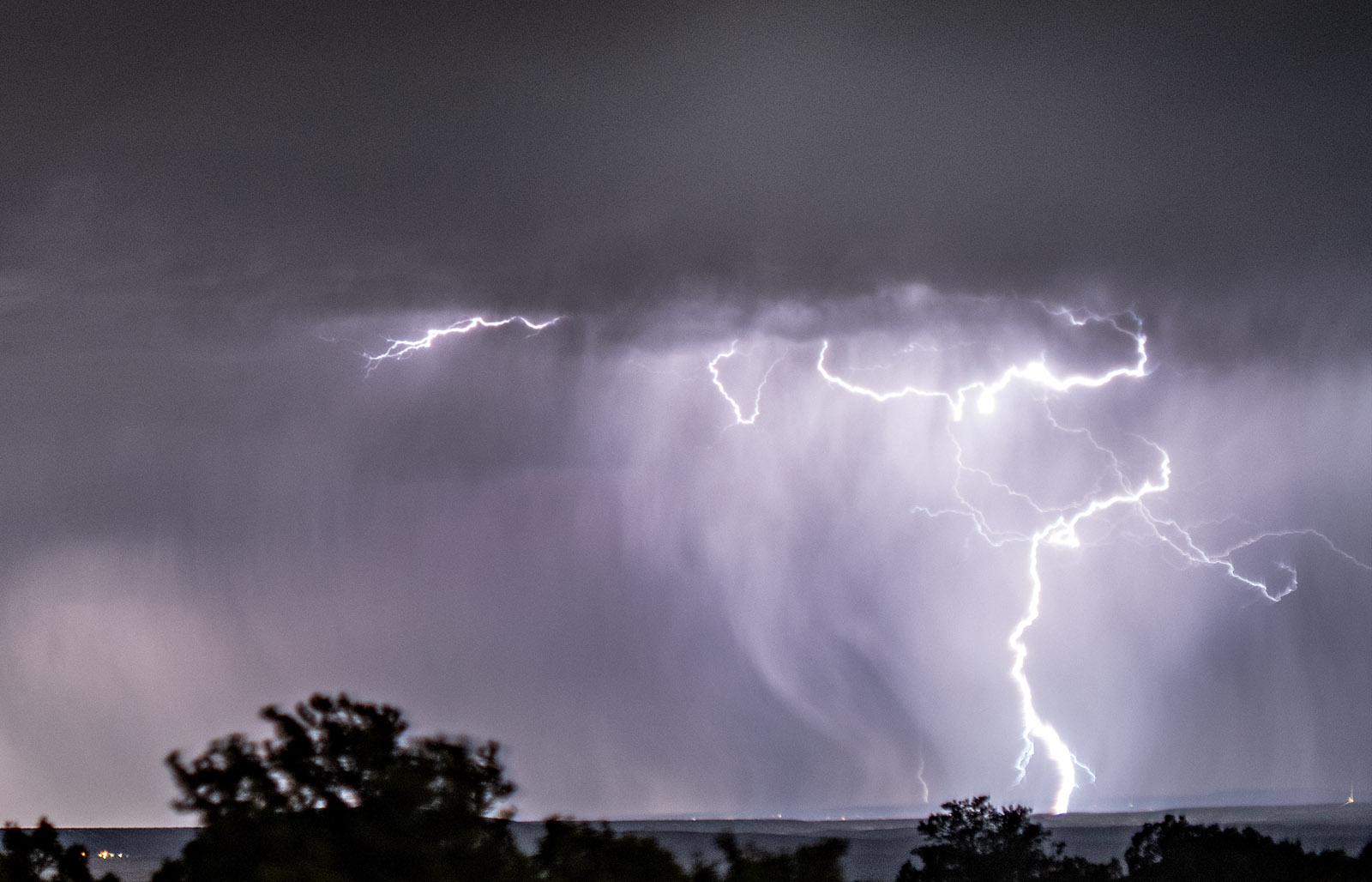
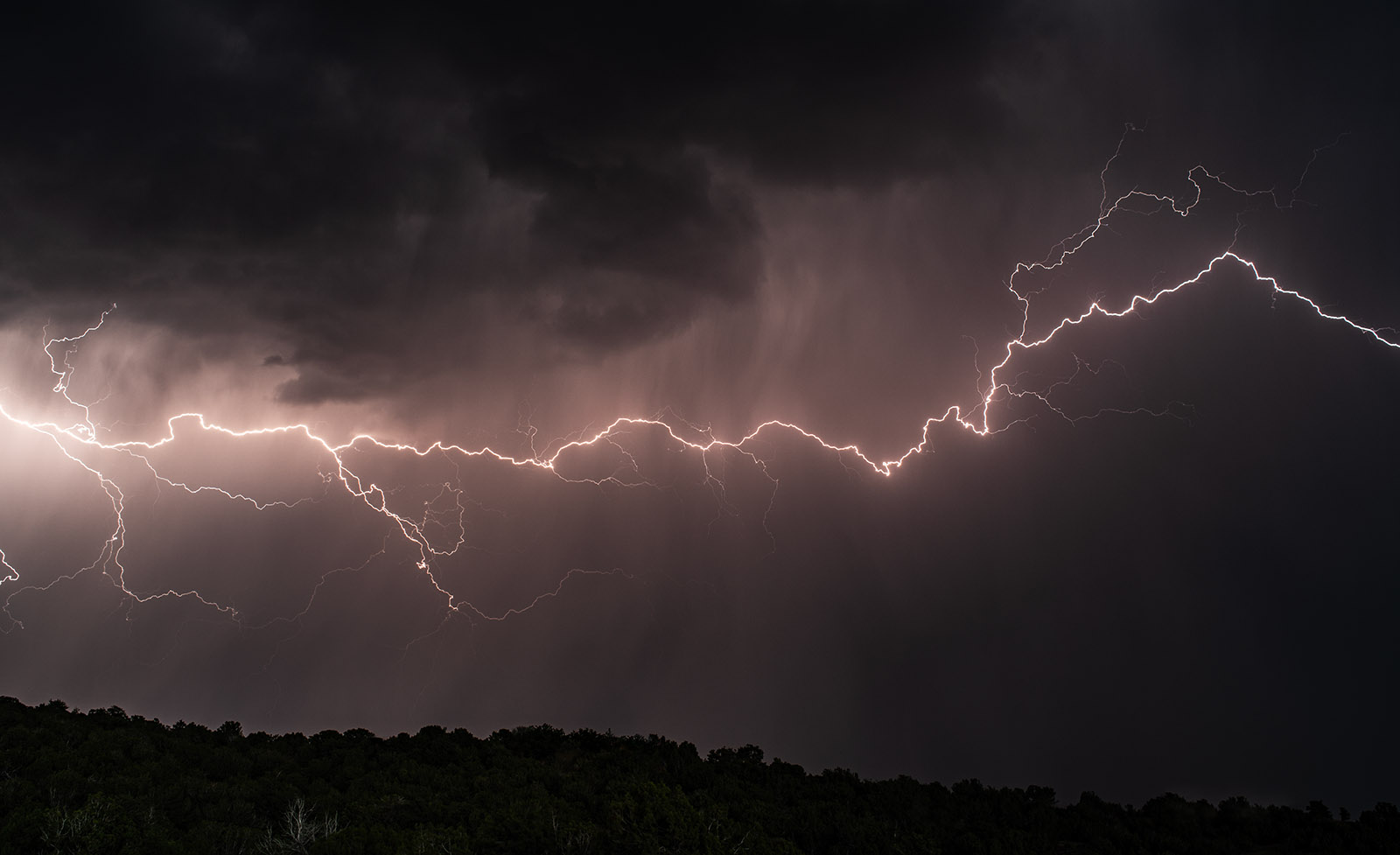
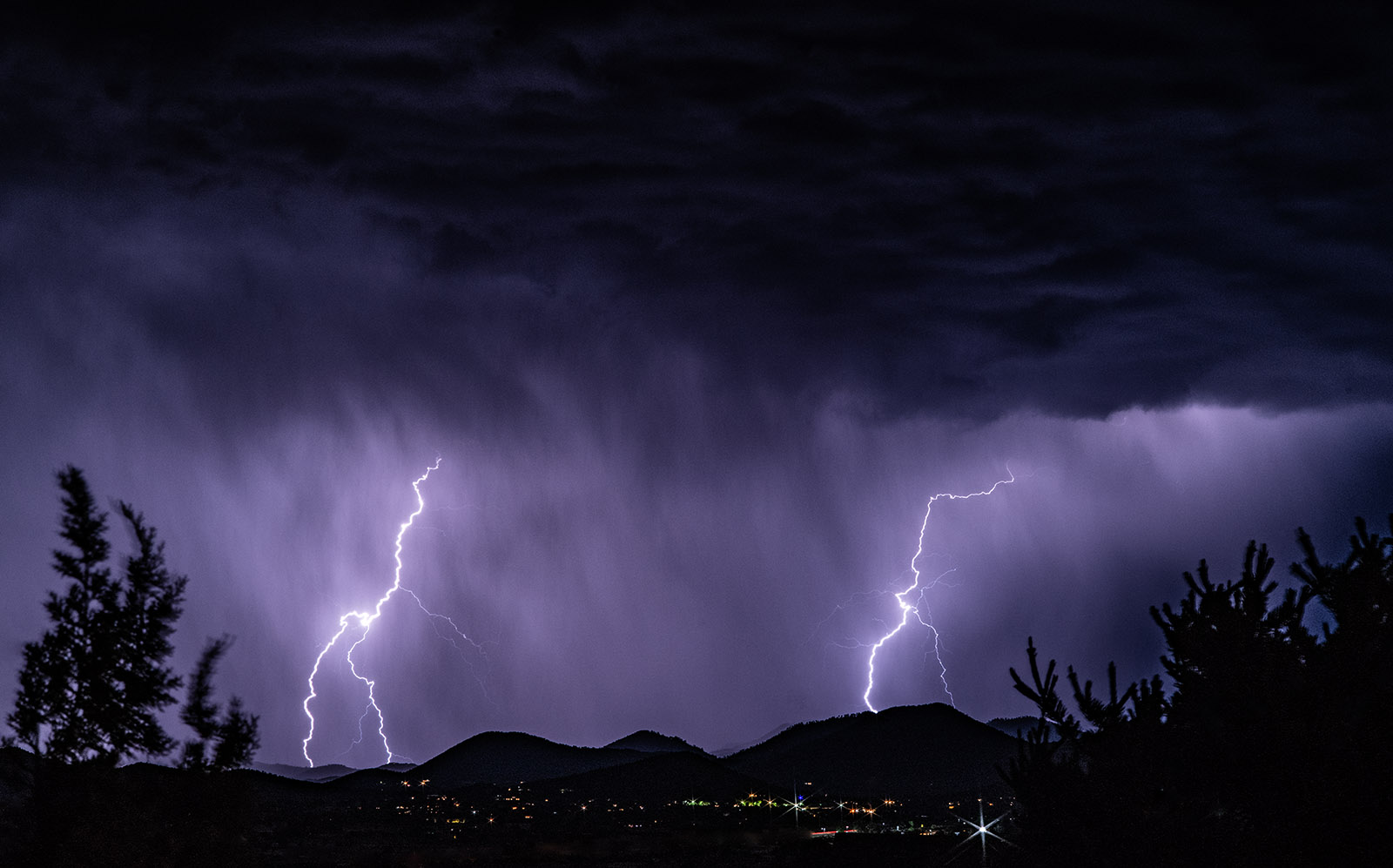
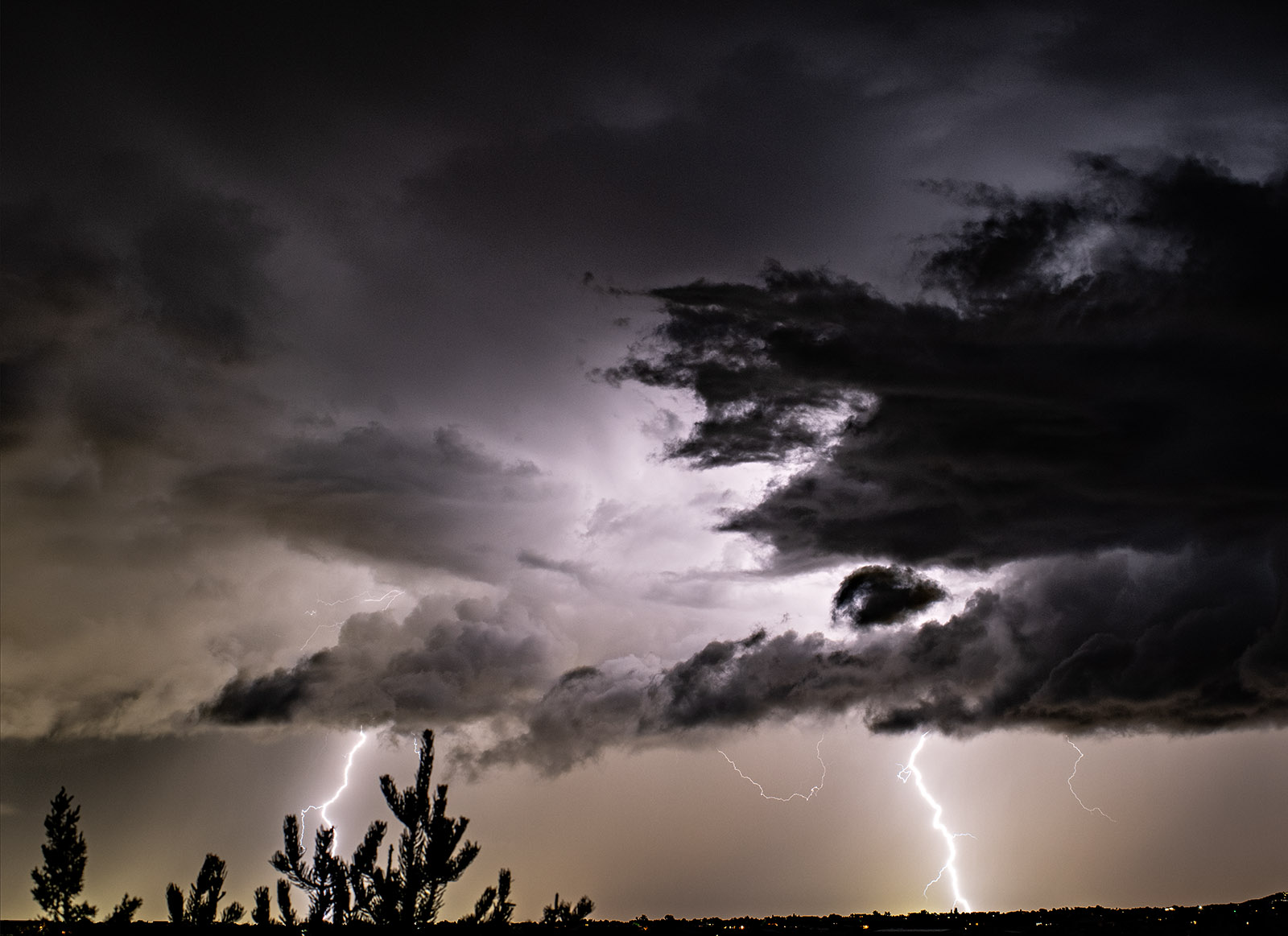
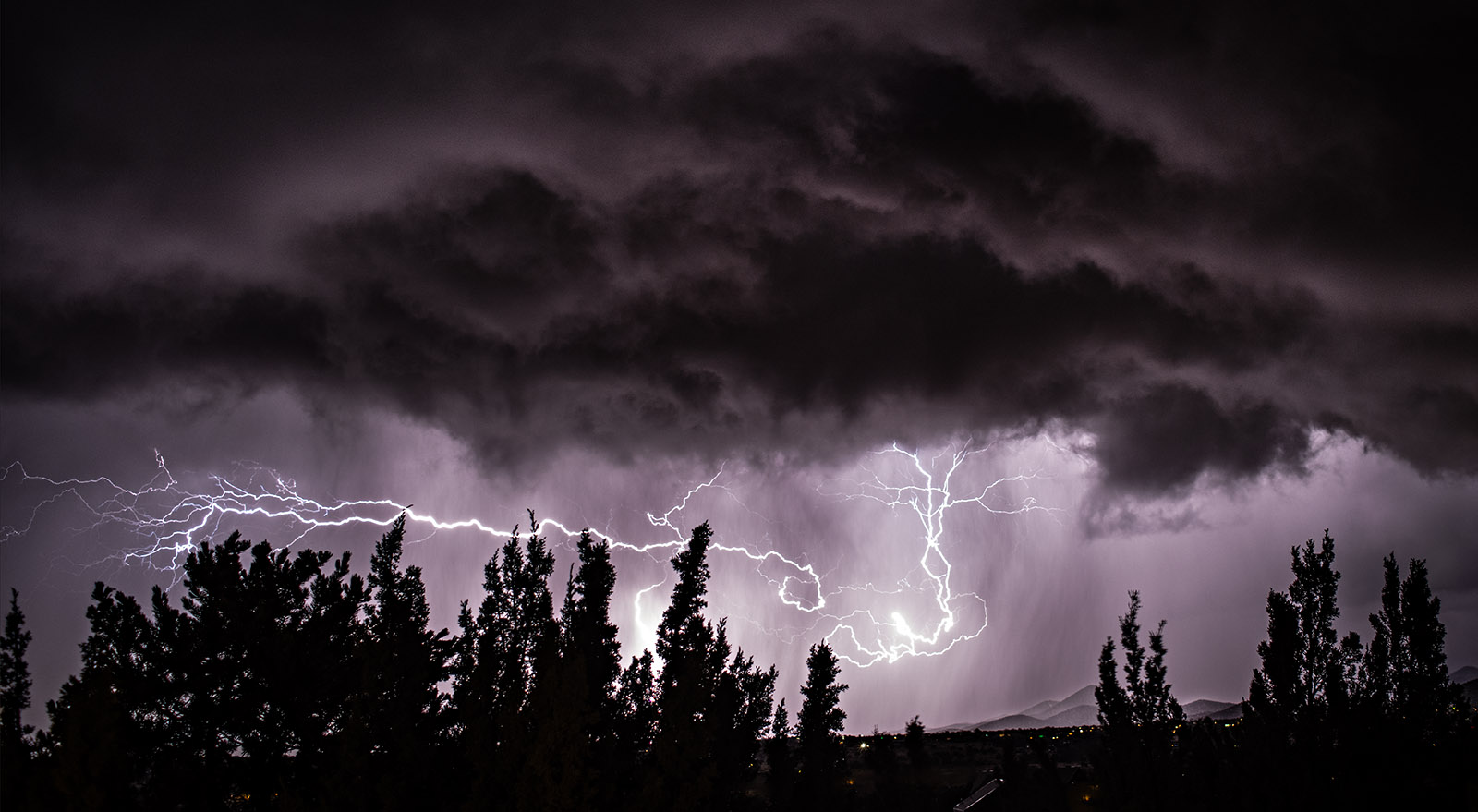
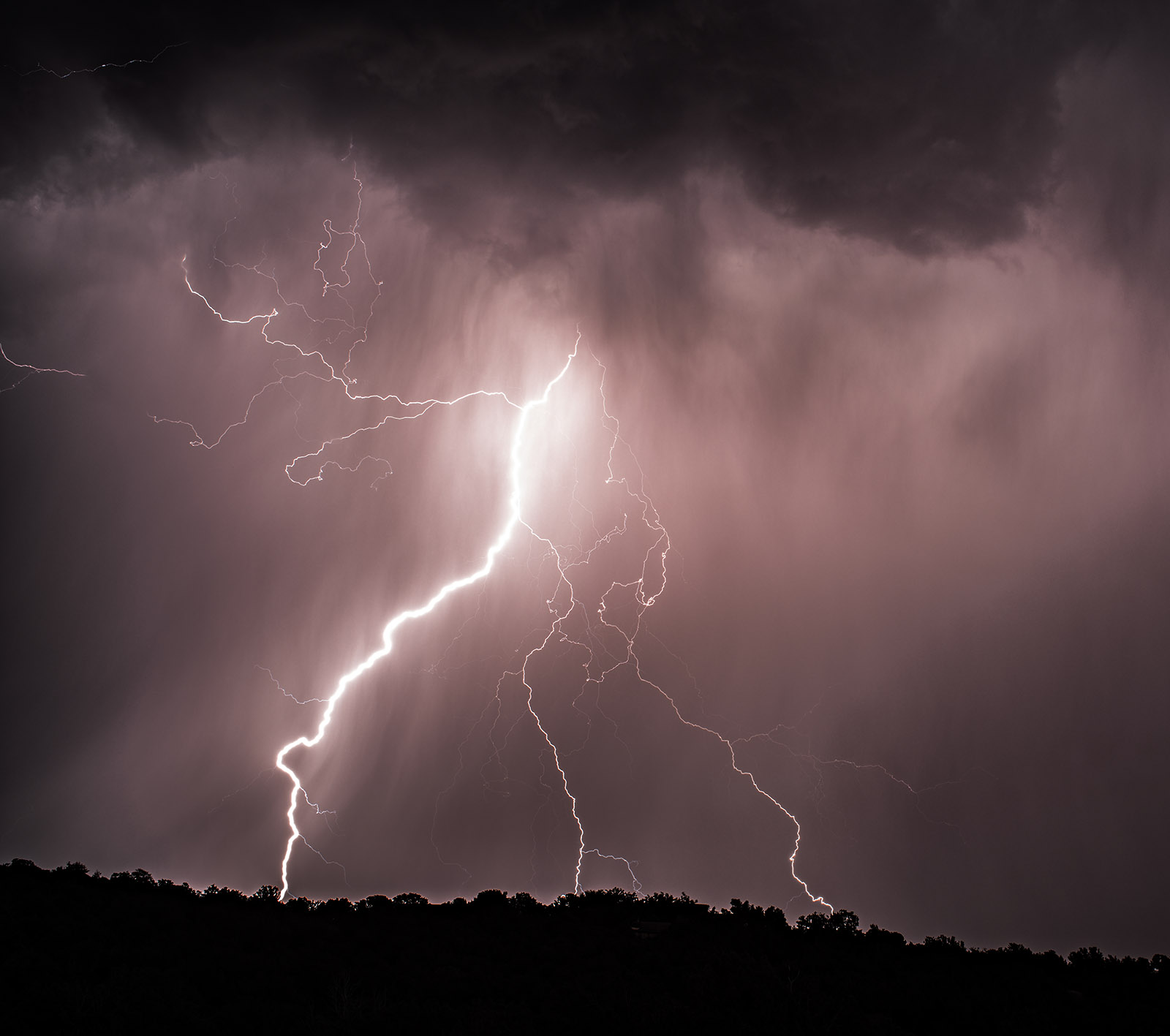
When I got out to New Mexico I didn’t realize what a wonderful place it is to photograph lightning. In order to make good lightning photos you need a couple of things: first you need a storm with frequent bolts of lightning. It’s just as important that the storm is in the right place, if it’s too far away you don’t get good images and if it’s too close you should seek safety. My house was hit by lightning in one storm, very unpleasant. You also need a camera which can take long exposures, and you need a good tripod. It helps if you can keep yourself and the camera out of the rain. There are other considerations, but if you are going to try it, please stay safe!

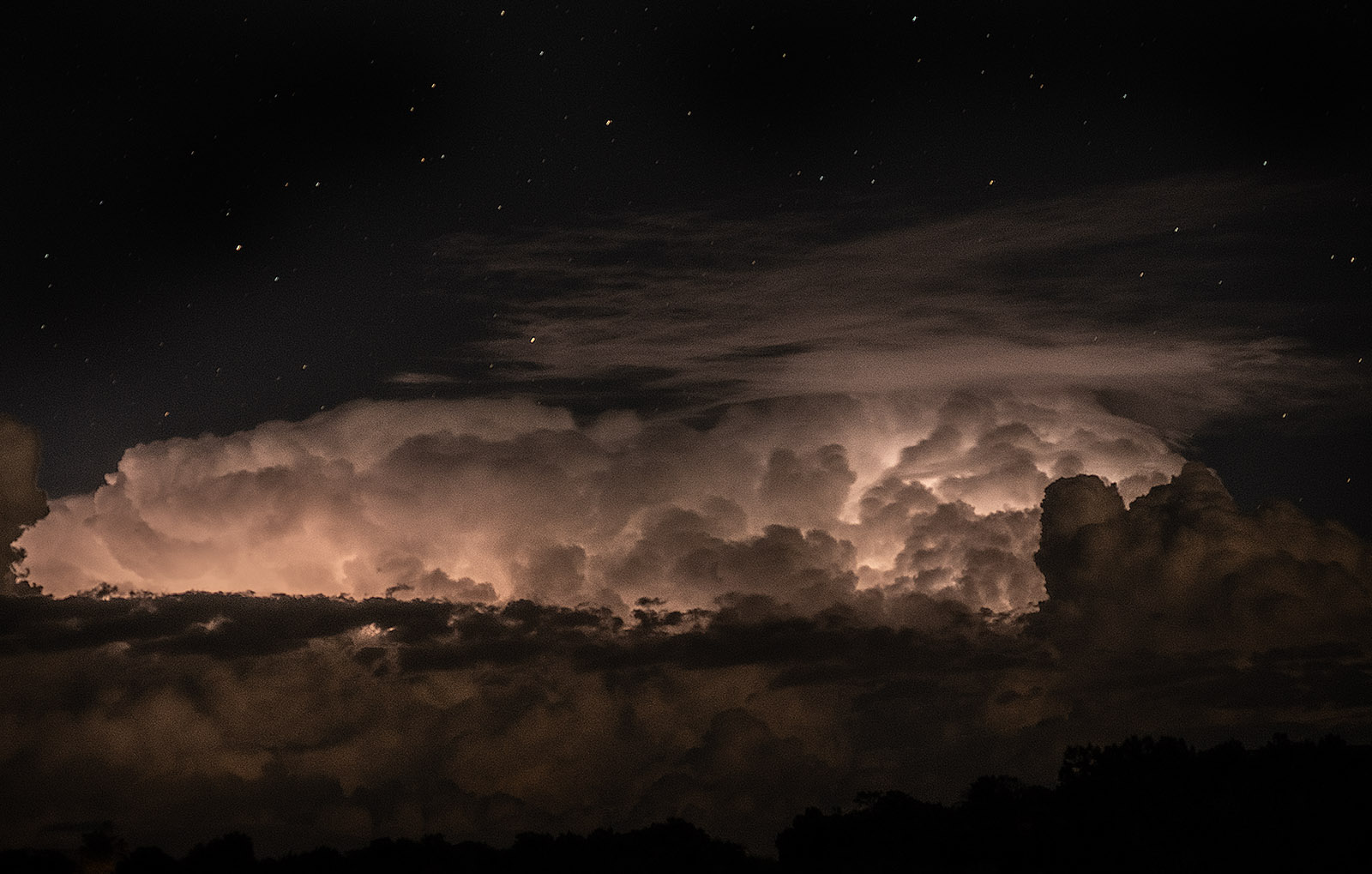
These images are from several storms. I think I used the Nikon D-850 for most of the images. I usually use a shutter speed of about 20 seconds, which enables me to get multiple bolts in some of the images. I’ve used several lenses, particularly my Nikkor 35mm f2.8, Nikkor 85 f1.8 and Nikkor 55 f1.2. These are all manual focus lenses. If you are going to use an auto focus lens you’ll want to keep it set at infinity, at least if the storm is at a safe distance. I try to set the aperture and ISO so that the image is very dark without any lightning, around 3 stops under exposed. Not only will the lightning open up the exposure, but you’ll often get sheet lightning. Sheet lightning illuminates the whole sky but doesn’t have any lightning bolts, so it doesn’t make really dramatic pictures. If you have a very fast lens, like the 55 f1.2 it’s much easier to frame your images, with slower lenses, I have to frame after I see a test image on the camera back.

I know there are now lightning triggers. I doubt these would work well with the mechanical shutter on my D-850, the shutter is too slow. If you are working with a mirrorless camera or using the electronic shutter on the D-850 they might work. However, you’re unlikely to get multiple lightning bolts in the same picture. The triggers aren’t inexpensive. The D-850 takes quite a while to process the images from the long exposures, so I often miss shots that would have been good. Also, I use the self-timer when I shoot on the tripod to reduce vibration, which means additional time when the camera isn’t actually taking a picture. I shoot a lot of pictures in a storm and get a few good ones. I concentrate on the successful pictures and forget about the ones I miss.

Since the camera can’t compensate for the changing exposure while the shutter is open most of the shots are not exposed perfectly. I use Adobe Camera Raw and Adobe Photoshop to perfect my images. If you are going to photograph lightning you should expect to do some work in post-production. I shoot all my images in RAW and full bit depth (14 bit on my camera) to allow me the greatest opportunity to create dramatic images.

Over the years I’ve mentioned that images in my blog can be purchased, frankly that doesn’t happen. If you’d like to get one of these images, please e-mail me and we can make suitable arrangements. John@siskinphoto.com. Thanks for your attention


Just one more. I made this using a technique that adds the color chanels from seperate images. Chck out this blog post for more information: https://siskinphoto.com/blog/?p=5744

Lightning

A few links

Siskinphoto.Home

Introduction Page

Monument Valley

Taos Pueblo

Night Sky

Lightning

Flowers

Monastery Road

Petroglyphs

Rock

Ice and Snow

Tsankawi

Sugarite Campground

Churchs

El Morro National Monument


I did a large show when I was still in Indianapolis called Courting Chaos. The link will take you to the pages which describe the work and its evolution. These images are, well, chaotic and many of them are nudes. I hope you’ll find it interesting.


Links to my books, still available at Amazon!

July 4, 2025

El Morro

Filed under: Uncategorized — John Siskin @ 4:23 pm

El Morro is another special place in New Mexico. I’ve been there three times, but there is still more to discover. El Morro is the site of an indigenous pueblo dating back about a thousand years. After those folks left it was repeatedly visited by both Spanish and United States travelers. They often left inscriptions on the rock, as did the indigenous people before them. That’s why the place is also referred to as Inscription Rock. I’ve included a couple of pictures of these carvings along with pictures from the rim and pictures of the pool. The pool is on the edge  of El Morro and the fact that it usually held water is one reason so may people visited.

On my third visit the moon wasn’t visible so the dark sky was really dramatic. I’ve included a group of the dark sky and Milky Way pictures. 

There is a dramatic group of rock spires not far from El Morro. I believe these are called Las Gigantas, but I’m not sure. They are off Indian Service Road 135. The first time I was out there I photographed them with my 5×7 Linhof Technika. on this recent trip I used the 8×20 inch Korona camera. I’ve included the 5×7 images and a couple of digital images here, but not the 8×20 shots.

As you might imagine I’d prefer that these pages don’t get filled with a great deal of text. If you’d like information about a specific image, please e-mail me at john@siskinphoto.com and I’ll let you know what I know. Of course, if you have specific requests about an image you’d like to purchase please use the same address. If you’d like to go ahead and purchase an image, just contact me by e-mail.

As always, thanks for your attention

Dark Sky, Milky Way Images

Las Gigantas Images

A few links

Siskinphoto.Home

Introduction Page

Monument Valley

Taos Pueblo

Night Sky

Lightning

Flowers

Monastery Road

Petroglyphs

Rock

Ice and Snow

Tsankawi

Sugarite Campground

Churchs

El Morro National Monument


I did a large show when I was still in Indianapolis called Courting Chaos. The link will take you to the pages which describe the work and its evolution. These images are, well, chaotic and many of them are nudes. I hope you’ll find it interesting.


Links to my books, still available at Amazon!

April 19, 2025

12 for 12!

A rare thing happened this week: I shot a roll of film on which I liked every image. In the old days we used to say if you got a good picture out of 36, the number of shots on a roll of 35mm film, you were doing fine. I was shooting my Hasselblad 1000F which makes 12 images on a roll of 120 film, and I went 12 for 12. This seems so unusual to me that I felt like I needed to commemorate it here on the blog. The images are from Road 151 which goes out to Christ in the Desert Monastery. I’ve shot out there a lot; I really like it! Anyway, I was shooting with the 80mm Tessar, the “normal” lens on the Hasselblad. I was using an orange filter, to darken the sky. The film is Kodak T-max 400 and I processed it in xtol. This Hasselblad was built in 1956, the same year I was assembled, so it doesn’t have a meter or any other electronics, very old school. Thanks for your attention

As you might imagine I’d prefer that these pages don’t get filled with a great deal of text. If you’d like information about a specific image, please e-mail me at john@siskinphoto.com and I’ll let you know what I know. Of course, if you have specific requests about an image you’d like to purchase please use the same address. If you’d like to go ahead and purchase an image, just contact me by e-mail.

Frame 1

Frame 2

Frame 3

Frame 4

Frame 5

Frame 6

Frame 7

Frame 8

Frame 9

Frame 10

Frame 11

Frame 12


A few links

Siskinphoto.Home

Introduction Page

Monument Valley

Taos Pueblo

Night Sky

Lightning

Flowers

Monastery Road

Petroglyphs

Rock

Ice and Snow

Tsankawi

Sugarite Campground

Churchs

El Morro National Monument


I did a large show when I was still in Indianapolis called Courting Chaos. The link will take you to the pages which describe the work and its evolution. These images are, well, chaotic and many of them are nudes. I hope you’ll find it interesting.


Links to my books, still available at Amazon!


June 30, 2024

Sugarite Campground and More

Filed under: Uncategorized — John Siskin @ 11:54 am

I thought I might start grouping some of the pictures from my trips here. Not a lot of organization here, but these are my favorites from my trip up to Sugarite Campground last year. Not sure why it didn’t get posted before. I got over to Chama and into the Apache Reservation as well as Sugarite, an old mining area. As Always, thanks for your attention

As you might imagine I’d prefer that these pages don’t get filled with a great deal of text. If you’d like information about a specific image, please e-mail me at john@siskinphoto.com and I’ll let you know what I know. Of course, if you have specific requests about an image you’d like to purchase please use the same address. If you’d like to go ahead and purchase an image, just contact me by e-mail.

Thanks for viewing this group of images. This is the first of the new group image pages. Since it’s the first I would really appreciate feedback. Also, of course some things may not work, and so it goes…As you might imagine I’d prefer that these pages don’t get filled with a great deal of text. If you’d like information about a specific image please e-mail me at john@siskinphoto.com and I’ll let you know what I know. Of course, if you have specific requests about an image you’d like to purchase please use the same address. If you’d like to go ahead and purchase an image, please use the Paypal link below and give me the browser link to the image and your shipping address.

I am also trying a couple of things that will give people an opportunity to support this work. While I am fortunate to have enough money to continue to do this work, some things are pretty expensive. For instance 11×14 film is hard to get and costs about $300 for just 25 shots and a 120 roll of Ilford Delta 400 is close to $9.


A few links

Siskinphoto.Home

Introduction Page

Monument Valley

Taos Pueblo

Night Sky

Lightning

Flowers

Monastery Road

Petroglyphs

Rock

Ice and Snow

Tsankawi

Sugarite Campground

Churchs

El Morro National Monument


I did a large show when I was still in Indianapolis called Courting Chaos. The link will take you to the pages which describe the work and its evolution. These images are, well, chaotic and many of them are nudes. I hope you’ll find it interesting.

Links to my books, still available at Amazon!


June 4, 2024

Cherry Blossoms and Lenses, a lot of lenses….

In most cases the inspiration for my photography comes from the external world. So, in the old days a client might contact me and request that I make pictures of spark plugs or concrete or whatever. As I am now retired most of my images begin with a spark of recognition from something outside myself. The challenge is to recognize the spark and to interpret the spark. For me a photograph is an invitation to interpret reality rather than to record reality. The entire process of making, rather than taking, a photograph is about interpretation.

One of the tools of interpretation that interests me most is the lens. Most current lenses are built with a bias toward accurate reproduction and high saturation and high contrast. Certainly, there is nothing wrong with this, but, for me, it lacks inspiration. First, I would rather have lower contrast because it’s easy to increase contrast in Photoshop, and saturation as well. But since I have many lenses, and whose counting, I also value lenses which have a very different way of interpreting the world. The lens is like a paint brush: some are good for fine detail and others spread a wash of color.

What I wanted to do with this group of images was to present different interpretations of cherry blossoms inspired by the use of different lenses. 15 different lenses. If nothing else, this will show that the lens matters, it changes how a photograph is seen. Please understand that there is nothing really straight about these images. They have all been interpreted in photoshop, some just by adjusting exposure and cropping, and some in more aggressive ways. The lens is only part of interpretation, but, since it is the first step in interpretation, it can open and close doors for your final image.

There will be some who will say “I can do all of this with Photoshop, so I don’t need these lenses.” While that might be true with many of these images, would you be inspired to create these images if you only saw a sharp image with high contrast and saturation? Probably not. So, I hope that all of these shots cause you to want to see in new ways.

The Sharp Group

These lenses are designed, in one way or another, for macro and micro work. I used a Godox 685 flash with all these shots so I could stop the lens way down to increase depth of field. The lenses have different ranges and abilities, but all are quite sharp.

Nikkor 60mm f2.8 Micro at f22

I want to start with this lens because it’s a modern Nikkor lens. Has all the bells and whistles: auto focus, modern coatings and so on. I used it at about f22 for theses shots to give some depth of field. I used a Godox 685 flash with these shots, and all the others that are set to a small stop. The flash also allows me to hand hold the camera for these shots.

Nikkor 55 f2.8 Micro at f16

This is a lens that is probably about 30 years old. Manual focus, but otherwise quite modern. As with the 60mm Micro, this lens is really designed for this kind of work. Once again, used the Godox flash.

Medical Nikkor at f22

This is a special purpose lens from Nikon. Designed for shooting surgery. I think mine was made around 1980. The lens does not focus, instead you change out the front elements of the lens to get the reproduction ratio you want, then move in and out to get the image sharp. In this case I used the life size element so that the flowers were actual size on the sensor. Larger here of course. While the lens has a built-in ring light, I find it much easier to use the Godox. This lens is weird, but it’s fun.

Vivitar 90-180 Series 1 Flat Field Zoom at f22 (180mm)

One of my favorite lenses. Designed for Vivitar back in the 1970s when they wanted to make high quality lenses. Really designed to be a technical lens, for copy work, product work, macro work and even surgery. Heavy and a little awkward, but very sharp. Since it focuses to infinity and has zoom for the focal length this lens is often in my camera bag. Used the Godox flash again.

Zeiss Luminar 63mm at T2 and T4

T2 and T4 are aperture settings, like f-stops, but used in micro work. In this case depth of field is practically non-existent. This is basically a microscope lens deigned for large format photography. So, it’s a little weird. This, and the next lens, also a Luminar, are the closest things I used for this project. I mounted the lens with Nikon K-rings to give me enough distance between the lens and the sensor. There is no way to use this lens at infinity. It has no internal focusing. There are ways to mount regular microscope lenses onto your camera, but they don’t have a diaphragm. This lens is difficult to work with.

Zeiss Luminar 25mm at T2

Similar to the 63mm Luminar, but closer and even more difficult to work with. Even with the Godox flash, which stops movement, this is a really difficult lens to use hand held. Both this and the 63 were used with the K rings, numbers 2, 3, 4 & 5. The picture shows the K rings.


The In-Betweeners?

These lenses aren’t intentionally macro lenses, but they can see close up in a special way. All shots here are made with daylight. I’ve added the 500mm macro Soligor to this group, just because…

Nikkor 55 f1.2

This lens is designed to be let in a lot of light. It’s designed to have NO depth of field. It isn’t designed for macro work. Since this particular lens has some optical problems, including a little fungus, it has a really nice glow in these shots. Used the Nikon K rings to get close.

Nikkor 85 f1.8

I really like this lens. For portrait and street shooting it’s hard to beat. The very wide aperture helps to isolate a subject. And, given a couple of K rings it has a nice look when doing macro work. A good reason to have a couple of the K ring extension tubes in the camera case.

Vivitar 70-150 f3.8

I bought one of these back in the 1970s. I liked the size and weight and functionality. I really liked the price. It’s not great, but it’s not terrible. Like a lot of lenses from that time it had a macro setting, not great but a good feature. One reason I put it here is to contrast it with the 90-180 flat field zoom from above. This only has a very limited macro setting, not the continuous focusing of the 90-180. It doesn’t get as close either. It’s just not nearly as good.

500mm Soligor Macro Lens F8

I paid $18 for this lens. I’ve done a bit of work with it. My all-time favorite lens for shooting rattle snakes and other venomous creatures. I’ve also done some nice hummingbirds with it. It’s not perfectly sharp, but it does things at a distance that other lenses won’t. This is a mirror lens, so it’s pretty small and light weight. It is interesting in this case because it flattens out the flowers as a result of being so far away.

The Fuzzy and Fuzzy-Wuzzy Group

All these were done with daylight. I used these lenses wide open to enhance the soft interpretation of these lenses. On some I had to use a higher ISO to enable me to hand hold the camera effectively

Sima SF Lens f2

If you can get this lens cheap, say less than $20. It’s worth buying. It’s all plastic. It mounts on most Dslr cameras using a T-mount adapter. It focuses by pulling the barrel in and out. It is a soft-focus lens; that’s all it’s good for. 100mm focal length and f2, which is a nice choice for portrait. The close-up function didn’t make it more difficult to build, so it will focus very close. Nice for flowers, and also nice for very soft portraits.

Lomography Achromat 64mm f2.9

This is the only gold-plated lens I own. Hey, it’s made in Russia, so who knows. The lens is designed after the very early lenses used by Daguerreotypists. It does have a very nice soft look. I used it with a couple of K rings to get close. I’ve also used it with a 1.4 teleconverter, which I think makes it a better portrait lens. It creates a nice glow in these shots. It comes with some Waterhouse stops which allow you to adjust the effect. I used it wide open here, which is f2.9.

Lensbaby 3G f2

I really admire the idea of this lens. A decent 50mm optic mounted on a flexible shaft so that a photographer can adjust the geometry of a shot as well as the focus. By using tilt and swing you can follow the focus of a subject or isolate the subject by throwing the rest of the image way out of focus. It’s a little tricky to use. My own technique with it would benefit from some practice. This lens also has Waterhouse stops you can use to control the effect.

Close up lenses

These are simple single element meniscus lenses used like reading glasses to allow a lens to focus closer. They were very popular when I was a young photographer. Used less now. In this case I used two of the #4 of the close-up lenses to build a lens that worked on its own, without a regular camera lens. I need to do a whole blog post on this, but I did do a magazine article a few years about using these lenses with a view camera. Check it out here:  www.siskinphoto.com/magazine/zpdf/LensAssembly.pdf

Diopter Lens on bellows wide open

This has a focal length of about 125mm assembled with two +4 diopter lenses. The group mounts on a Nikon bellows unit so that you can focus it. Fun!

Diopter Lens on Bellows with custom stop

Same lens as above but I used a stop with several hole in it in front of the lens. This gives a little depth of filed and a glow like a soft-focus lens. At least I think so. I’ve included a picture of the lens with the custom stop mounted on a bellows unit.

If you got this far, THANKS FOR YOUR ATTENTION. If you’d like to let me know what you think please e-mail me at john@siskinphoto.com

A few links

Siskinphoto.Home

Introduction Page

Monument Valley

Taos Pueblo

Night Sky

Lightning

Flowers

Monastery Road

Petroglyphs

Rock

Ice and Snow

Tsankawi

Sugarite Campground

Churchs

El Morro National Monument


I did a large show when I was still in Indianapolis called Courting Chaos. The link will take you to the pages which describe the work and its evolution. These images are, well, chaotic and many of them are nudes. I hope you’ll find it interesting.


Links to my books, still available at Amazon!
 

October 12, 2023

Paper Negatives

When I first posted this blog entry I wrote: One of these days I have to look in my files for paper negatives I made on Kodak Ad Type paper back in the 1980s on Sherman Way near my old studio: Fiat Lux. As I’ll probably be adding to this post, the old negatives might appear some time.

Well this is that day. I found a couple of the paper negatives I made back in the early 1980s, so this is from a 40 year old negative. I made this on Kodak Ad Type paper. This was such thin paper that you coule actually put it into an enlarger and make a regular print on silver bromide paper. Of course the exposures required very long exposures, generally a couple of minutes. As I remember the print, the enlarged paper texture was pretty interesting. Anyway this from a scan of the paper negative. The negative is much darker than I would make today, so it prints pretty flat. it does have that old time feel? Well I hope so.

I made this image with Kodak Ad Type Paper back in the 1980s. The first time I worked with paper negatives.

The first stable negatives were made by William Henry Fox Talbot in the late 1830s. There had been people who noticed and tried to use the fact that Silver Nitrate turns black to make images before this, but the effect would disappear in white light. Fox Talbot figured out a way to stabilize the reaction with salt. This method of making images was released to the public about the same time the Daguerreotype process was introduced. Daguerreotypes are direct positives, but because of this you can’t make a bunch of them from a single negative and Daguerreotypes made from other daguerreotypes degrade quickly. So, paper negatives have a long and storied history in photography.

My original 11×14 Camera. The Perrin #001. I learned a lot from this camera.

About 8 years, maybe, ago I got an 11×14 camera. I really didn’t think about all the aspects of making pictures with this camera when I bought it. And, so it goes… I decided that the best way to actually work with this camera would be to use paper negatives. The material is much cheaper: one sheet of Ilford Multigrade in 11×14 is about $2.60, and 1 sheet of Ilford Delta 100 film is about $15.20. Paper is easier to process, the process is quicker and you can use safelight. There is a lot of information about the project with the 11X14 camera on my blog. Start with this link: https://siskinphoto.com/blog/?p=4397. The title of this project is Courting Chaos. Not all of this work is “work safe.”

Curt #5. Part of the Courting Chaos Project. You can see the effects of Solarizartion in this image. The large negatives allow for considerable experimentation

As I have recently begun using paper negatives again, I’ve received a few technical questions about my experience with paper negatives. First, I most often use Ilford Multigrade, because it’s probably the easiest product to get. I have also used Arista from Freestyle, without noticing any big difference. I recently tested some very old Kodak Polycontrast III paper. Unfortunately, this paper was fogged, that is it’s so old that it acts like it’s partially exposed, even before I use it in the camera. Still, it has an interesting look, so I’ll probably play with it some. I use resin coated (RC) glossy paper. There are a couple of reasons for this: first it’s much easier and quicker to process than a fiber base paper. Second, because it dries flat it is really easy to scan. I feel it is much easier to scan than film negatives are.

Jim I. This image was made with fresh Ilford Multigrade paper.

Jim I. This image was made on old Kodak Polycontrast paper. The fog affected the contrast and color of the paper. An interesting look.

I used Ilford Multigrade Paper Developer for most of the Courting Chaos, in part because Roberts Camera was a few blocks from my studio in Indianapolis, and Roberts had the Ilford product in stock. I now use Clayton P-20 Plus, because I like it better for regular printing. I haven’t noticed a significant difference between the developers when working with paper negatives. I did use some very concentrated versions of the Ilford developer when I re-exposed the negatives to light and painted on a second developer. This was part of the Solarization process I was using in the Courting Chaos project. So, you might want to look at the link above for more information on that part of the process.

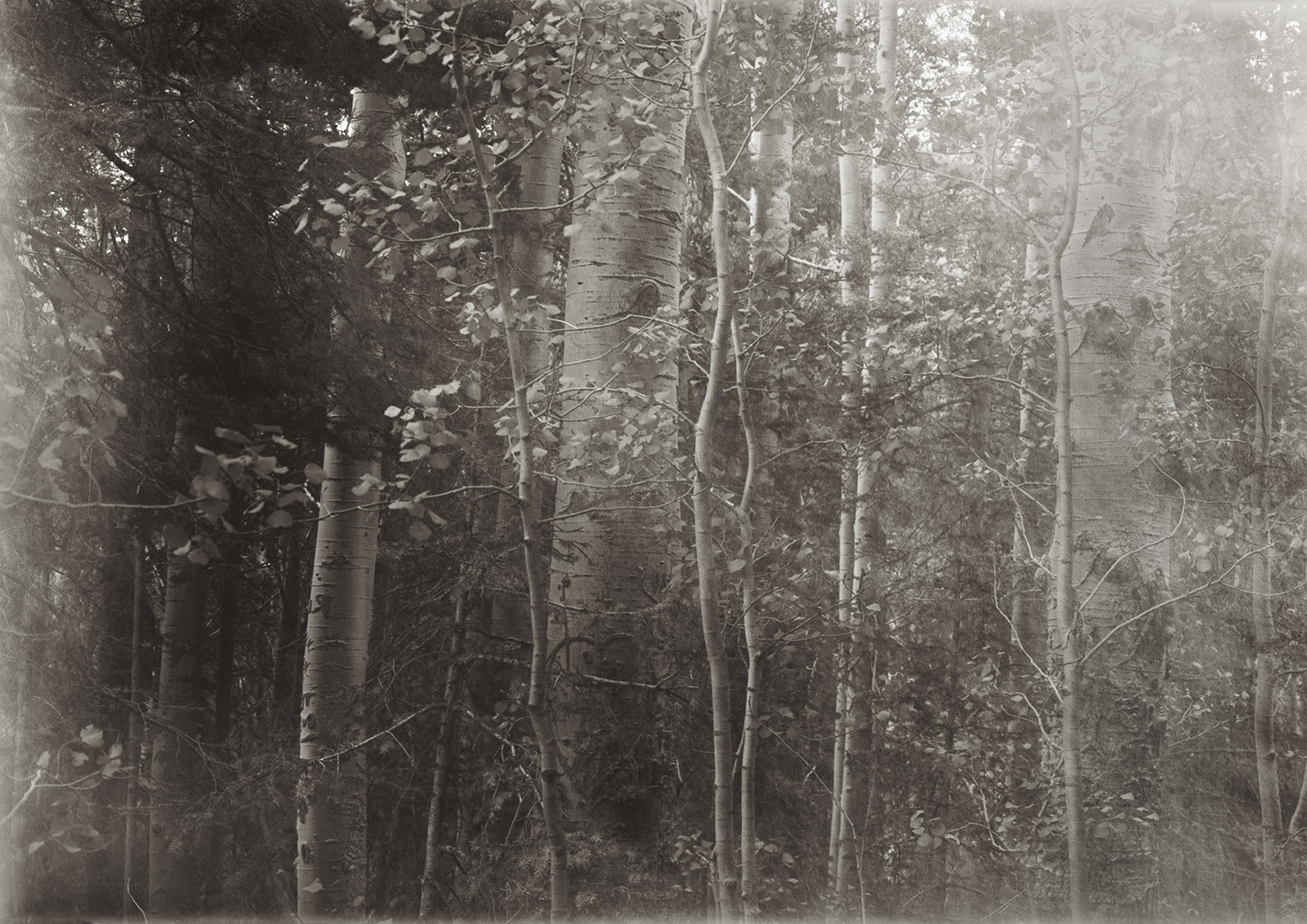
Aspen Trees at Ski Santa Fe. Shot with my 8×20 inch camera on Ilford Multigrade Paper. I had some fogging from the film holder, so this isn’t the whole negative

By far, and you’ll wonder why I didn’t lead with this, the most asked question is how light sensitive are your paper negatives. Either I get asked “what are you rating your negatives at?” or “how long are your exposures?” With respect the first question should be “how are you lighting your subjects?” The reason for this is that paper negatives respond very differently to different light sources. Film has this effect to a lesser degree: it’s referred to as reciprocity. We most often run into this when we expose film for very long times and/or when we use light with less blue to expose film. Paper is designed for very long exposures and for light with much less blue than we would use for film. Since I use strobe light to expose my paper negatives it might be expected that this very fast light and very blue light would cause the paper to become more sensitive to light than it would be for normal printing. This is exactly what I’ve found. When using strobes, in the studio, I find my paper has an ISO of about 80. This is about 8 times more sensitive than I’ve used for outdoor exposure in shadowed areas (ISO 10?) and for regular daylight I might get ISO 32 if the exposure is less than a second. As with regular film reciprocity, the longer the exposure is the less sensitive the film or paper is. Since our expectations of paper are usually based on very long exposures with a 100-watt bulb, we often find that the sensitivity of paper to strobe light is unexpectedly high.

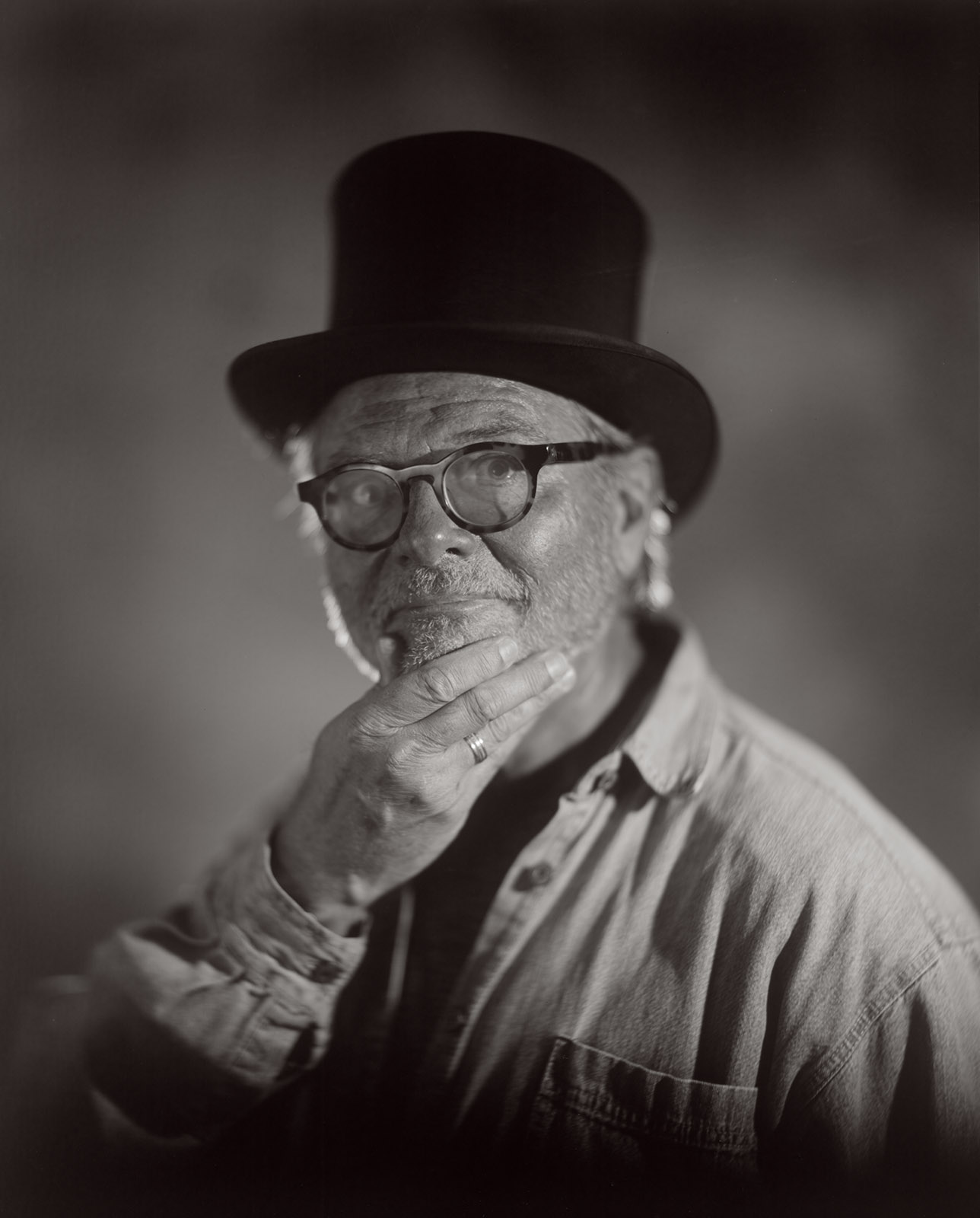
Myself. Photograph by my wife. Used the Bausch & Lomb Petzval lens and Ilford Multigrade paper. 8X10 negative

Several other points about how I work with paper negatives:

In the studio I have a sodium vapor safelight. This is just about the brightest safelight anyone ever made. It makes it much easier to shoot under just safelight illumination. I find this helpful because most of the lenses I’ve used with paper negatives don’t have shutters. I just leave the lens open and trigger the strobes to make my exposure. I do have a bright focusing light on a foot switch which makes it possible to focus accurately and frame the shot.

Wiggy & Me. This is an early test with the 11×14 camera with paper. I’m looking for information about contrast and color rendition. Wiggy & I have been through a lot together.

I usually end up using between 1200 and 4000 watt seconds (joules) of strobe light to make my exposures, depending on the camera lens and lighting design. This is a lot of strobe light. I am using a very large camera and some slow lenses, so this is to be expected. Also, there is a lot of bellows extension in what I do, which also eats up light. I use Norman strobes; I’ve used Norman gear since the 1980s.

Rubella #10. From Courting Chaos Project. The open lens allows for considerable variation and experimentation with lighting. Here a double exposure offers a second view of the face

I have a processing line set up when I work with paper negatives in the studio. This enables me to see my exposure and light design, albeit in a negative way, as I am shooting. Since most of images I’ve made with paper negatives are portraits, I’ve also found that processing as I shoot really engages the subjects in the process. It’s somewhat like shooting very large Polaroid images.

Woddy S. #5. I used 8×10 Ilford Multigrade. The lens is a Bausch & Lomb Petzval from the 19th century

I use several different ways to find a beginning exposure when starting with a new set up. I can use a digital camera to shoot the subject. If I shoot at about ISO 100 and f32, a somewhat over exposed digital capture might be a good indication of exposure, but this is affected by the lens I choose and bellows extension. A better way is to make a test strip, as you might do under an enlarger. I choose a low level of strobe, and pop multiple times while pulling the darkslide a little further from the holder with each strobe pop. Of course, I may just run a test exposure, based on what I did last time. I haven’t found that an actual light meter is much help.

Jim I. #5

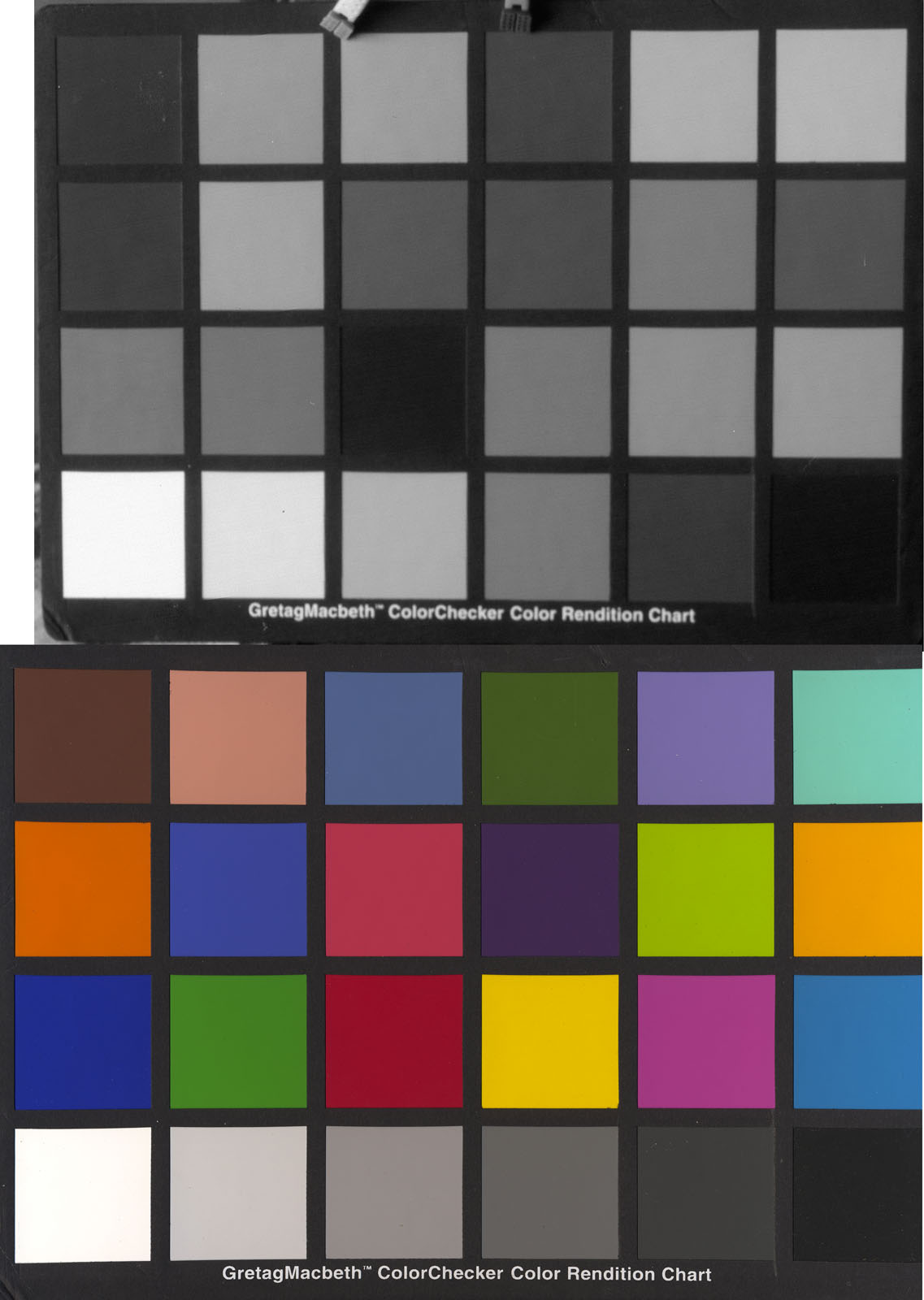
One more important point about shooting a paper negative, color effects exposure. Paper is not set up to record all colors in the same way. Because the paper has two emulsions, in order to allow you to change the contrast in a regular print, colors don’t always record in an intuitive way. In addition, since the paper is designed to NOT be exposed by the safelight, amber light has little effect on the negative. While this can take some getting used to, the effect is much less difficult to work with than the blue only sensitivity of wet plate negatives. I’m attaching some color samples I’ve made which might help to understand how color is recorded.

The top is the way Ilford Multigrade interprets the colors on the bottom. Note how dark the red is.

I really enjoy being able to learn by experimentation. With large format film cameras this can be very expensive, so working with paper negatives can be a real luxury. I hope you’ll take this post as an invitation to experiment!

Aspen Trees at Ski Santa Fe. Shot with my 8×20 inch camera on Ilford Multigrade Paper. I had some fogging from the film holder, so this isn’t the whole negative. You can see a little of the fogging on the edges. Used an ISO of about 12.


Here are a couple more images I’ve done recently with paper negatives. Thanks for your attention

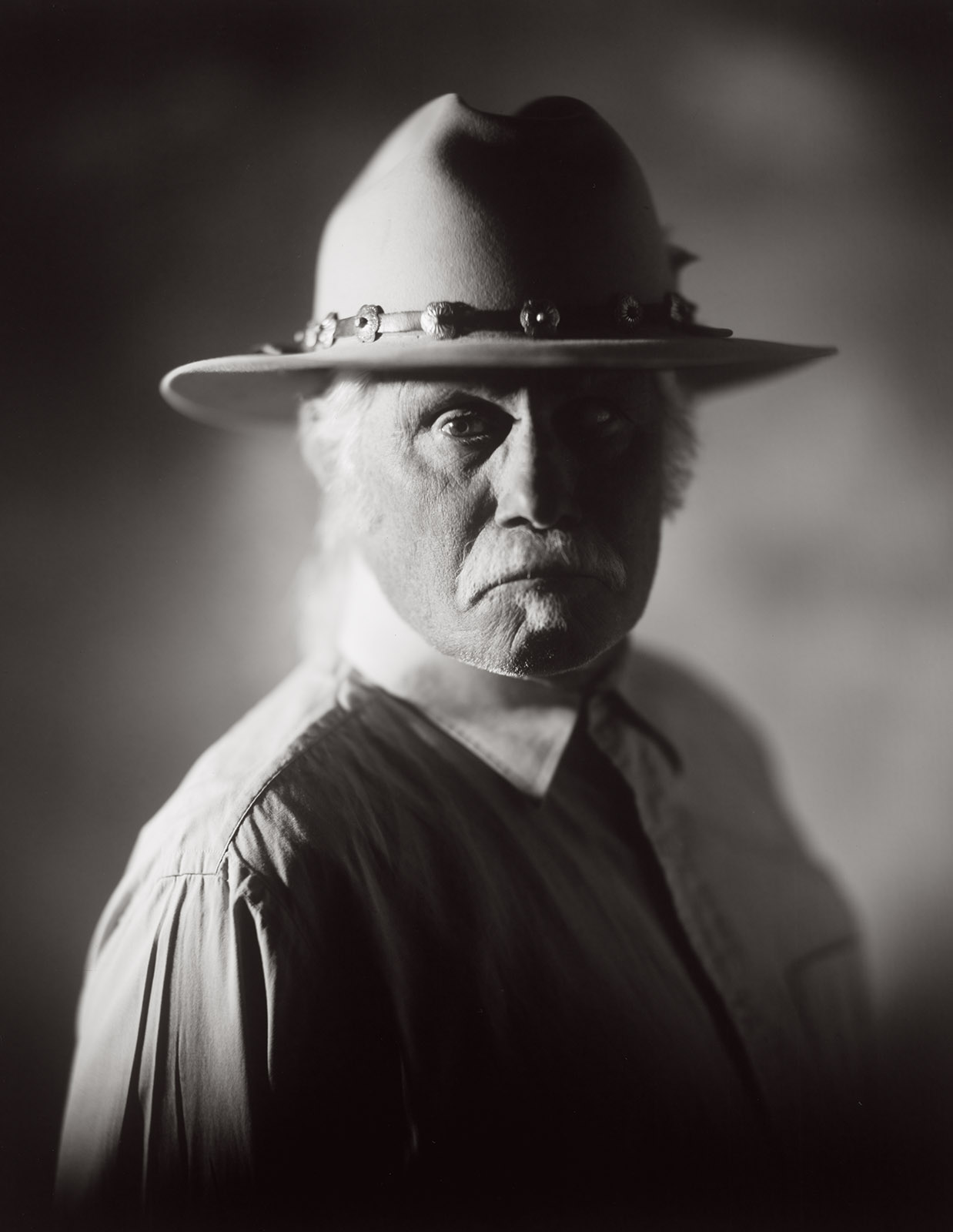
Woody S. Shot on 8×10 Ilford Multigrade paper

R J #2 shot on arista paper

R J #7 shot on arista paper

R J #4 shot on arista paper


A few links

Siskinphoto.Home

Introduction Page

Monument Valley

Taos Pueblo

Night Sky

Lightning

Flowers

Monastery Road

Petroglyphs

Rock

Ice and Snow

Tsankawi

Sugarite Campground

Churchs

El Morro National Monument


I did a large show when I was still in Indianapolis called Courting Chaos. The link will take you to the pages which describe the work and its evolution. These images are, well, chaotic and many of them are nudes. I hope you’ll find it interesting.


Links to my books, still available at Amazon!
 

September 9, 2023

Around Navajo Lake

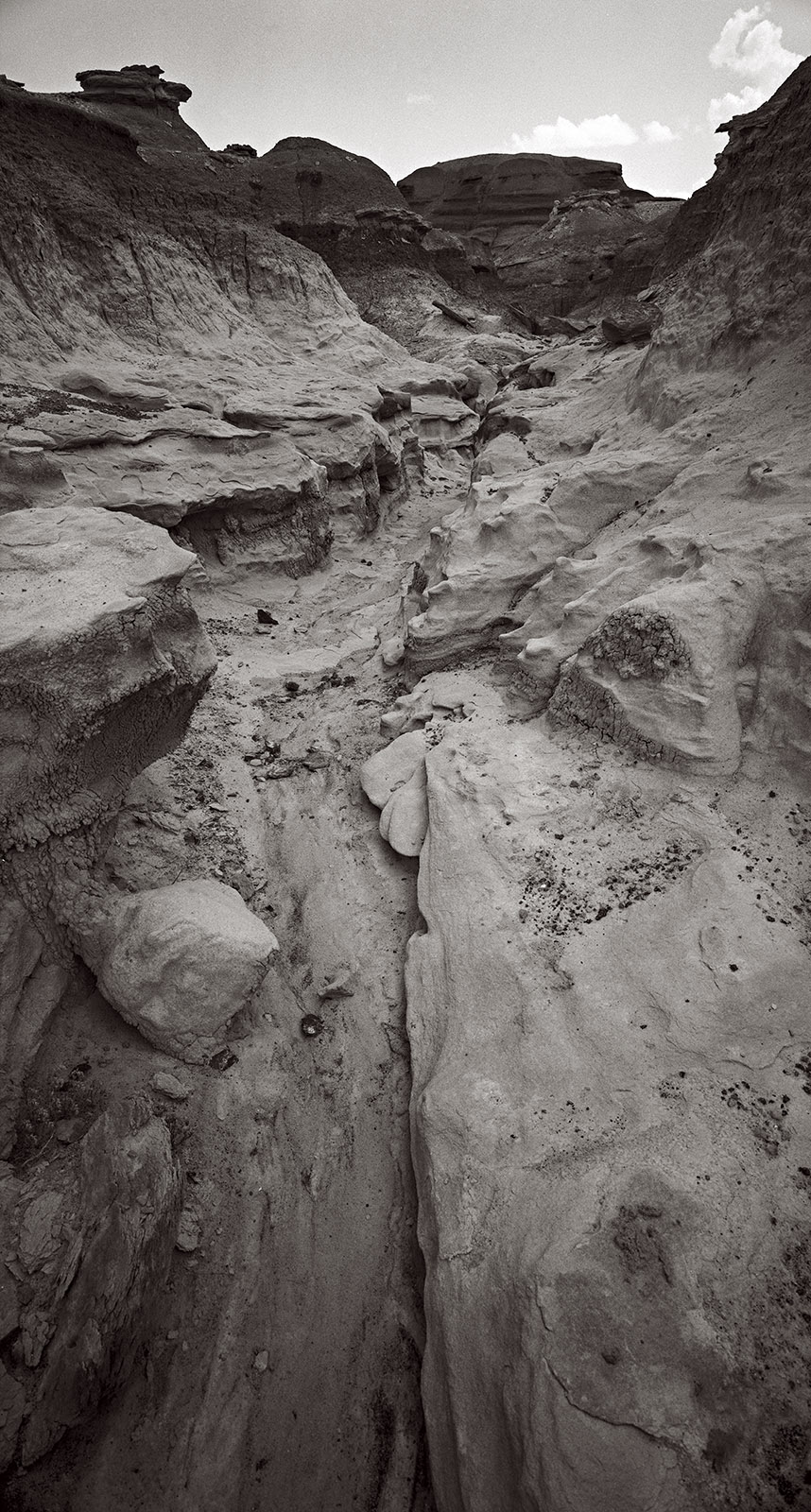
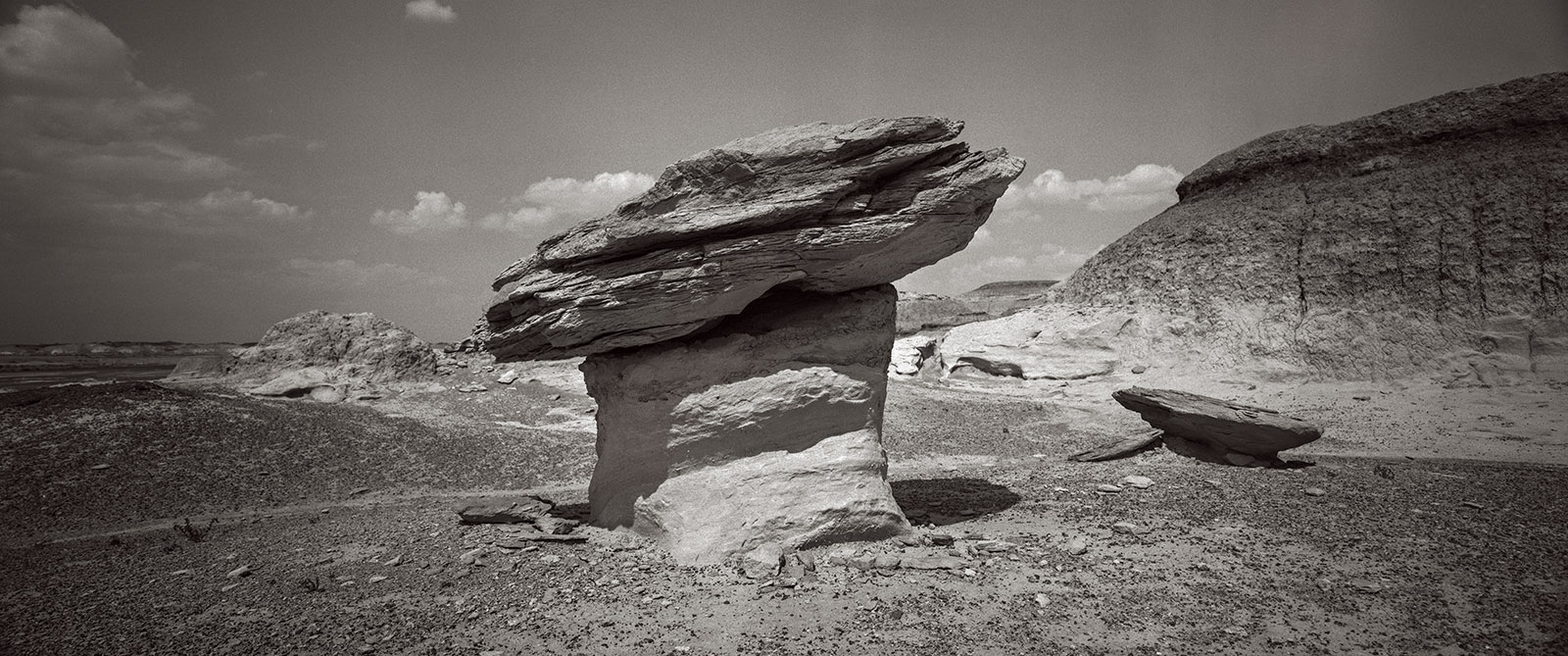
I thought I might start grouping some of the pictures from my trips here. Not a lot of organization here, but these are my favorites from my trip up to Navajo Lake. Didn’t actually see much off the lake, but I did get to Aztec Ruins, Bisti Badlands and Cottonwood Loop campground, so the shots grouped into these three areas. As Always, thanks for your attention

As you might imagine I’d prefer that these pages don’t get filled with a great deal of text. If you’d like information about a specific image, please e-mail me at john@siskinphoto.com and I’ll let you know what I know. Of course, if you have specific requests about an image you’d like to purchase please use the same address. If you’d like to go ahead and purchase an image, just contact me by e-mail.

Aztec Ruins. All of these shots were made with the 8×10 Toyo Field

Aztec 3

Aztec 5

Aztec 6

Aztec 7

Aztec 8

Aztec

Bisti Bad Lands. These images wer made with my Mamiya Press camera and a panorama camera I built that uses Mamiya Lenses

Bisti 7

Bisiti 2

Bisti 24

Bisti 28

Bisti 4

Bisti 9

And a few more around the campground and traveling. Used the Nikon D-850 for the night time work

On HWY 25-1

On Hwy 25-2

Cottonwood Loop Night #1

Cottonwood Loop Night #2

Cottonwood Loop Night #3

Cottonwood Loop Night #4

Cottonwood Loop Night #5

Cottonwood Loop Night #6

Cottonwood Loop #15

Cottonwood Loop #16

Cottonwood Loop #18

Cottonwood Loop #19

Cottonwood Loop #20

A few links

Siskinphoto.Home

Introduction Page

Monument Valley

Taos Pueblo

Night Sky

Lightning

Flowers

Monastery Road

Petroglyphs

Rock

Ice and Snow

Tsankawi

Sugarite Campground

Churchs

El Morro National Monument


I did a large show when I was still in Indianapolis called Courting Chaos. The link will take you to the pages which describe the work and its evolution. These images are, well, chaotic and many of them are nudes. I hope you’ll find it interesting.


Links to my books, still available at Amazon!
 

Older Posts »

Powered by WordPress