Photo Notes A place to talk about making images.

June 16, 2014

Portfolio Workshop January 28th, 2019!

The last Portfolio Workshop went really well. Why not join us  for the next one? We’ve been doing this for a couple of years now, and we’re getting quite good at it! We’ll meet on January 28th at 6:30pm at my studio in Downtown Indianapolis. Read on for more details.
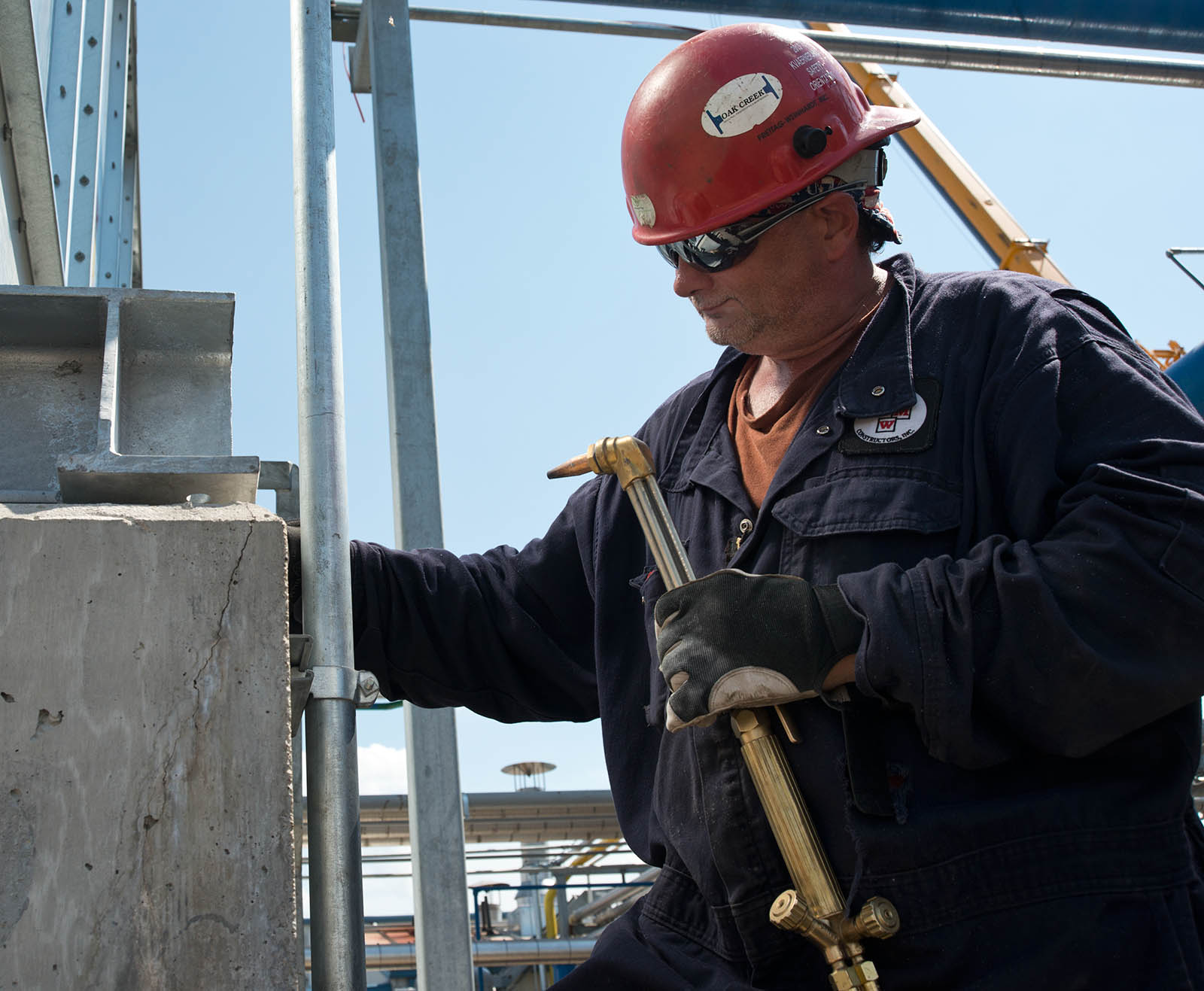
Making photographs might be a solitary experience, but as soon as you’ve made a photograph you’ll want to share it. As you gain experience as a photographer you’ll want to share your photographs more broadly, beyond friends and acquaintance. Of course you’ll be concerned about how other people perceive your work, or at least I hope you will. If you want to present your images to galleries or contests or businesses it’s important to learn how other people see your work. Frankly it’s quite difficult to learn this on your own. I’ve learned this for myself. When I look at my shots I remember the circumstances of the shoot, and this always colors my perception of the shot.

Mosaic

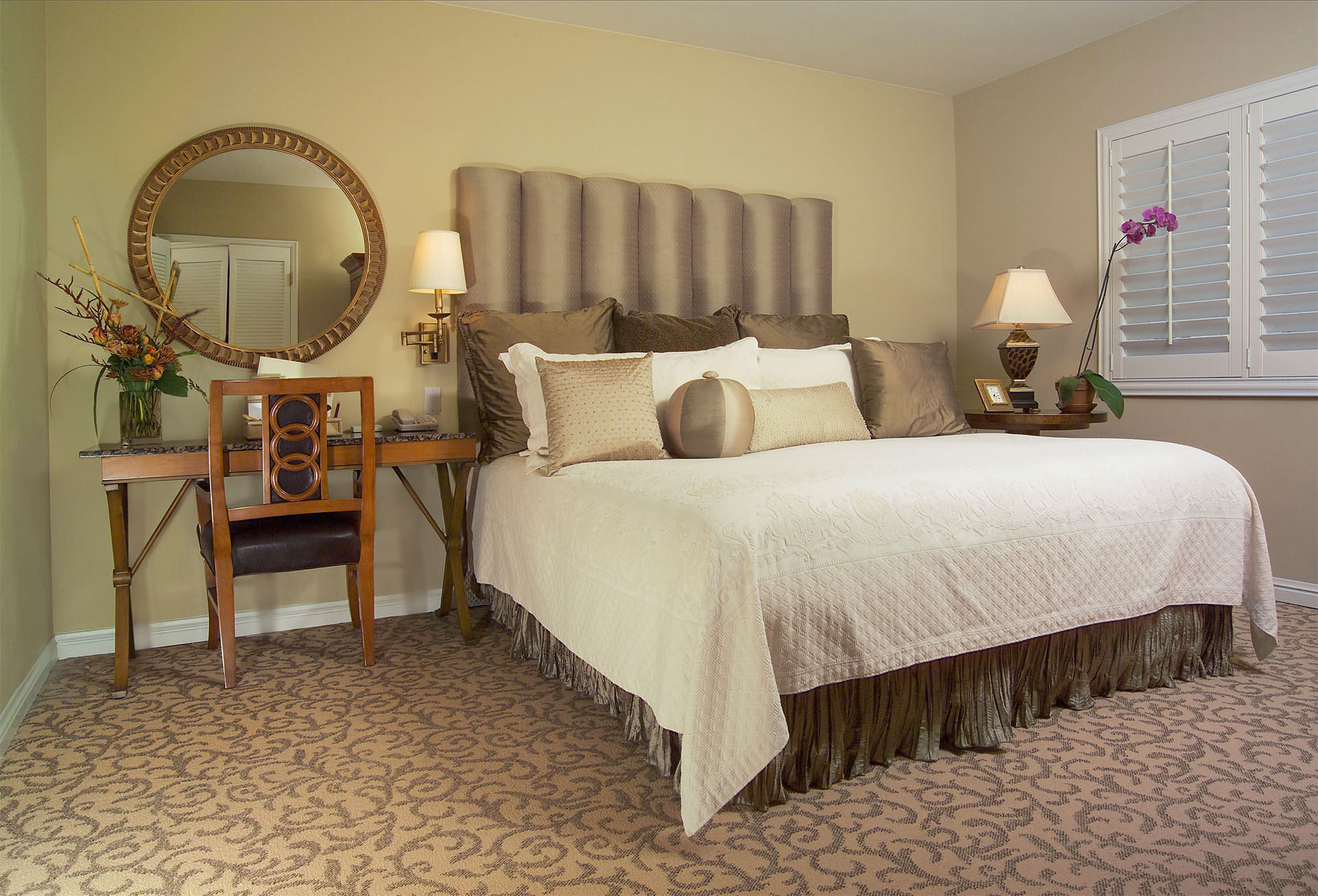
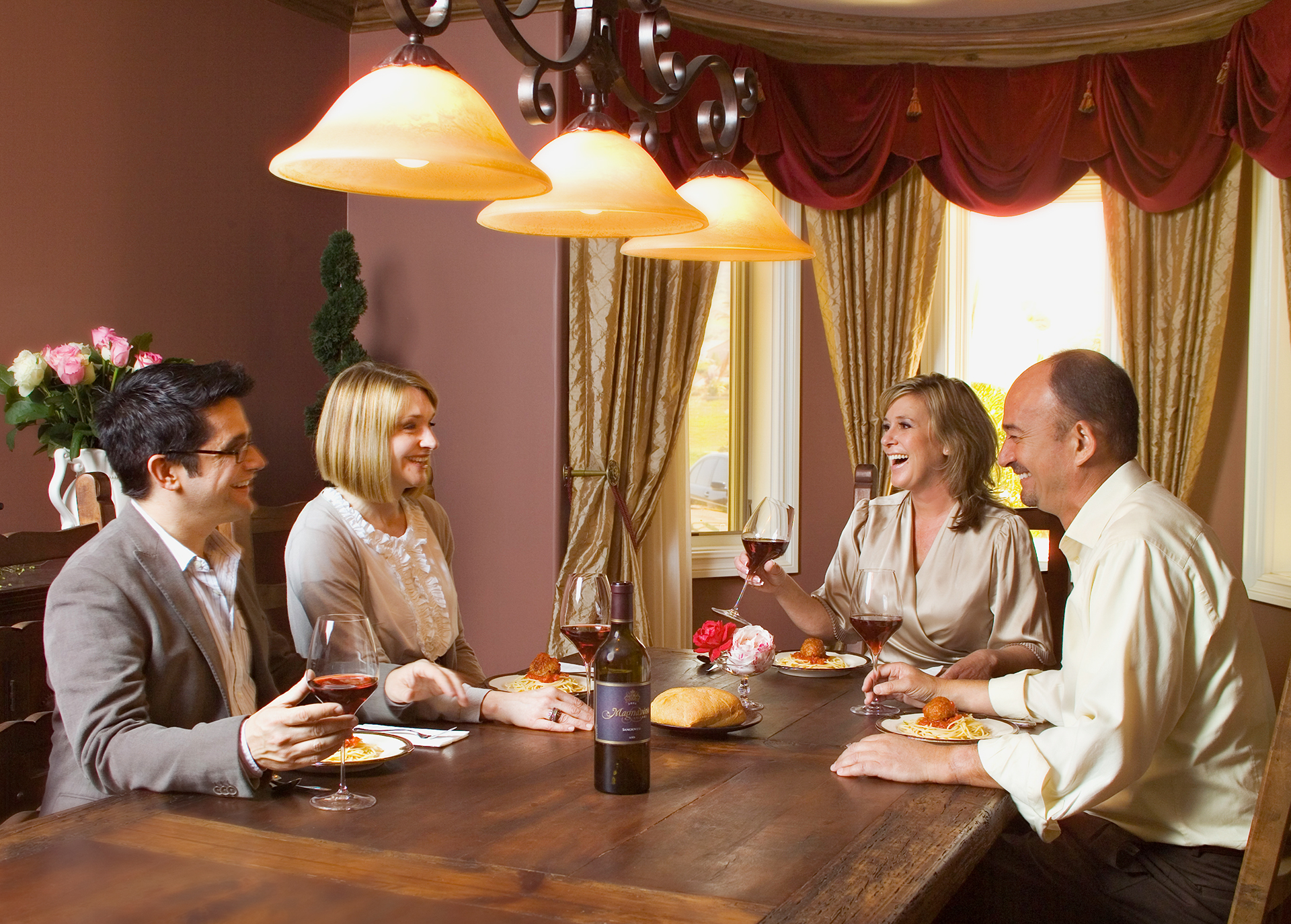
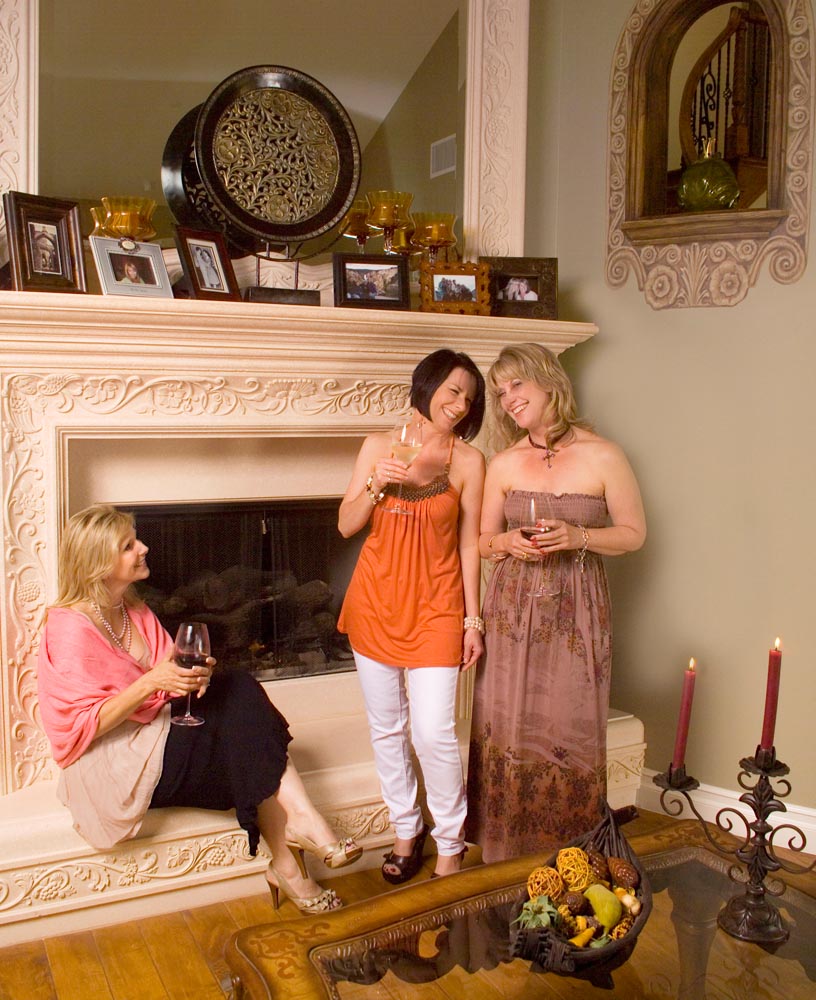
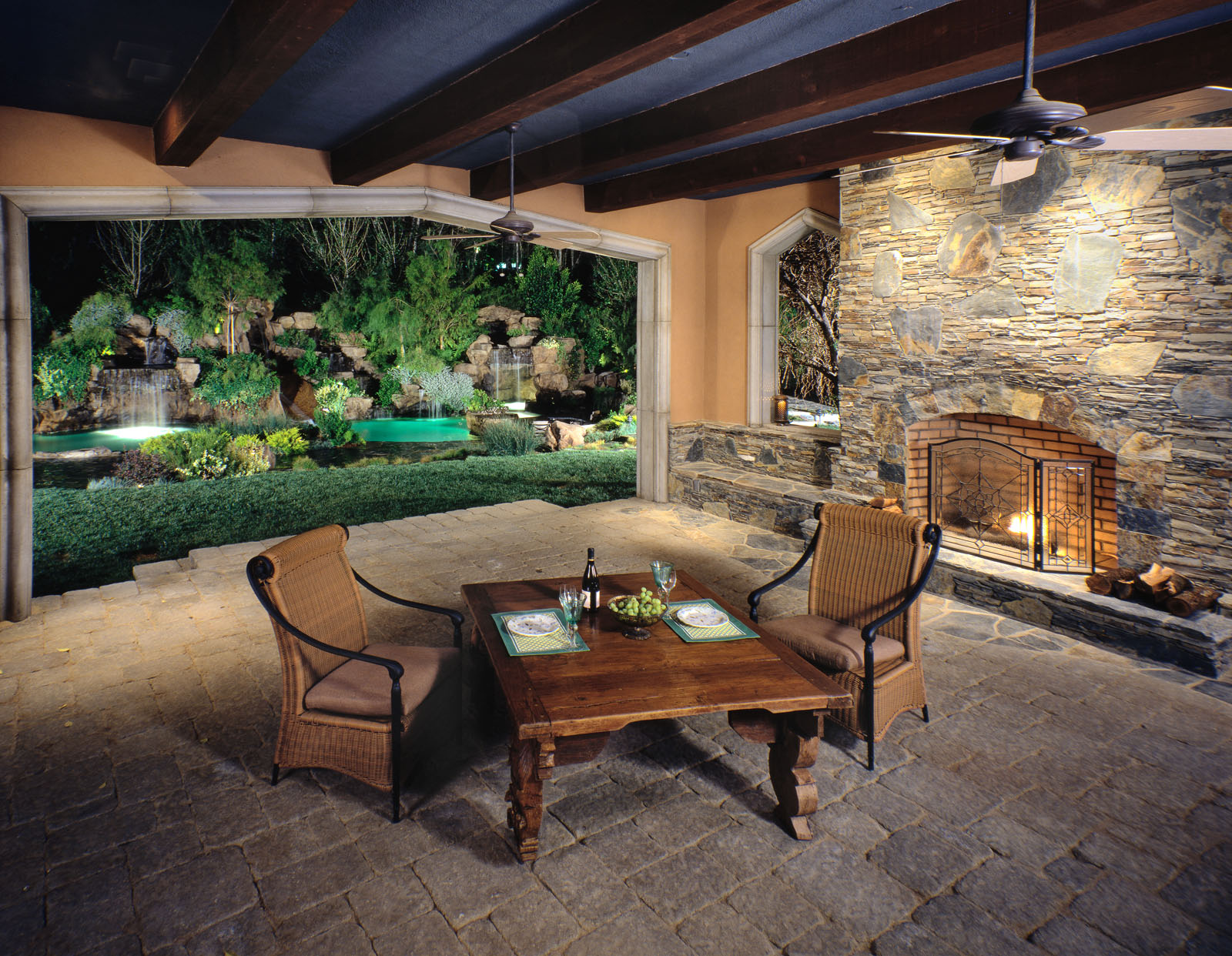
The above shot is a good example I made this shot for a hotel in Beverly Hills. The owners of the hotel and the designer weren’t ready for the shoot and there were other problems. So, while the shot is good, I didn’t put it on my website for quite a while because I remembered the problems when I looked at the shot. So choosing photographs to show is very difficult. When I do a shoot I have certain reasons for the shots, the reasons may be commercial, personal or something else. Because the first time I edit the shots the choices are based on the reasons I did the shoot. I sometimes miss a shot that has other possibilities. This is why I go back to older shots and review them again. That even happened with this shot:
What?


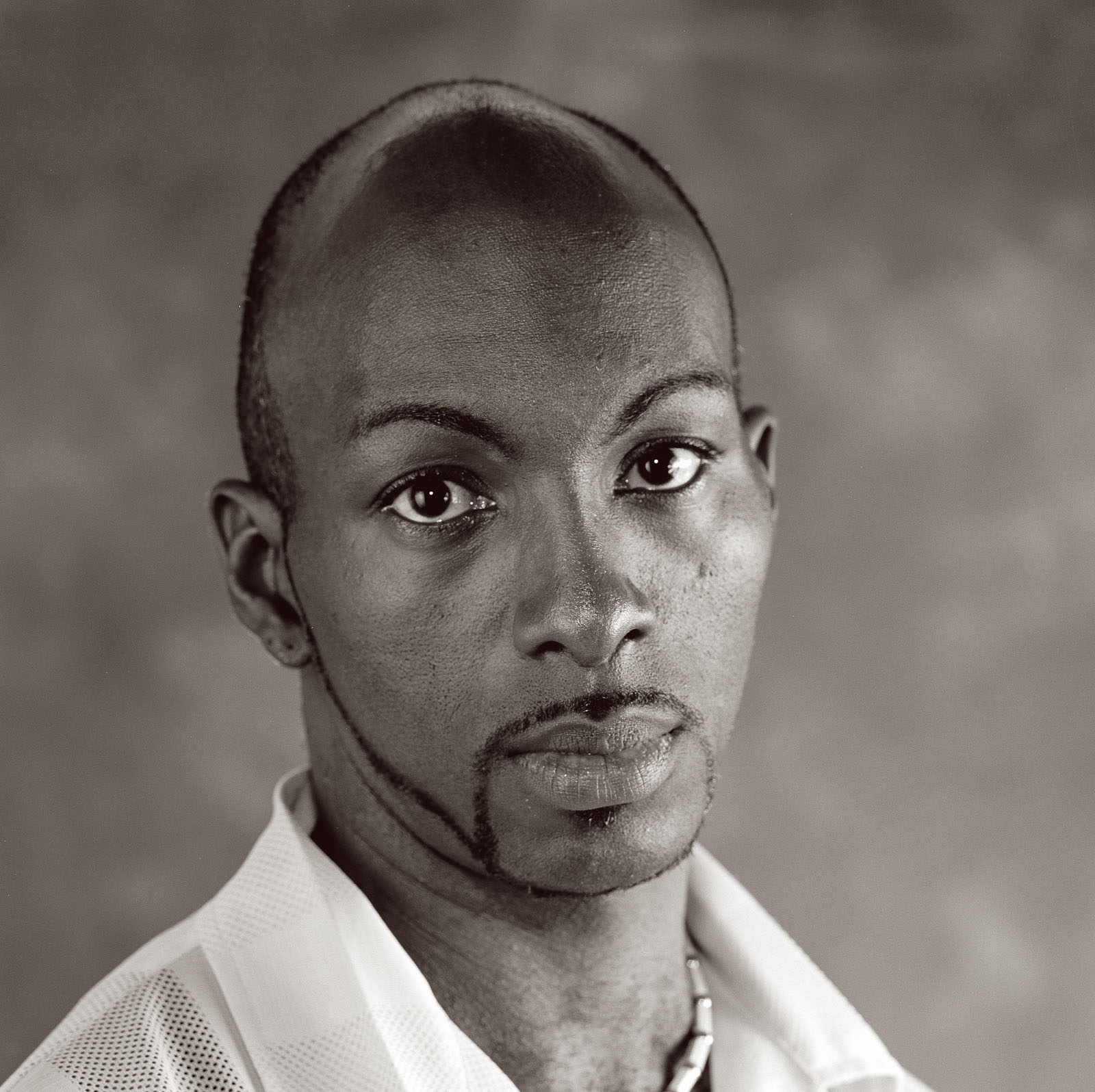
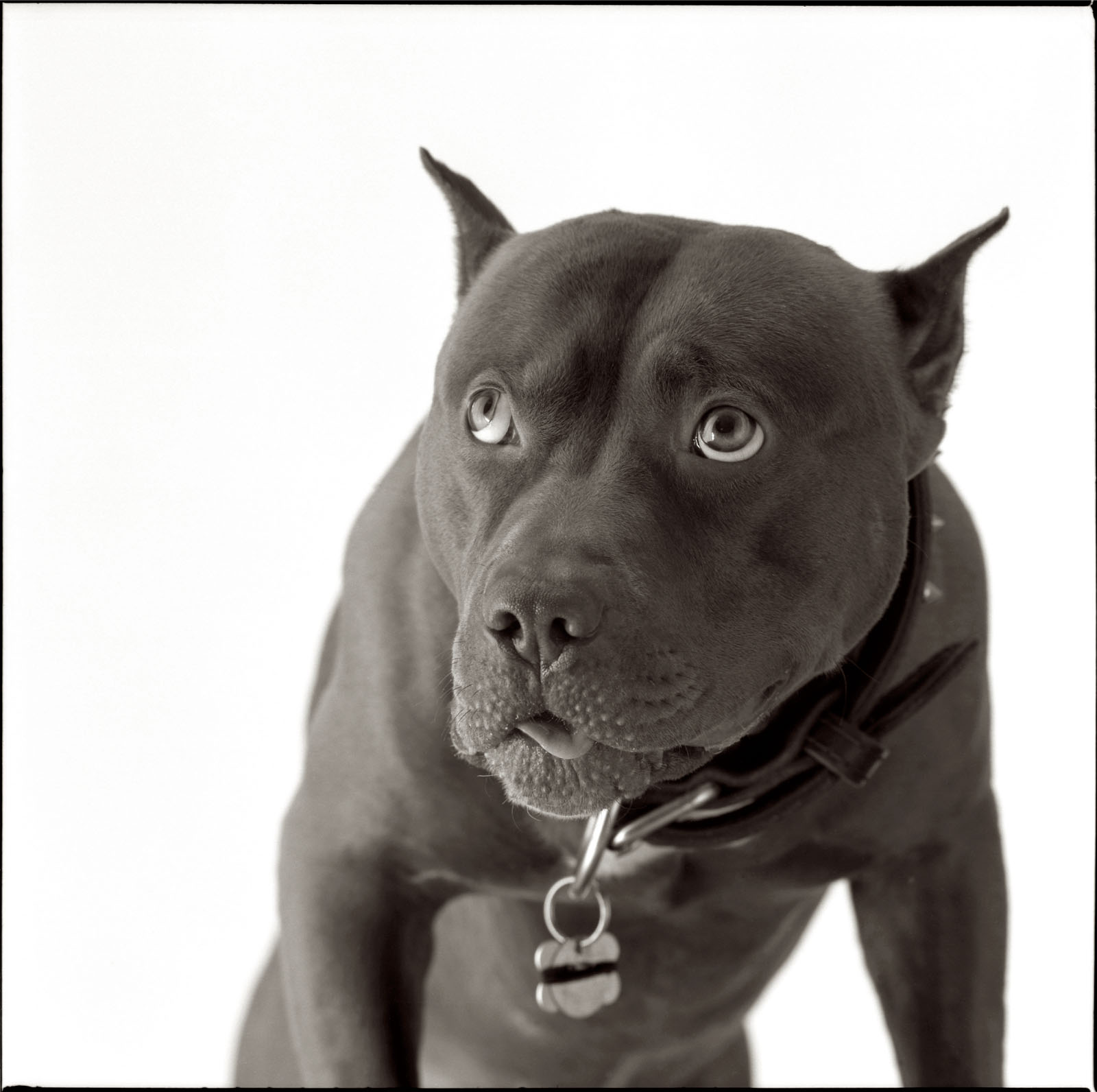
The purpose of the Portfolio Workshop is to help you develop skills for editing and presenting your shots. There are different ways to present your portfolio, and presentation is important. I’ve seen a lot of people who only have digital versions of their portfolios. While a digital portfolio is good, I think you might also want a print portfolio; for one thing it helps you sell prints. More important you want to show various ways of presenting images to your client: digital, website print and more. These tools may be important to a commercial client. For instance I had a high end landscaping client that showed very large prints to potential buyers. He told me that he was going to be landscaping a couple of acres of land and you just couldn’t present that with a 4X6 inch print. Of course he knew he needed really good photographs if he was going to show prints that big. I have a 16X20 inch portfolio that I present to architecture clients; it’s been quite successful. I have a couple of portfolios on my tablet and even a few pdf portfolios my clients can see on line: www.siskinphoto.com/aportrait.pdf and www.siskinphoto.com/aarch.pdf. In the workshop we’ll be talking about the most effective ways of sharing our work. We’ll also talk about how to get people to look at our work. The shot below is in my16X20 portfolio.
Mark David

There’s a lot more to this workshop than listening to me pontificate about someone else’s photographs. This is a small group and everyone is encouraged to participate. The idea is to see how several different people react to your images. One object of this workshop is to develop a supportive environment where you can get detailed feedback about your images. Another object is to develop everybody’s skill communicating about images. This is always challenging to photographers because few photographers have a background in design. When you can better describe why an image works you’ll also create better skills designing and building images. Of course we’ll also share technical information about making images, but, in this sort of workshop, technology is secondary to developing our design skills.

I’m asking participants to bring two images to each meeting. This way everyone will get a chance to have an image reviewed and to comment on other people’s images. I’m sure there are people who would like to have just their portfolio reviewed rather than be part of this workshop. I certainly do portfolio reviews, but they cost more than $20. A portfolio review is static, this workshop will help you develop your skills as a photographer over time and build great portfolios. The Portfolio Workshop is a live experience. It meets once a month in my Indianapolis Studio.

You can start attending this workshop with just a few images. We meet once a month so you’ll have the opportunity to create more images for your portfolio and bring them to the workshop. You can use the workshop experience to help you decide what kind of a portfolio to develop, or you can develop several portfolios at one time. I’m always working on several sorts of images at the same time. I encourage everyone to participate, by bringing images and by giving feedback to the other participants. Sign up at the Workshop Page on my site. Please join in!

You can get my books through amazon or other booksellers.

Please visit my site to see my other workshops and to check out the Free On Line Classes!
May 28, 2014

I Updated www.siskinphoto.com!

Filed under: Large Format Photography,Marketing,Photography Communication — John Siskin @ 2:37 pm

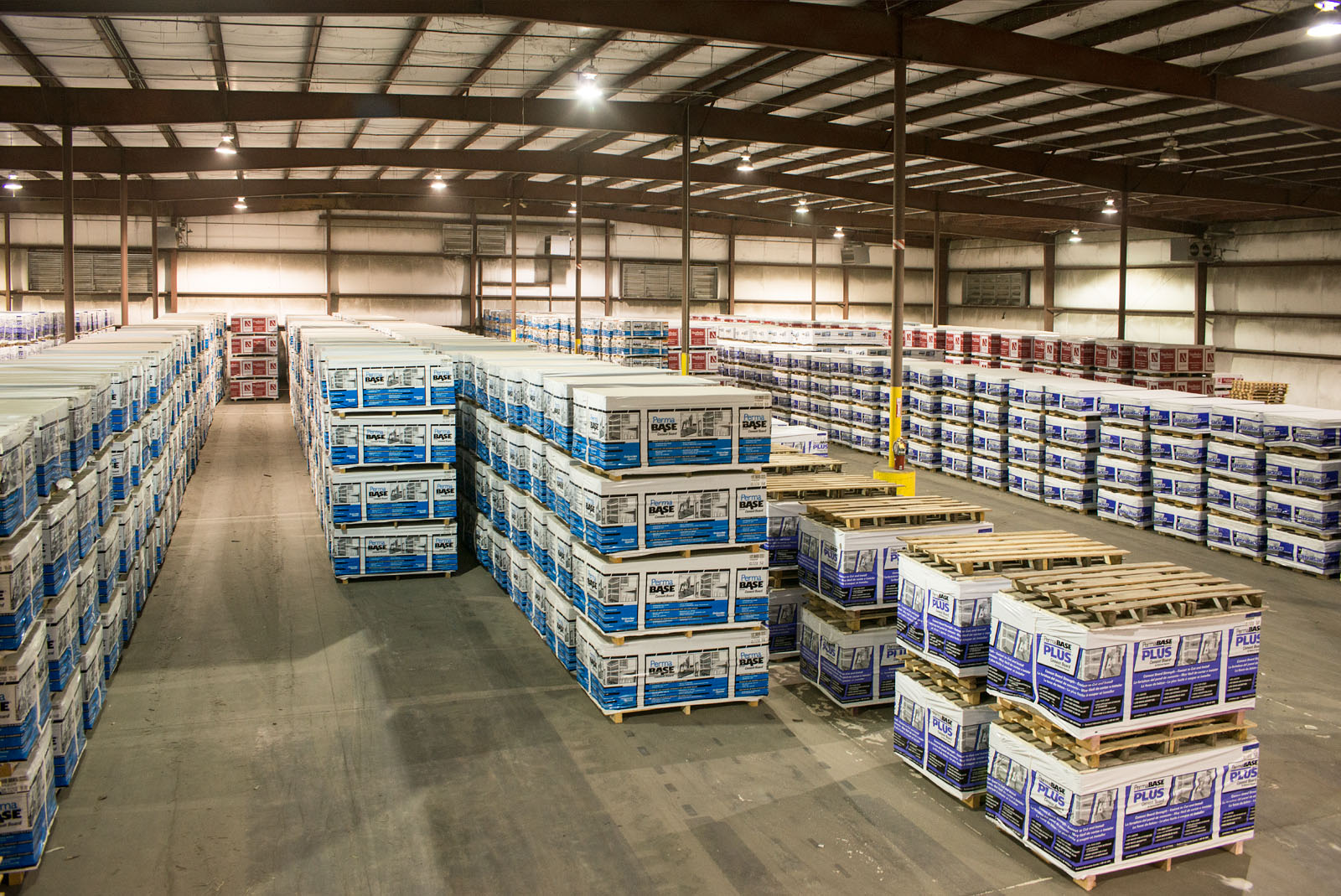
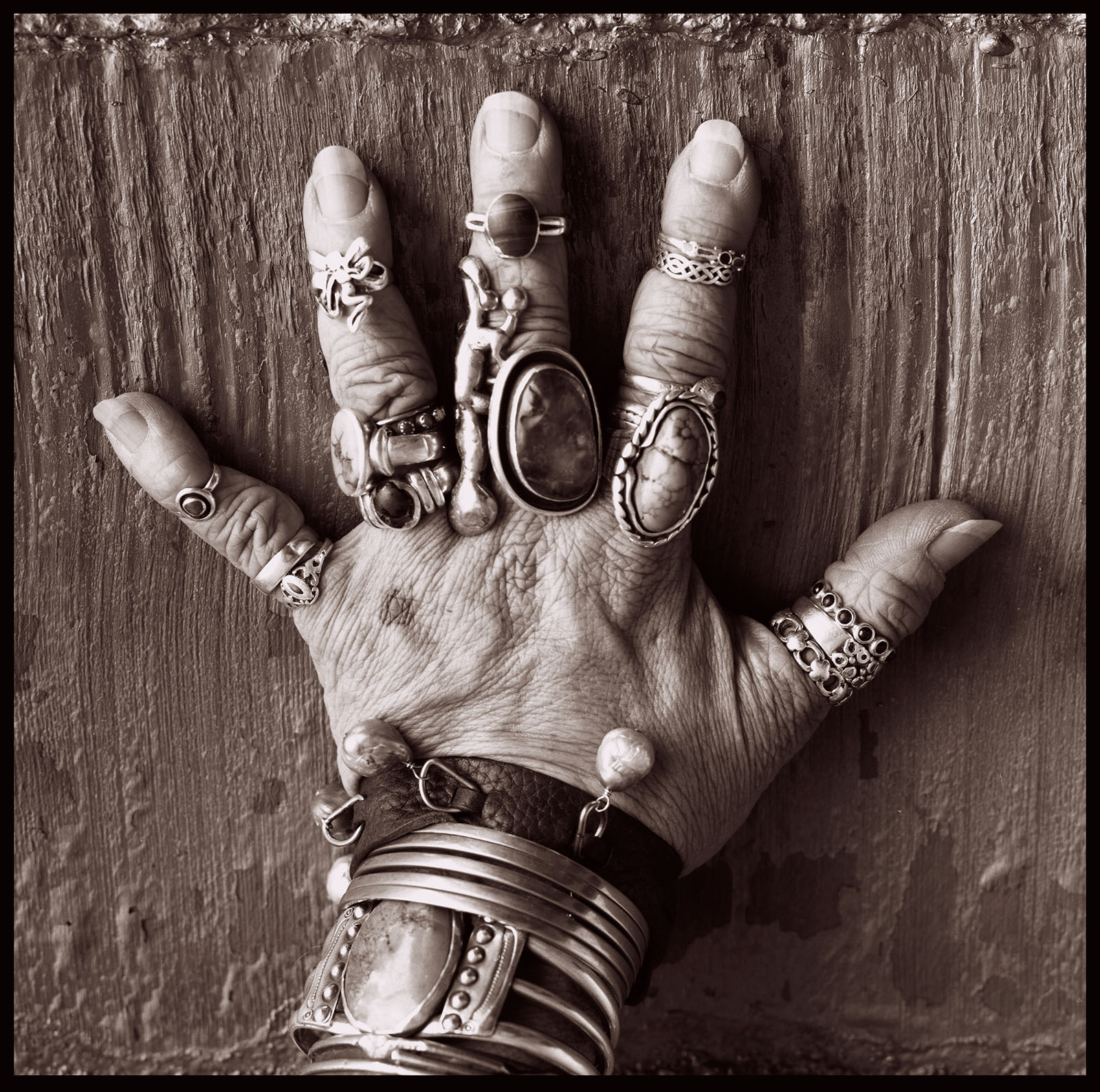
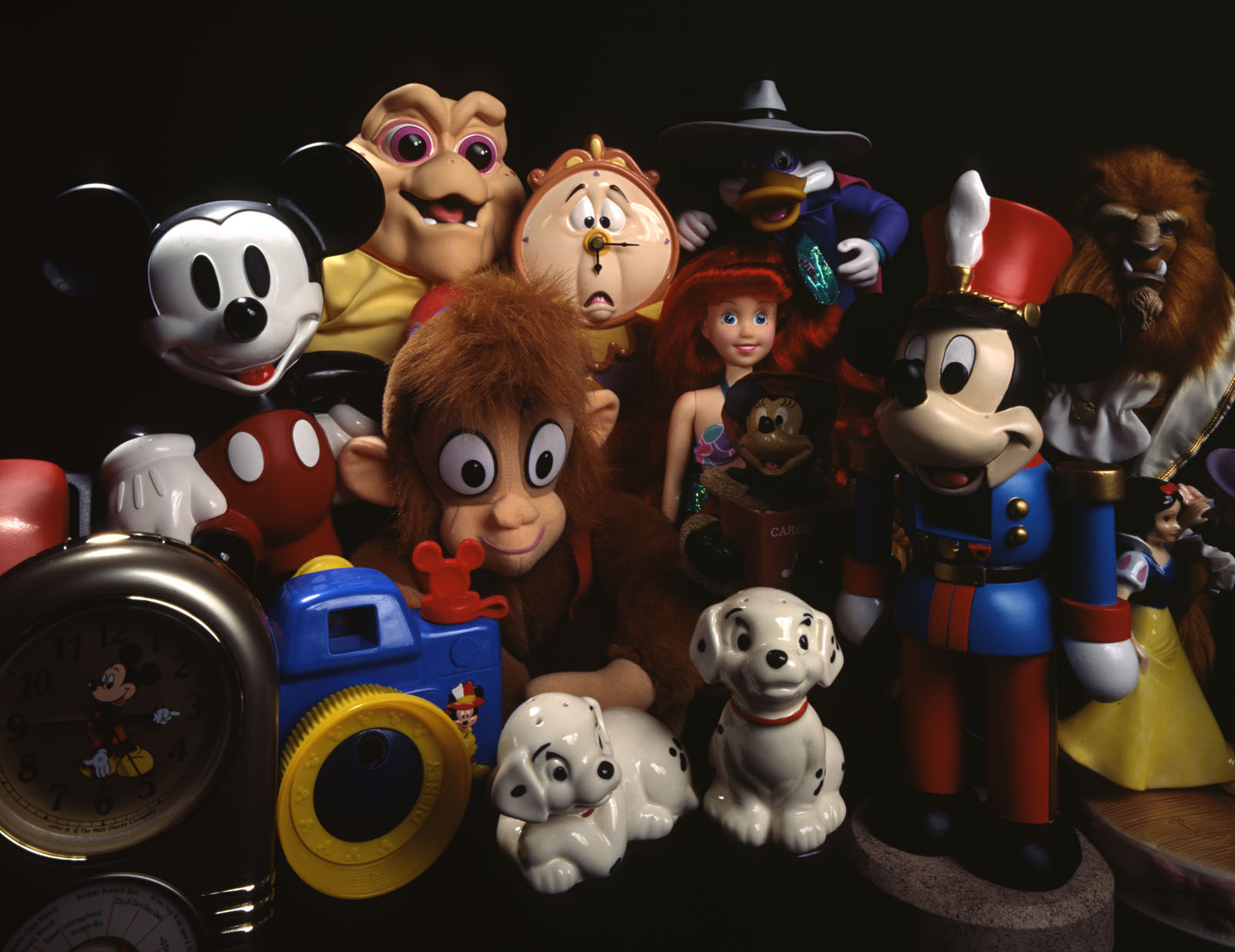
I’ve often posted about the marketing I’m doing. I’ve just finished a complete makeover of my website, which is a very critical part of my marketing. If you didn’t just click over from www.siskinphoto.com I hope you’ll visit soon. I haven’t renewed the site in several years, so this update was overdue. I made a number of decisions about how my site should be seen and about who I want to attract to the site. While I know that many people are trying to create sites that are friendlier to phones and other devices, my site is specifically designed to be viewed from a desktop computer. That’s because I built the site for designers and commercial clients, and I expect they make decisions about photography while they’re at work. If I were looking for wedding, portrait or other retail clients I wouldn’t have made this decision. I think the biggest change is that the images on my site are larger, since I’m selling my services as a photographer I think that bigger images look better. I’ve left some text in the site to satisfy Google’s searching mechanism, but the site is really built to show images. I’ve included a couple of images that weren’t on the site before in this blog.

Disney work

It’s always interesting to review the images I’ve made. I find that I change my perception of an image as the experiences of making the image recede. Sometimes, if I had a good time on the shoot, my first impression is that the images are better than they might actually be, and the opposite is also true. Of course I also see how the business and techniques of photography have changed over the forty odd, some very odd, years I have been in the business of photography. While I know that many people think that digital photography is the most significant change, in my work I think the way that Photoshop allows you to manipulate images has had a greater effect. When I used to shoot transparency film for a client there was no way to change the image after the transparency film was shot in the camera, you really had to pay attention to what you did in camera. It’s easier now and you also have much more ability to create. I think the current toolkit available to photographers gives us great opportunities to make commercial and other sorts of photographs.

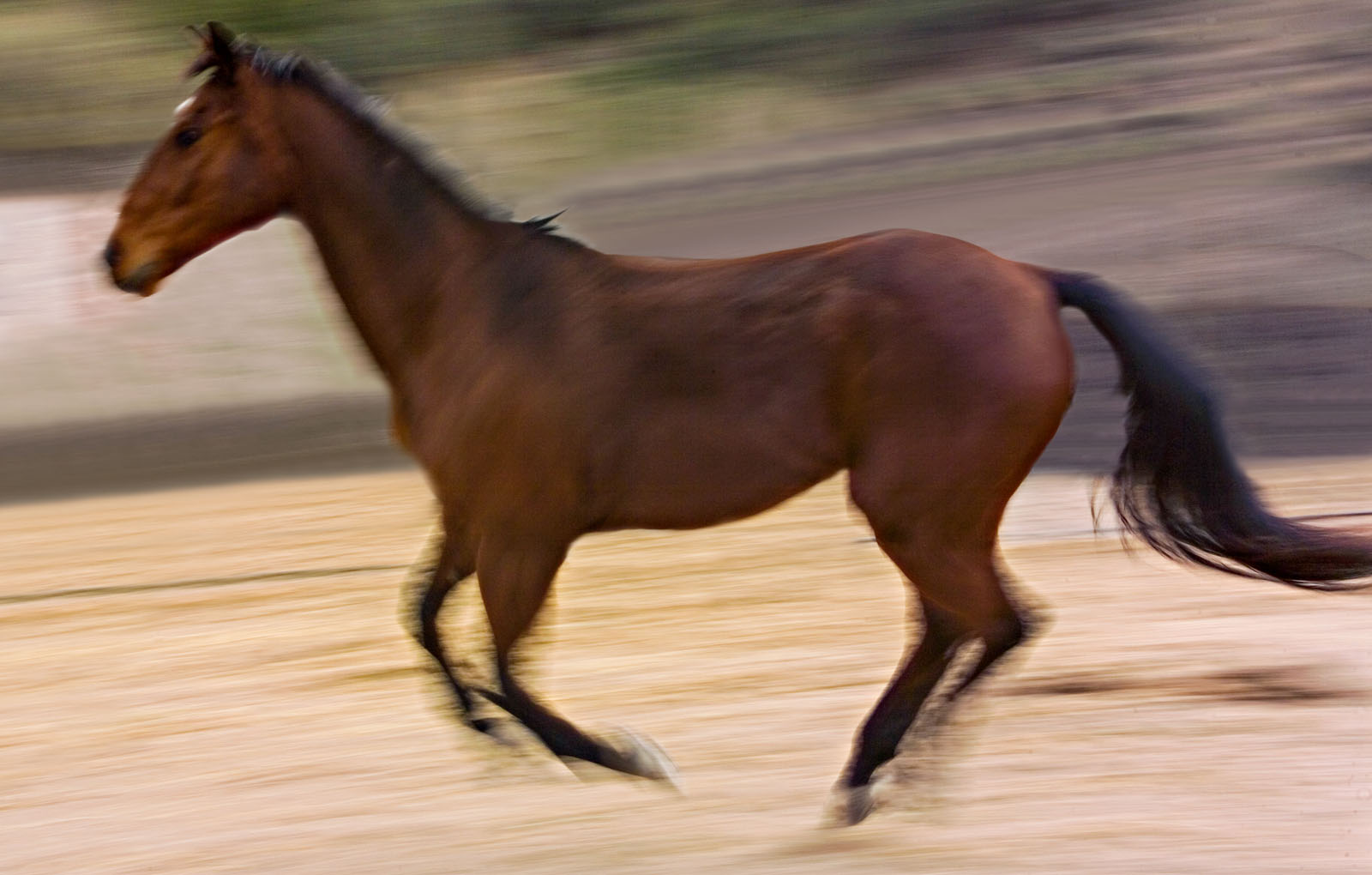
Horse 1

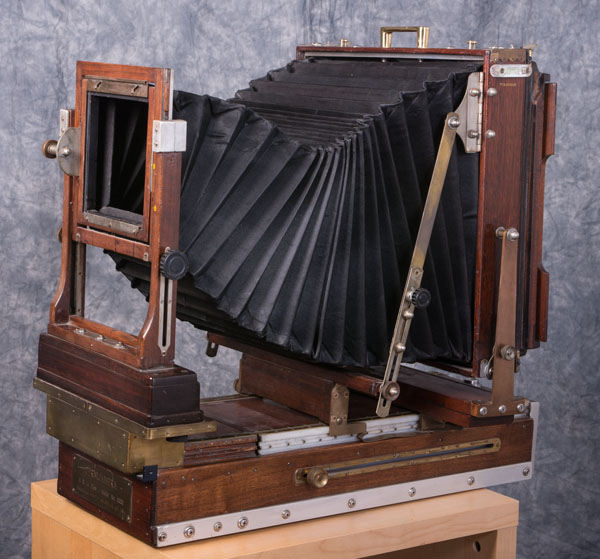
Of course I don’t always feel that digital imaging is the most personally satisfying way to make photographs, so I still do personal work with large format cameras. There are several posts in this blog about images I’ve made with my 8X10 Toyo camera. I can’t find a perfect explanation for what is so satisfying about making an image with a big camera, but I assure you that I find something special in working with a big camera. This is why I just bought an 11X14 camera. That’s right it shoot an 11X14 inch piece of film; each exposure is on about 154 square inches of film. Several people have already asked me if this is better than a digital image. Of course that depends on several factors. The 11X14 isn’t easier to use and in most situations it doesn’t make better pictures. However if you are making black and white images, whether on modern silver bromide papers or with hand coated alternative emulsions, it will make prints that are visibly different from anything you’ll get with an ink jet printer. There’s no way you can tell the difference by looking at a screen, you have to go look at original prints by people who used large cameras, say Edward Weston. There are many reasons: no enlarger, continuous tone, no grain and more, but trust me the effect can be quite compelling.

Perincamera #0001

The new 11X14 camera!

I’d like to tell you that I’ve already had good results with the camera, but there’s more needed than just the camera to make images. The fact is that I don’t have any film holders. 11X14 inch film holders are quite expensive, several hundred dollars apiece. So if you happen to know of an 11X14 holder that I can get for a reasonable price please let me know. The holder will be going to a good home. I think I have the other tools I need to make images: lenses, tripod and so on, but if you know of any tools for an ultra large format camera please let me know.

Deere

Recently a rather large number of people have registered at this blog, at least a couple of hundred folks. In fact I’m getting several new registrations each day. While I’m pleased and flattered that so many people have registered I’m wondering why? None of you have left any comments. Am I missing something? Well, regardless thank you!

Munchkin Inc.

In addition to supporting the blog by registering you can do more and increase your photographic knowledge! My books Understanding and Controlling Strobe Lighting
and Photographing Architecture are available at Amazon and other places. You can take a class with me at BetterPhoto.com no matter where you are. I’ve had students as far away as Bangladesh and as close by as Indianapolis. Please check out these fine classes:
An Introduction to Photographic Lighting
Portrait Lighting on Location and in the Studio
Getting Started in Commercial Photography
Of course if you are in the Mid West you can come to my studio for a class. The next opportunity is the Portfolio Workshop on June 16 (http://www.siskinphoto.com/workshop.php). I’ve recently offered a Strobe Lighting Workshop and a Matting and Framing Workshop. I’ll offer these workshops and more soon. Please let me know if you have any ideas for more workshops. Also I’ll be giving a lecture/demonstration about photo microscopy at the Venture Photo Club here in Indianapolis on June 5. Please let me know if you’d like me to present at any photo club that’s local (that’s local to Indianapolis).

Thanks for your attention,
John
www.siskinphoto.com

April 30, 2014

Notes From the Lighting Workshop

Filed under: Indianapolis,Lighting Technique,Photographic Education,Portraits — John Siskin @ 12:22 pm

Please check out my on-line classes at BetterPhoto: An Introduction to Photographic Lighting, Portrait Lighting on Location and in the Studio and Getting Started in Commercial Photography, take a look at my site for workshops in Indianapolis and check out my books:

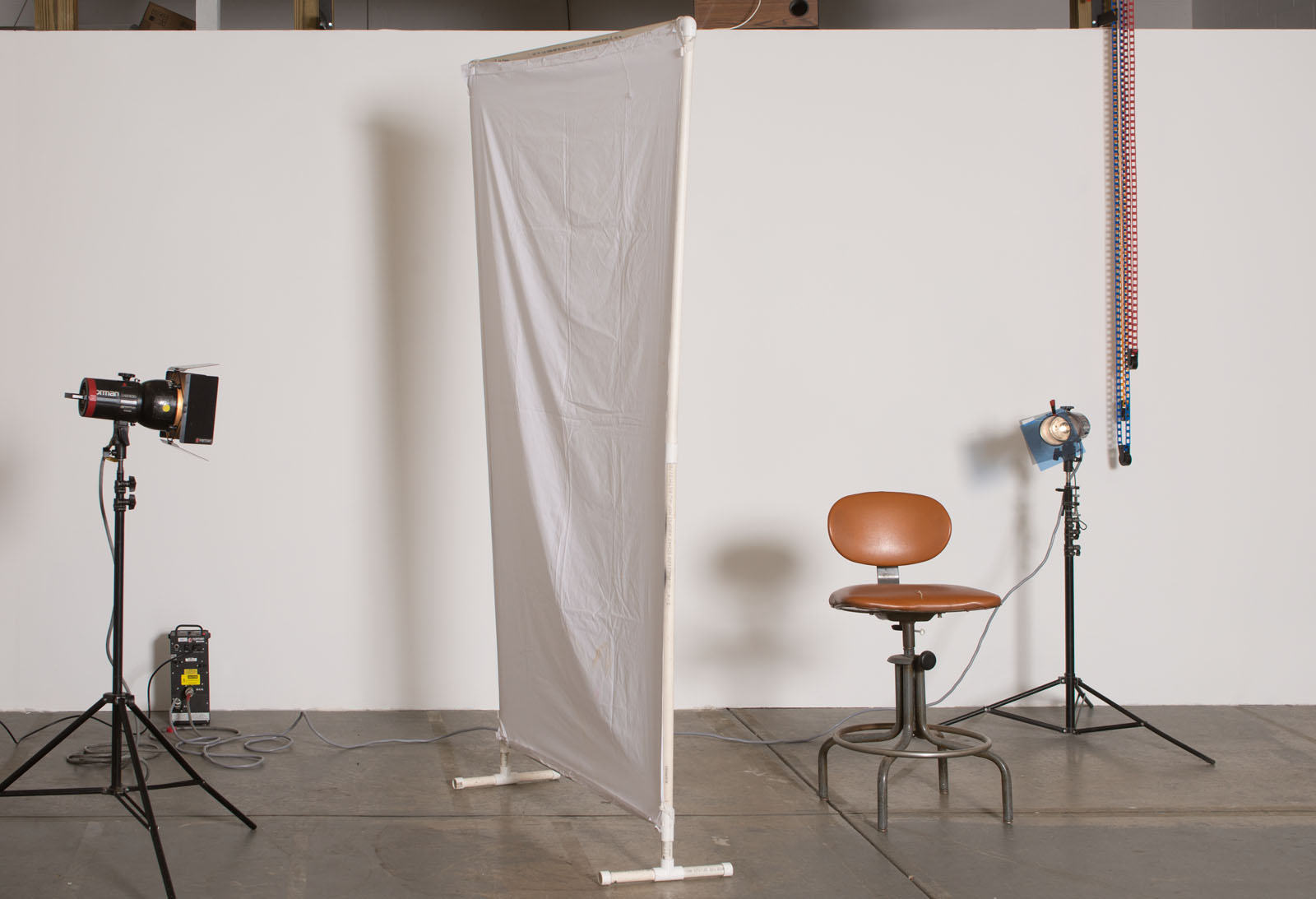
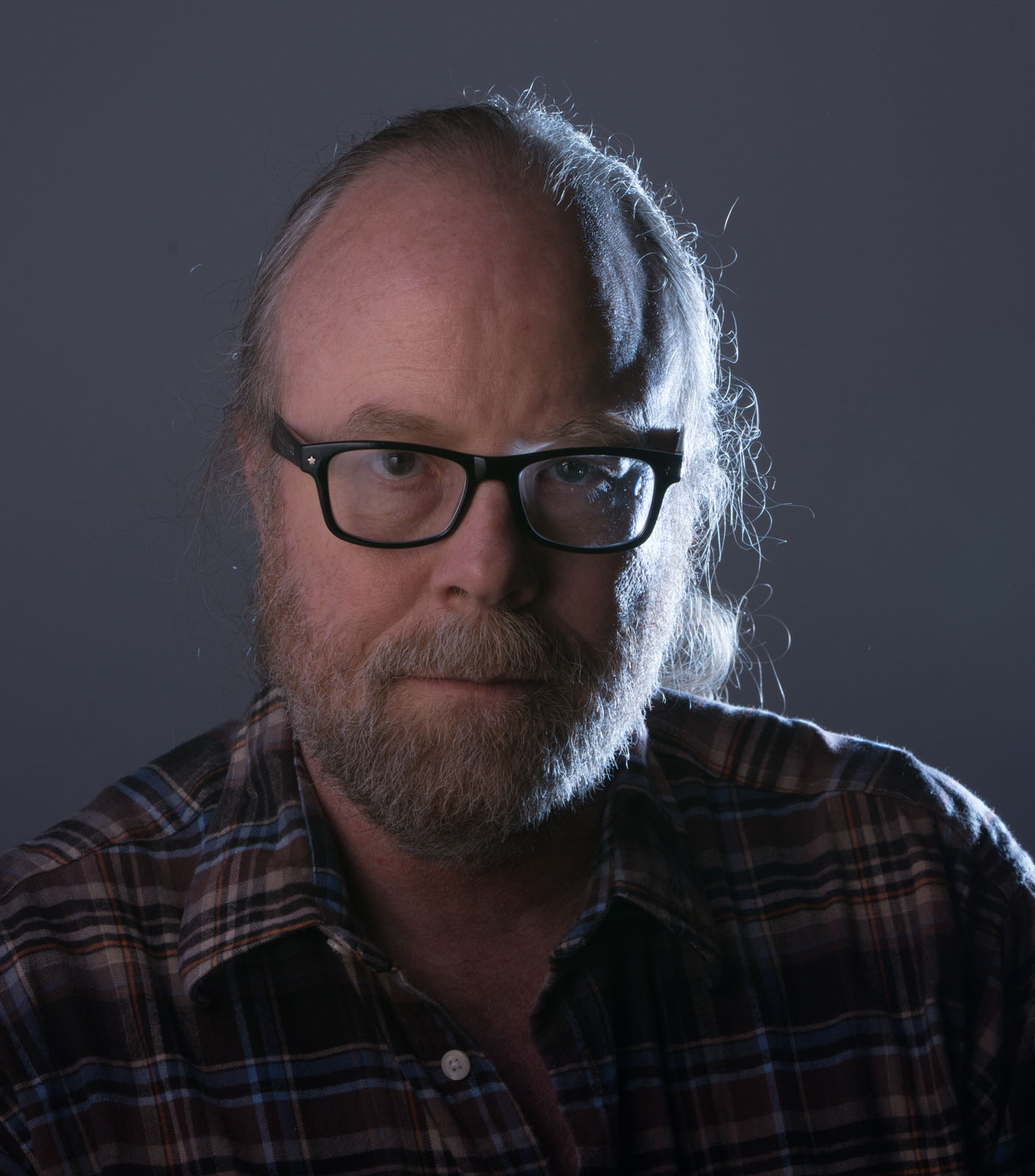
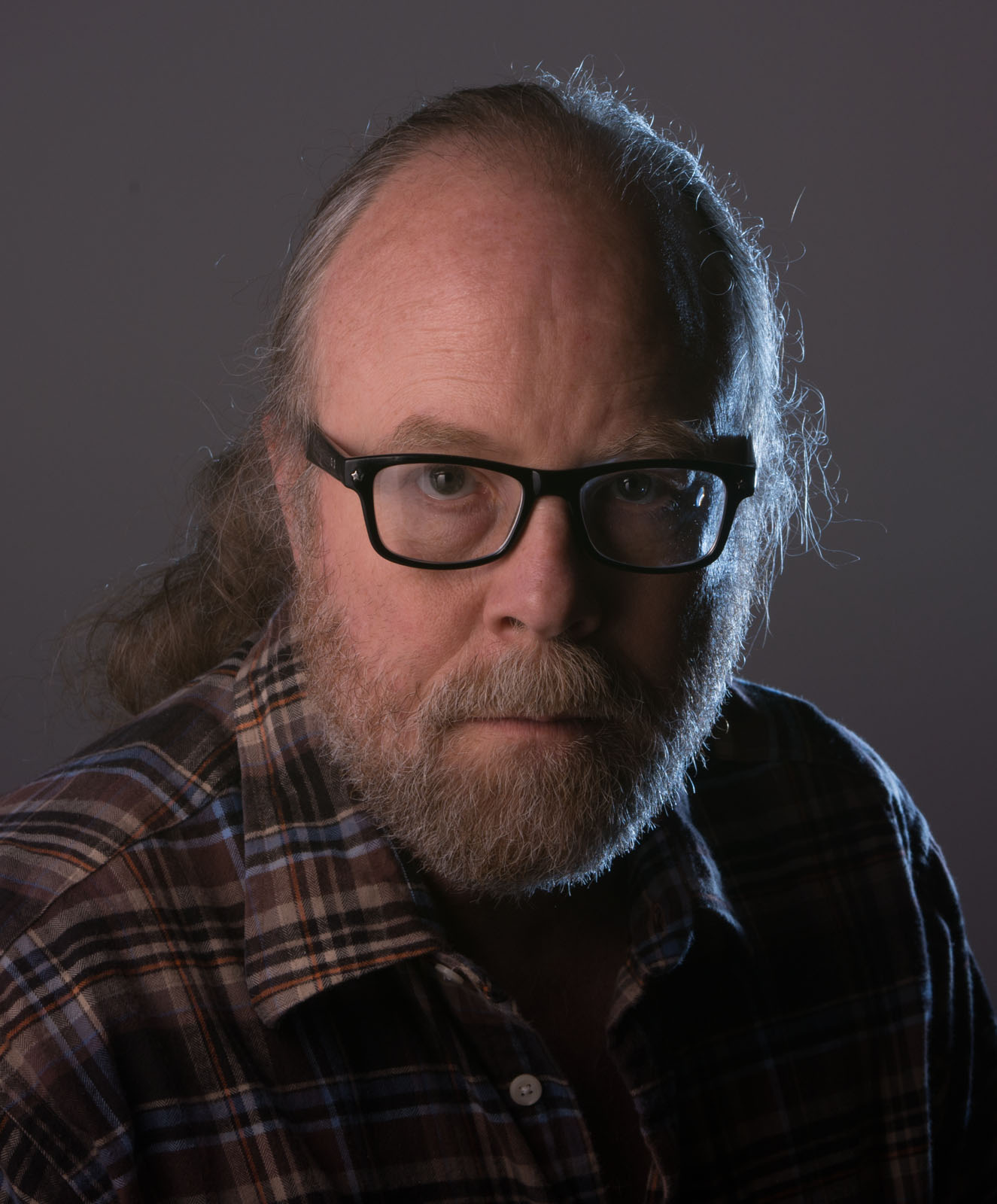
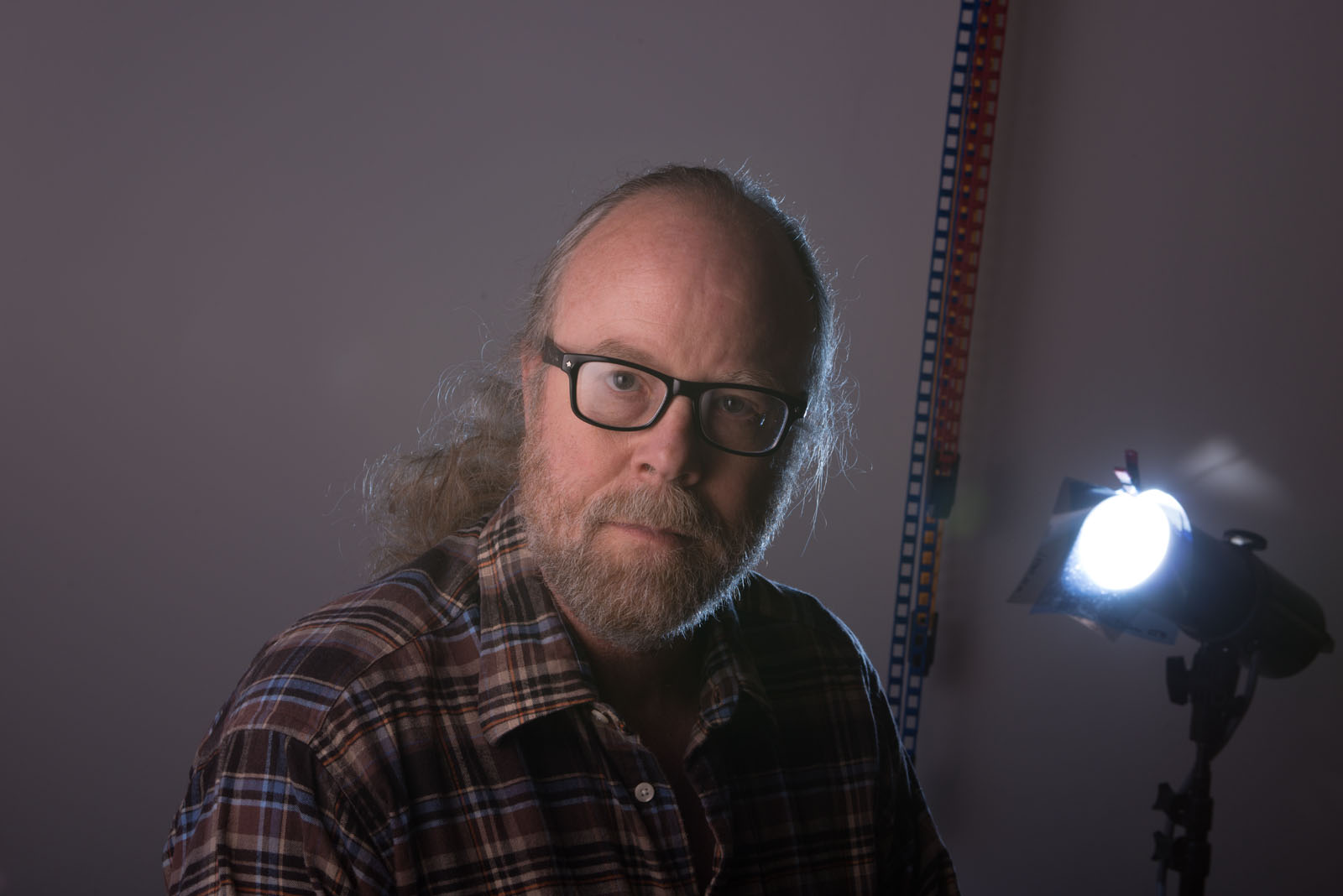
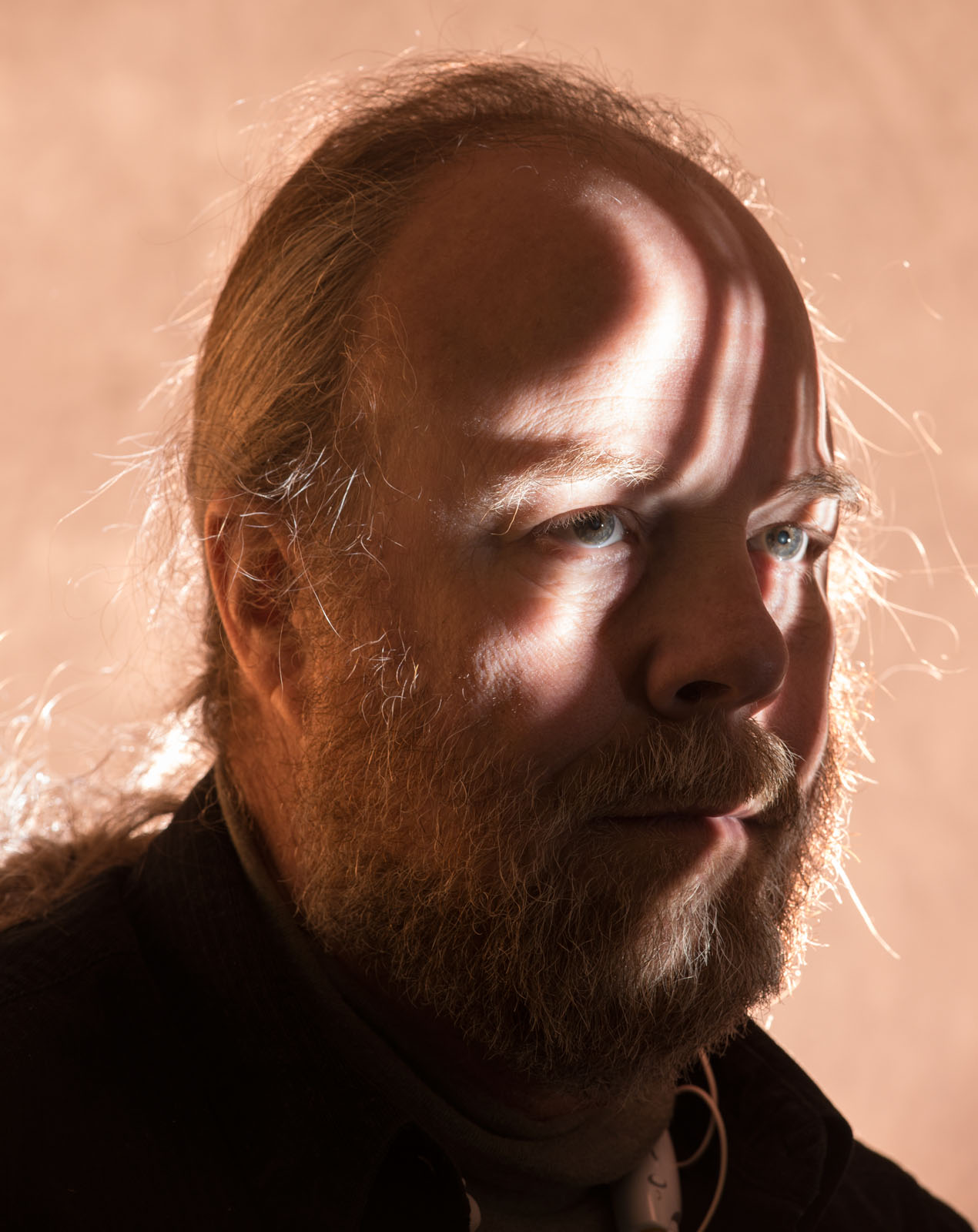
The Lighting Workshop happened last weekend and it went very well. We spent all day discussing and working with strobes. Since the class size was small I was able to be very responsive to the specific interests of each participant. We set up the strobes to see how the tools work in specific situations as well as discussing the basics of how light works. If you understand the basics of a light: size, color, position and power, you can understand what a light will do. We did a lot of shots so that we could see the effect. Of course the shots were for demonstration so we concentrated on the lighting. In this shot I’m the model, which is not my best talent. I used a light panel with a white cotton broad cloth cover. These are great light modifiers. I wanted to use a hard light in the shot so I set up a strobe with a snoot to the right of the camera. I like snoots more than grid spots because the light spreads more than with grids as you pull the snoots back from the subject. This shot shows the set-up.

The light panel gives a smooth gradation across most of the face. The snoot defines the other side of the face. One of the first things I wanted to demonstrate was how to use a colored gel to change the color of the light. I usually use warm gels, but I wanted to make a change here so I added a CTB gel, which is a blue. The CTB gel is from Rosco and is designed to make a tungsten light act like daylight. The shot below shows how the shot looked at first: not great. The light on my face is a little dark while there is probably too much light from the snoot. It burns out the left side of my face.

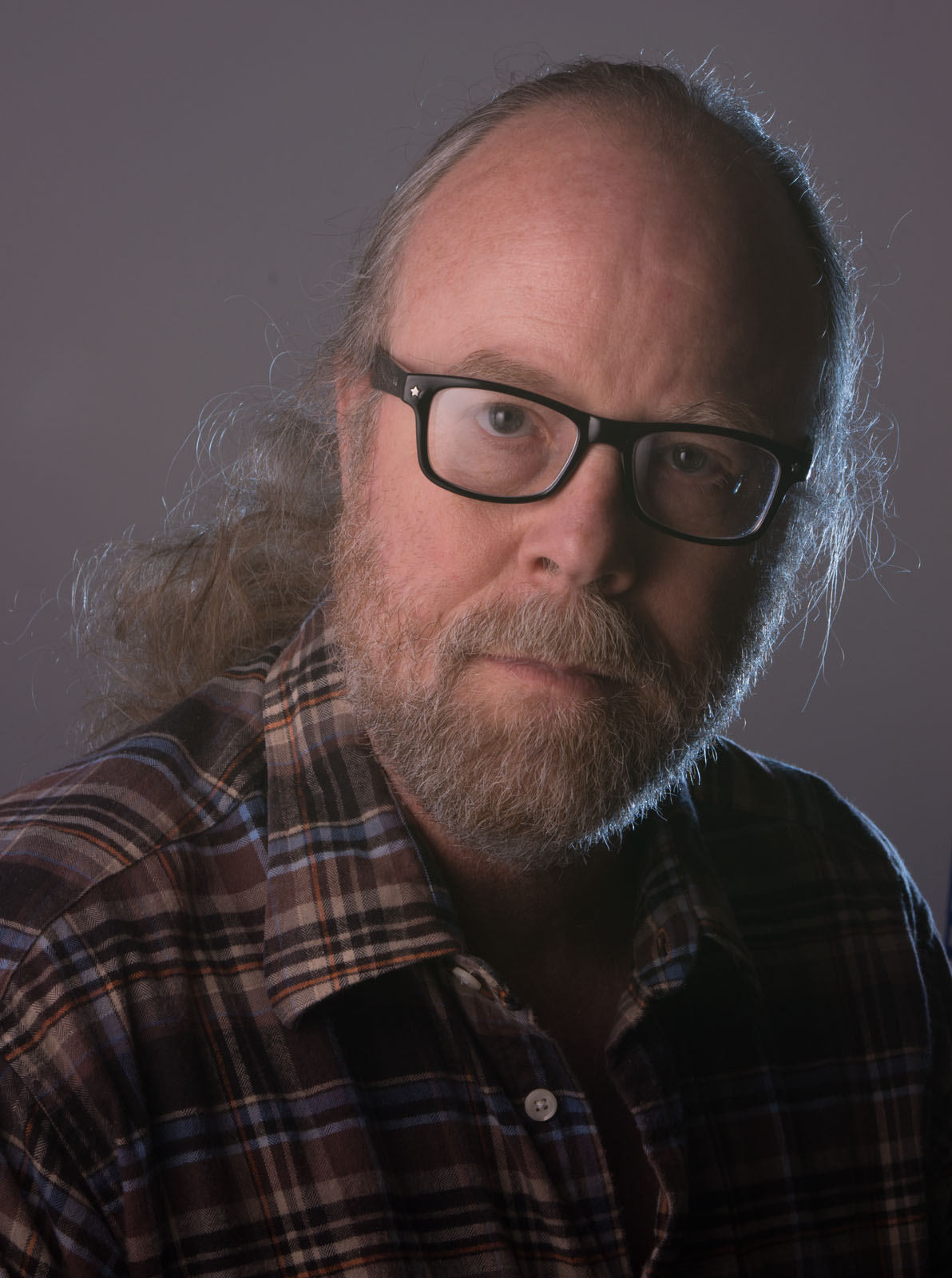
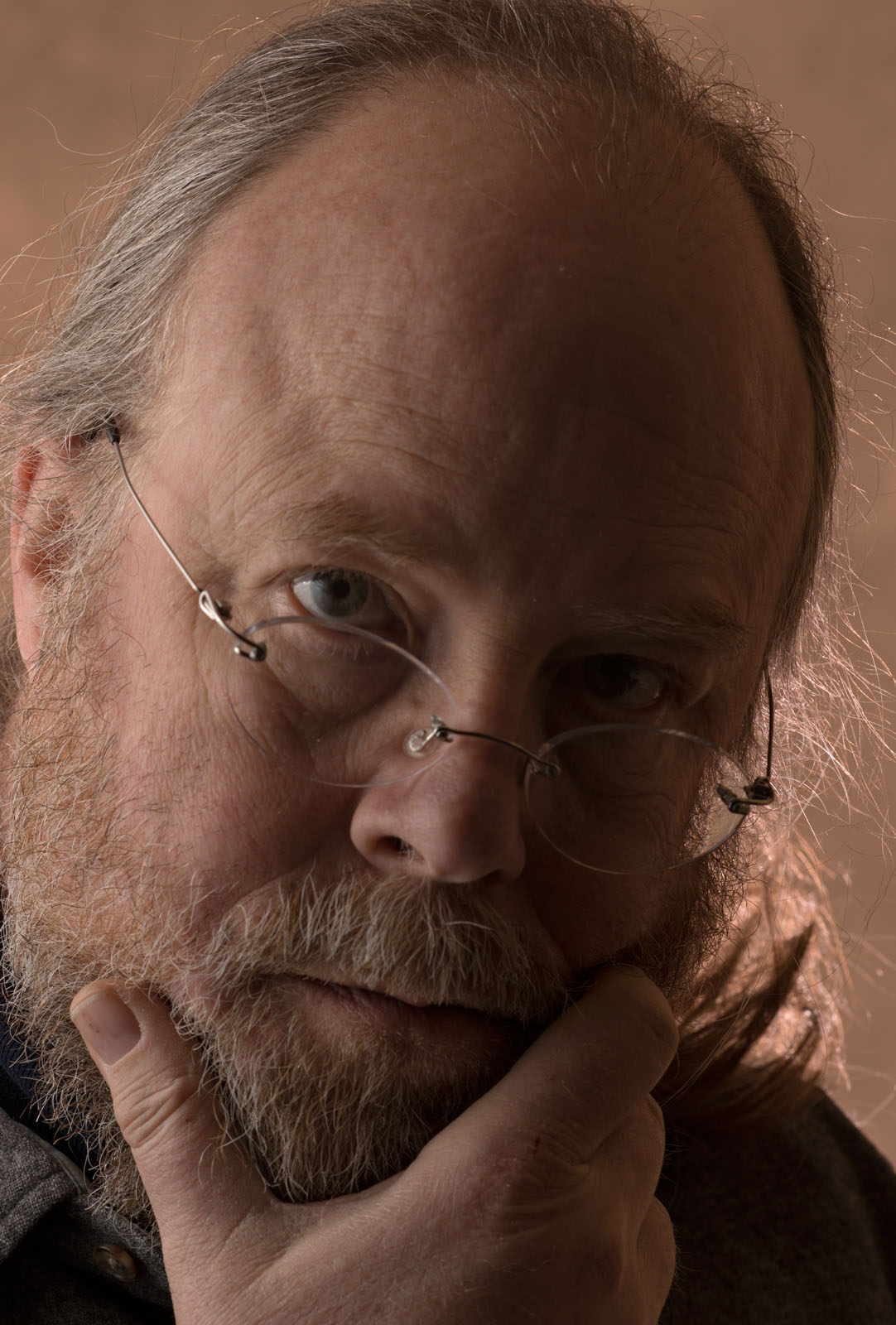
In the next shot I made some adjustments. The light on my face is a little brighter, which helps. Also I’ve positioned the light panel just a little more in front of my face; this make the light cover more of my face. The snoot is positioned to keep the light on just the side of my face. This is accomplished by moving the snoot a little more toward the center of the shot. The light from the snoot is still too bright. You’ll notice that since the light panel is still situated pretty far to the side of my face as  there is little or know reflection in my glasses. The further the light panels comes toward the camera position the more reflection there will be in my glasses.

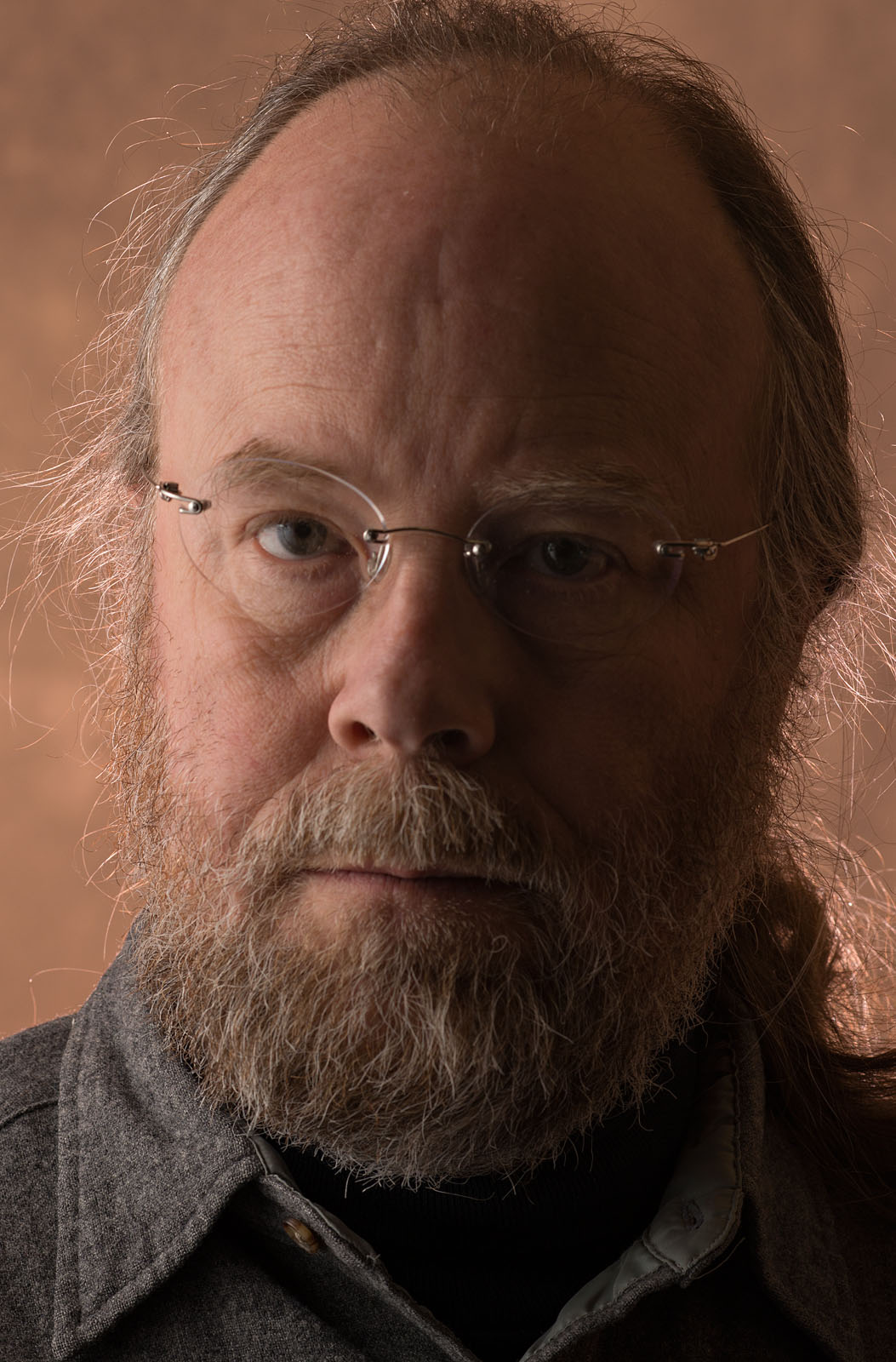
In the last shot I added a 1-stop neutral density filter to the blue gel. This reduced the light on the left side of my face nicely. The light panel is a little closer to the camera position so there is a little more reflection in my glasses. When you use a large light modifier, which makes soft light, the reflection (specular highlight) is larger and less bright, relative to the rest of the light. So the reflection is as strong as a reflection from a small hard light. This works well in this shot. The same thing applies to the catch lights in the eyes, which have a nice size and brightness in this shot.

You can see the two gels on the version of the shot below. They’re held onto the snoot by a very small spring clamp.

I hope you’ll consider taking one of my workshops. The next one is the continuing Portfolio Workshop on June 2. You can find more information on the workshop page of my site. You can also find the books on my site, and I hope you’ll check them out. I’ll be speaking about micro (not macro but micro) photography on June 5 at the Photo Venture Camera Club here in Indianapolis. Finally please don’t forget my classes at BetterPhoto, you can take them anywhere!
An Introduction to Photographic Lighting
Portrait Lighting on Location and in the Studio

Getting Started in Commercial Photography

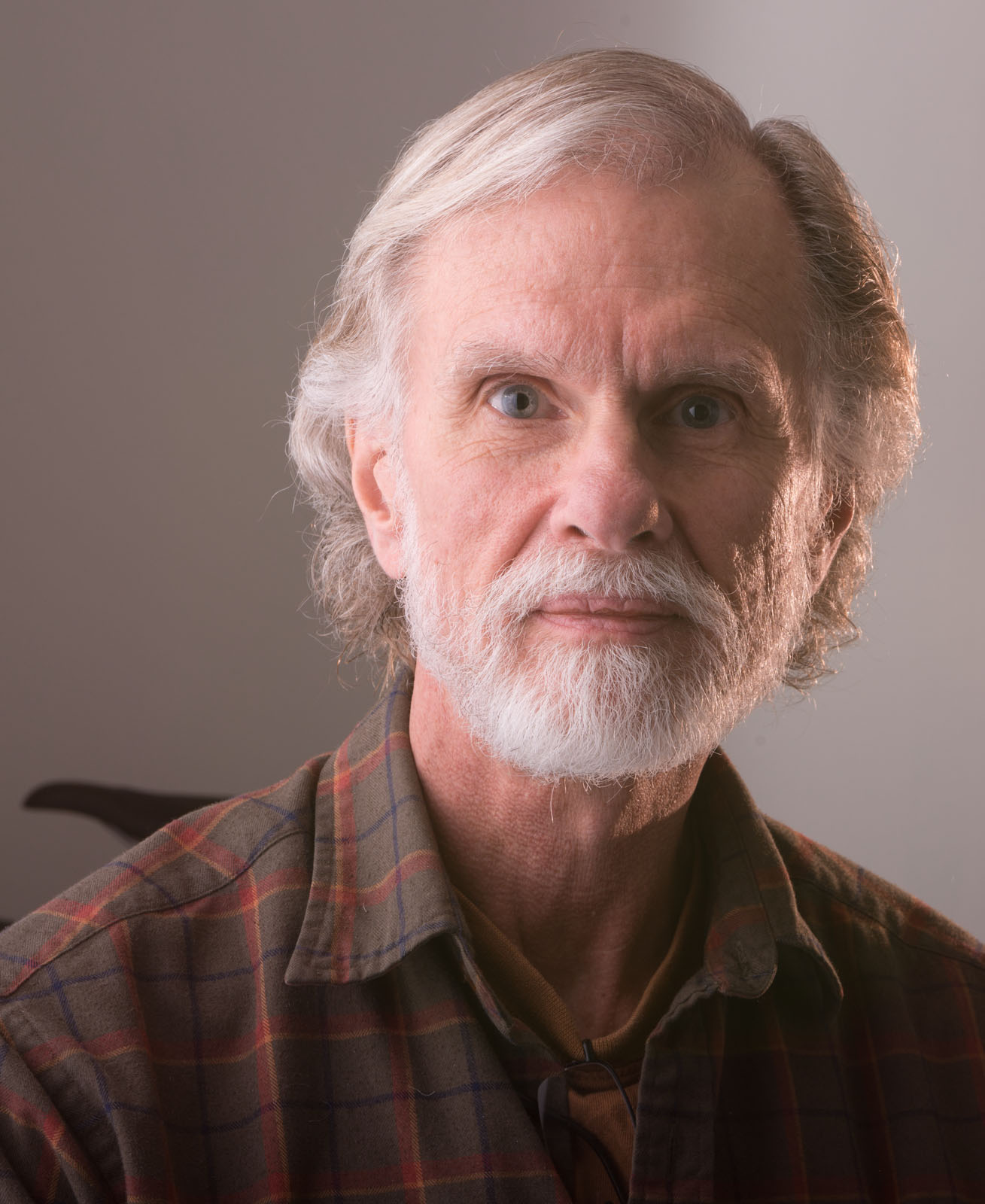
Here are a couple more shots from the workshop. Thanks Bill!


April 10, 2014

Strobe Lighting Workshop! April 27th

Filed under: Commercial Photography,Indianapolis,Lighting Technique — John Siskin @ 2:57 pm

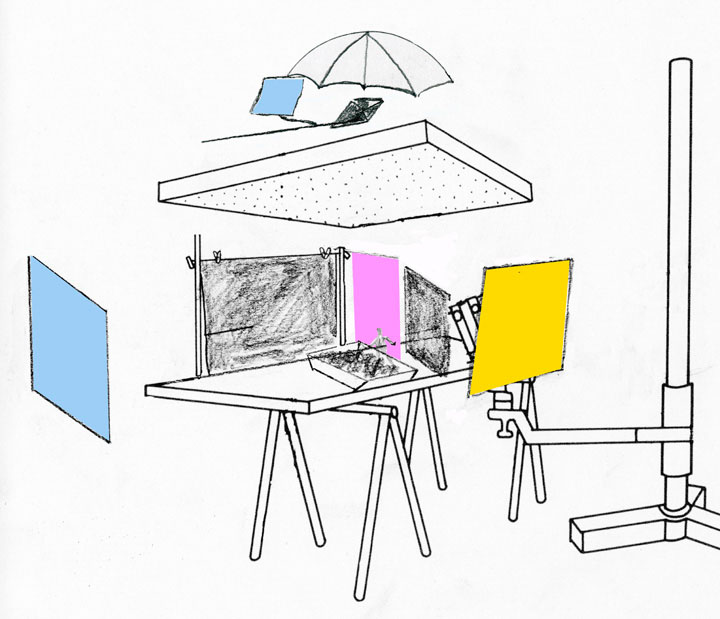
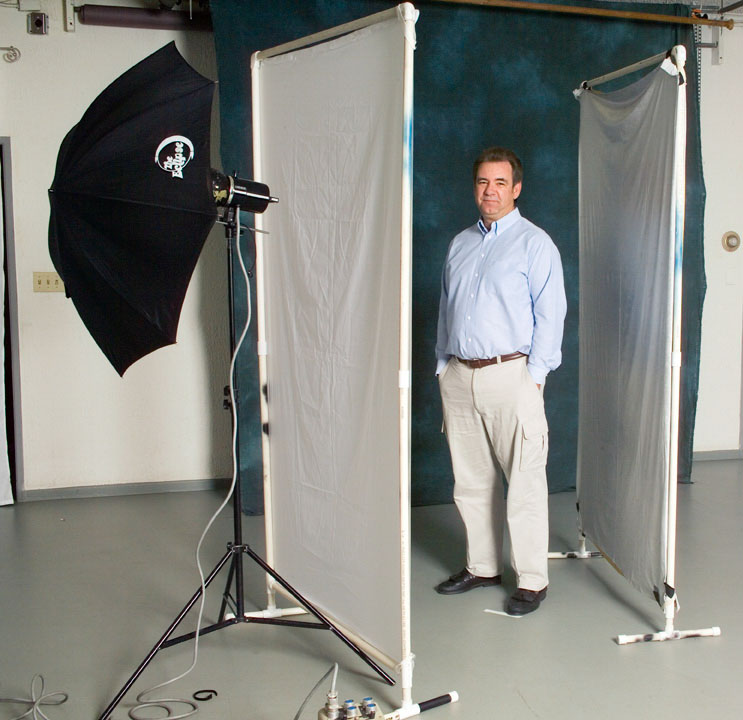
If you’re close to Indiana this will be a great workshop, if not you can take an online class with me at BetterPhoto.com. The shots this week are demonstration images and diagrams from my classes and books.
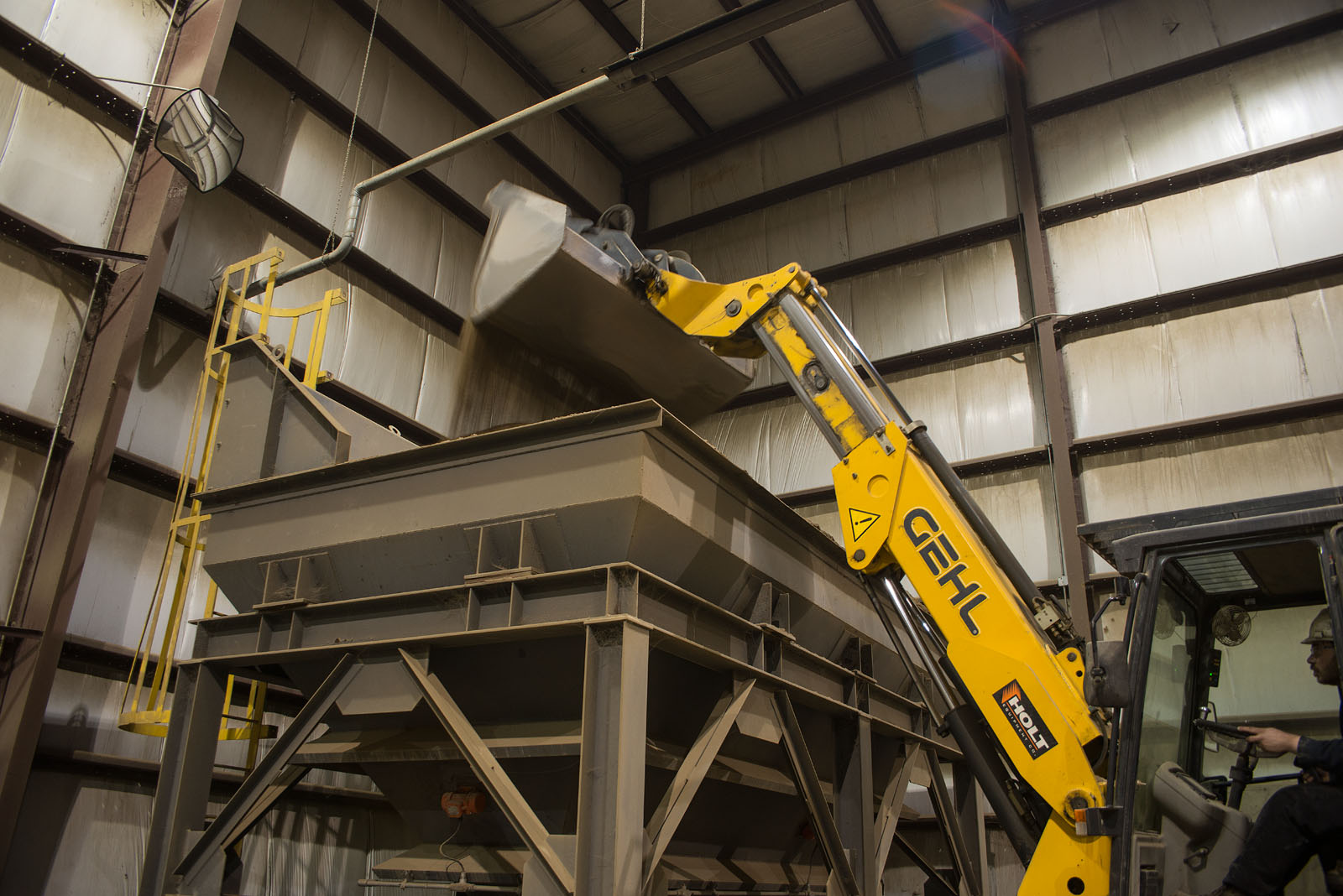
It’s sometimes useful to remember that we don’t actually photograph things or people or places; we photograph the light reflected off people or things or paces. For instance if you take a picture of someone under a blue light that person will be blue, also you can’t take a picture without light. So, in a very real sense all photography is painting with light. Like painting a photographer can choose to make a straight recording of a subject, but also like painting, a photographer can choose to manipulate and interpret the subject. I think that manipulation is part of want makes an image a photograph rather than a snap shot. Manipulating the light is one way the photographer can change an image, and it’s a powerful way to manipulate an image. Creating light can allow you to build a shot that isn’t part of the world and to take a shot where the light is wrong or just insufficient.

A house painter uses a different tool kit than a portrait painter. I don’t think portrait painters ever use rollers! Of course there are different tools for creating different kinds of light for photographs. You might use a dedicated flash to open up the shadows in an outdoor portrait, but if you try to do a studio portrait with the same flash you’ll be disappointed with the results. A good artist, with any medium, knows how each tool will affect the picture. This workshop is designed to give you greater confidence and ability with the tools of lighting.

Strobes are fantastic tools for lighting still pictures. You can get a dedicated strobe that will do a good job shooting 500 pictures at an event powered by just a few batteries. You can carry the thing in a pocket. When a movie crew shows up there is at least one truck entirely full of lights; a movie light with the same power as a good strobe is hard for one person to lift. There is only one problem with strobe lights: the photographer can’t see the light that will make the picture. The light is only on for 1/1000th of a second while the shutter is open. So to make good shots with these lights we have to be able to predict, pre-visualize, what our strobes will do. That’s what this workshop is about.

Automatic or dedicated strobes are good tools when you need to get a good exposure quickly, say if your shooting a wedding or other event, but automation doesn’t give you complete control over the light. It’s more like painting by numbers that painting with light. In addition to a light we need the right tools to modify the light: to get quality light rather than just quantity light. It’s a big problem for photographers to choose good tools. The manufacturers of the gear want to sell you more things rather than help you make better pictures, so they don’t always give you enough information. So one goal of this workshop is to help you decide what tools would be best for you. My studio is a kind of test kitchen for light modifiers. You’ll be able to see the light that different tools make. Other goals are to learn how to use several lights together and how to use strobe with ambient light.


Strobe Lighting! April 27th
This workshop will take place on Sunday the 27th of April. We’ll meet at my studio: 971 North Delaware, Unit B, Indianapolis. We’ll be starting at 10:00 am, and we’ll be working together all day. The cost will be $225. There are only three spaces left. You can sign up for either workshop at the workshop page on my site: http://www.siskinphoto.com/Workshop.html, or give me a call (317) 473-0406.

If you control the light in your picture you are doing so much more to build the image than when you just record the light. Finding light is good, but building light is fabulous. The idea is to understand how to control and create light to build your own vision.


I post on this blog mostly to promote my classes at BetterPhoto and my books. I’m lucky enough to have students from around the world. If you’re interested in taking one of these classes here are the links:

An Introduction to Photographic Lighting

Portrait Lighting on Location and in the Studio

Getting Started in Commercial Photography

And here are the books:

I’ll mention a couple of more resources that might interest you on my website: my magazine page has two-dozen of my articles on subjects from lighting to lens building that appeared in such magazines as Shutterbug, Photo Techniques and View Camera. Check it out at: http://www.siskinphoto.com/magazinearticles.php. And if you like to build some of your own equipment you can check out the projects here: http://www.siskinphoto.com/cameraeqp.php. You can check out my page at facebook: https://www.facebook.com/JohnSiskinPhotographer. Or my website: www.siskinphoto.com and of course you can probably find traces of me at places like LinkedIn, Behance (www.behance.net/siskin), Flicker and even Twitter (twitter.com/JohnSiskin).
Thanks for your attention!

John
john@siskinphoto.com
www.siskinphoto.com

April 4, 2014

Working With Clients

Filed under: Commercial Photography,Marketing,Post-Processing — John Siskin @ 1:51 pm

Please check out my on-line classes at BetterPhoto: An Introduction to Photographic Lighting, Portrait Lighting on Location and in the Studio and Getting Started in Commercial Photography, take a look at my site for workshops in Indianapolis and check out my books:

I’ve been doing commercial photography for several decades. One of the problems with what I do is communication with my clients. Often they haven’t worked with photographers, and really don’t have an idea about the process. I’ve been wanting to update the information I give them about the jobs I do. Most of my clients are businesses rather than ad agencies, so this is particularly important. As I thought about this I realized it might be a good thing to put this on the blog because I’d like to get feedback about how you work with clients. As you read this keep in mind that my clients are looking for shots of their jobs and products rather than weddings and babies. I like working with businesses; there is more variety in the work and businesses come back for more work sooner than families. I’ve included a couple of pictures just to keep things interesting.

The most important thing in creating an effective image for a client is to engage the client in building that image. Without an ad agency the client is the only source of expertise on the subject. I have shot things the size of a pinhead and subjects about as big as a city block. I have literally shot everything from cuticle cream to parts for a submarine. While I find it’s useful to know a little about a lot of things the only subjects I know in depth are photography and lighting. So if I can’t get the client to help me tell the story many jobs will be worse off. Whenever possible I want the client, or their representative, at the shoot. Certainly someone should be at the first shoot, after that I will know more about the product and the client’s taste. However the results are usually better when the client is engaged. I have a wireless system for showing the images to the client as the shoot progresses.

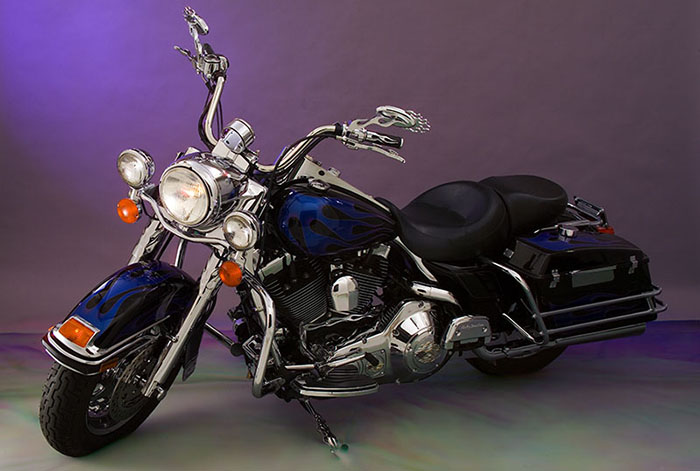
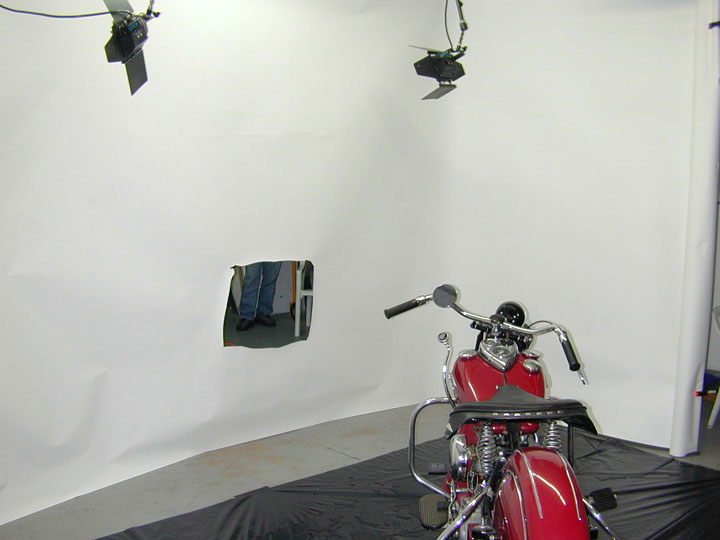
Before I can begin a job there needs to be a shot list. The client and I need to agree on a time and place for the shoot, and of course the price. It’s at this point that I explain to the client that my price is largely based on the amount of time that will be involved doing the client’s shoot. In three hours I might have finished shooting a bank’s board of directors, but I’d still be doing the set up for a motorcycle shoot in my studio. One of the problems of negotiating with a client is that they often think that the prep, shot and clean up happen in almost no time at all. I’ll just walk in with a camera and shoot. Not only is this a problem when we’re negotiating the price, it can be difficult to get the client to block out enough time for the shoot. If you don’t address this issue before the shoot you might have trouble during the shoot. In addition the material needed for the shoot, assistant and the location will affect the price.
Before I can give the client a price the client and I need to agree on what will be delivered when. My preference is to give the client an edited low-res version of most of the files. Then I hope the client will choose the files they’re most interested in and final retouching can be done on those files. I will include the time to prepare the edited version of the files in the original estimate. When I do the editing I will remove images that are just bad and others that are redundant. I will open each file in Adobe Camera Raw and adjust such things as color, exposure, cropping, sharpness and lens distortion. While this only take a few seconds on a single image, a shoot with 500 images can take a while to edit. I reduce the size of the files to them easier to review. I spend the time to prepare this set of files because I want to show the client a good version of my work, obviously this group of images will reflect on my talents. The difficulty is that the client doesn’t always review these files. I don’t know if I should reduce the number of files I send or make other changes. Regardless I will deliver whatever version of the files the client wants, but I do try to keep the mistakes to myself. The client can even have my Raw files if they want, but since most clients can’t open these files I generally don’t deliver them. I will give the client an estimate for image editing, if any, before I do any additional work to a particular file. This is all part of the negotiation with the client. We need to define just what the client will get and when.

I’ll get a deposit from the client before the day of the shoot. Generally the deposit is 50% of the estimate. I try to deliver the first version of the files to the client in 48 hours or less, and I’ll include a bill for the balance with these files.

If you know what usage means to a photographer you are in the minority. Of course this can make it difficult or impossible to charge a usage fee to a client, and most of the time I don’t. Usage is simply the way the image is used, say in a magazine or on a web site. By extension it is a license, for a fee, to use the image in a specific way. If a photographer sells a photo from his/her files to be used once in a magazine and then sees it used on a billboard or a national advertising campaign the photographer has been cheated and the usage agreement has been violated. This can result in litigation. My policy is the when the client pays me to create a custom photograph, rather than buying an image from my files, that purchase includes the right to use the photograph to aid the client’s business for as long as the client feels the image is useful, with few exceptions. The client can’t sell the photograph, as a photograph and not part of packaging, to a third party. So a contractor can’t sell a photo to a window manufacturer with out negotiating compensation for me. If the client chooses to give the image away, well that’s the clients business. Any stock images that I license a client to use have specific limits on usage. I hope that my clients will be successful, and that they will return to me for more photographs. I also do consulting for businesses setting up in house photographic systems. I expect that the material I create for these businesses will not be shared outside the business. In addition to my concerns about how my images are used I understand that the client has concerns about how I use the images. My policy is that I don’t offer client images for sale to other clients or third parties. Specifically I don’t license client images through any stock agency. I will use the images to promote my business: in print, on line and in magazine articles. However I appreciate that some images have proprietary information so I will give the client a chance to review images before I use them.

There are things I’m still thinking about, for instance weather and working hours. When I had a business in Los Angeles years would go by without a weather conflict. That isn’t true in Indiana. I would prefer that a client reschedule a job if the weather is predicted to be unworkable two days in advance. If the client insists and the job can’t be done then there’s a problem.  I haven’t been able to use the time in another way and I think I should charge the client. Any thoughts? In addition I wonder about what hours I’m expected to keep? A wedding photographer expects to work weekends and evenings, as an architectural photographer I might have to be on site a dawn to shoot a building. Should I charge extra for special hours? Should I charge extra if I have to do rush work on the files? Of course I do charge extra for a day that is more than 10 hours long. I fyou’d like to let me know what you thing please (john@siskinphoto.com) or register with this site.

There’s no such thing as a package job around here. At least the first job with any client requires us to create a mutual understanding of possibilities and responsibilities
Of course, if you can’t come to Indianapolis you can still get my books or take my classes. And I hope you will!
Books:
Understanding and Controlling Strobe Lighting: A Guide for Digital Photographer

Photographing Architecture

My Classes at BetterPhoto.com:

An Introduction to Photographic Lighting
Portrait Lighting on Location and in the Studio

Getting Started in Commercial Photography


March 20, 2014

New Classes!

Filed under: Indianapolis,Lighting Technique,Marketing — John Siskin @ 3:30 pm

Please check out my on-line classes at BetterPhoto: An Introduction to Photographic Lighting, Portrait Lighting on Location and in the Studio and Getting Started in Commercial Photography and my books:

When I’m not shooting, and who can shoot all the time, I’m marketing. Frankly I’d rather be shooting, but If I don’t let people know about my photography I won’t be doing much shooting. I just made a couple of pdf files that I’m hosting on my site. I can send people a link to these files, like this http://www.siskinphoto.com/acontractor.pdf and this http://www.siskinphoto.com/aportrait.pdf. I’m using these with e-mail and with facebook, and they seem to be working. I really need to redo my website, but I’m not quite ready to get into that project. If you’d like to get mailings from me about classes I teach or my photographic services please send me an e-mail: john@siskinphoto.com. I’ve added a few shots to this entry that might make it into the next pdf file.

I’m offering some classes here at my studio that I hope you’ll want to take. The first is the Portfolio Workshop. This is an ongoing group that gets together to discuss each others’ work and give encouragement. Here’s some information from the website: “Since portfolios are the tools photographers use to present their vision it’s really important to know how people perceive your work. In many ways it’s like a resume: it’s a detailed introduction for a person in fine arts or commercial art.” Come join us it’ only $20 per meeting. The next meeting is April 7 at my studio. Check out www.siskinphoto.com/Workshop.html to sign up.
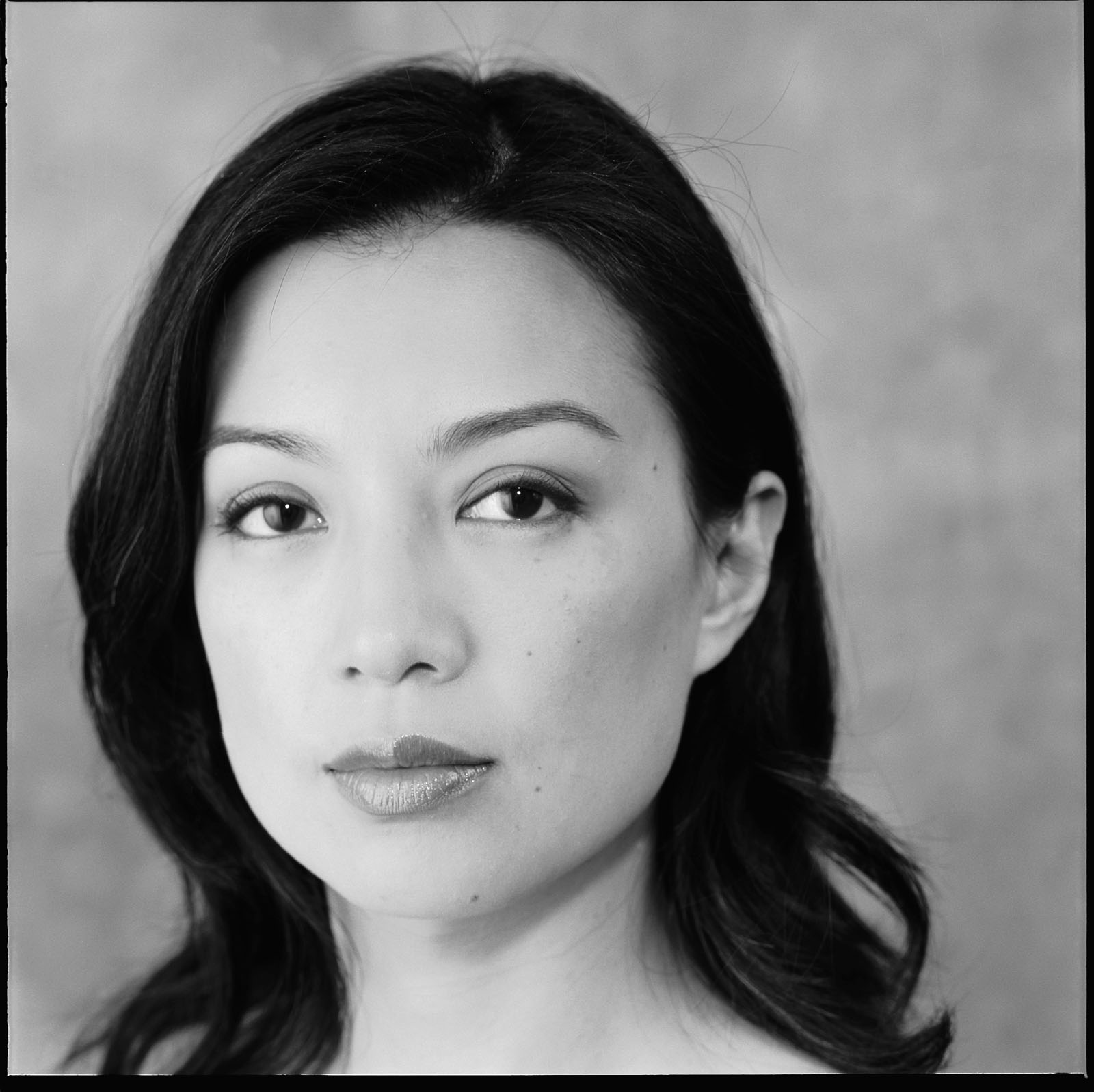
I’m also offering a Lighting Workshop on April 27. Here’s some information about that class: The cost will be $225. There are only going to be 5 participants, so you can get a real hands on experience! We’re going over these topics:
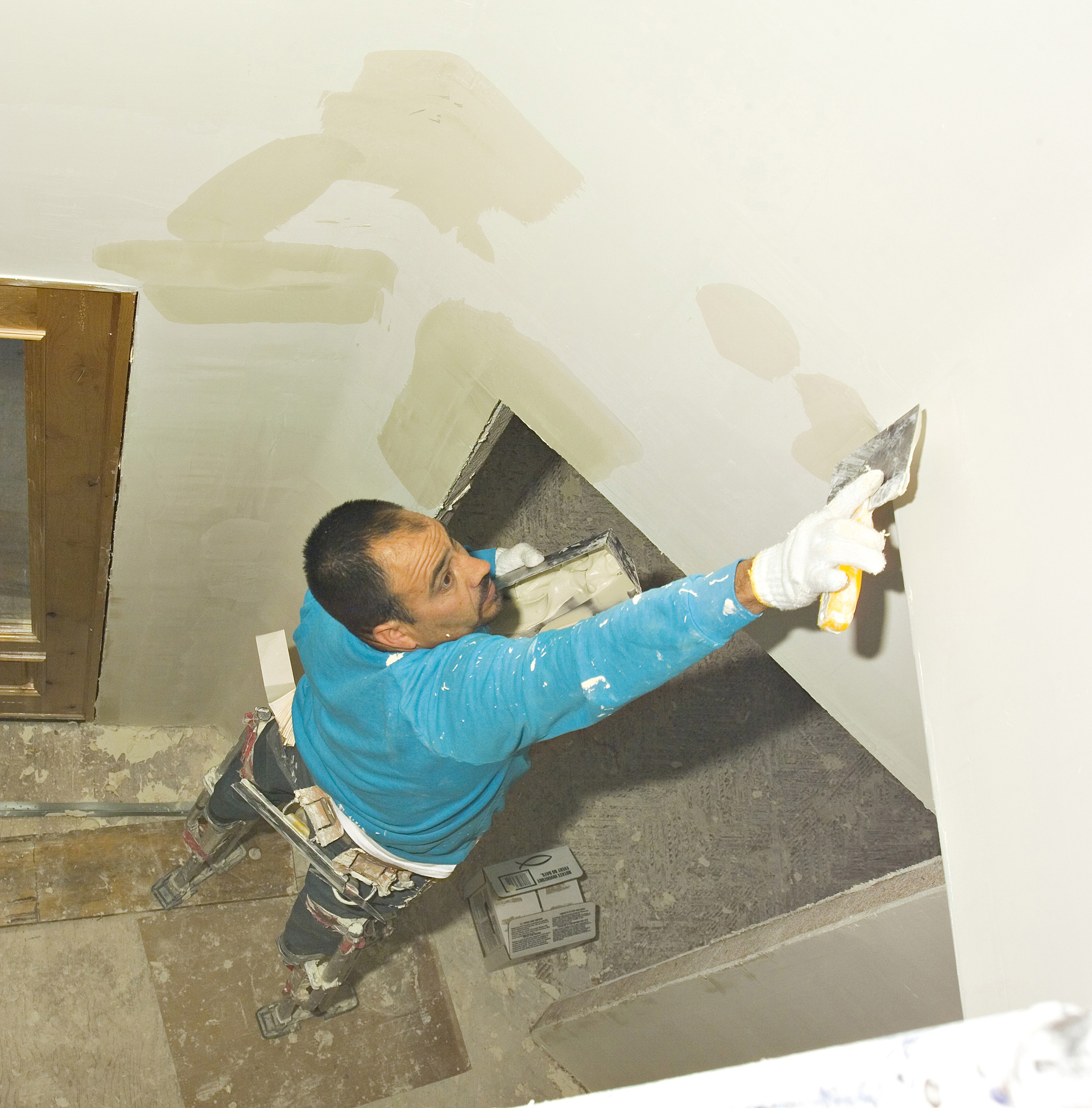
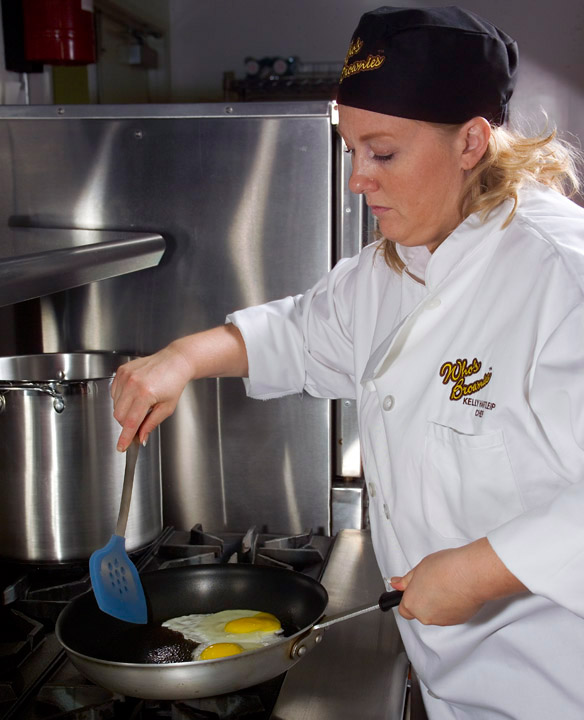
How to use strobes.
Kinds of light.
What different light modifiers do to the light and why.
Using different kinds to lights together.
Balancing the light from different strobes.
You can sign up at the workshop page on my website: www.siskinphoto.com/Workshop.html. And I hope to see you on the 27th. Since this is such a small class it’ll fill up soon.

Of course, if you can’t come to Indianapolis you can still get my books or take my classes. And I hope you will!
Books:
Understanding and Controlling Strobe Lighting: A Guide for Digital Photographer

Photographing Architecture

My Classes at BetterPhoto.com:

An Introduction to Photographic Lighting
Portrait Lighting on Location and in the Studio

Getting Started in Commercial Photography


February 20, 2014

The Norman Tri-Lite and Me

Filed under: Lighting Technique,Photographic Equipment,Portraits — John Siskin @ 2:23 pm

Please check out my on-line classes at BetterPhoto: An Introduction to Photographic Lighting, Portrait Lighting on Location and in the Studio and Getting Started in Commercial Photography and my books:

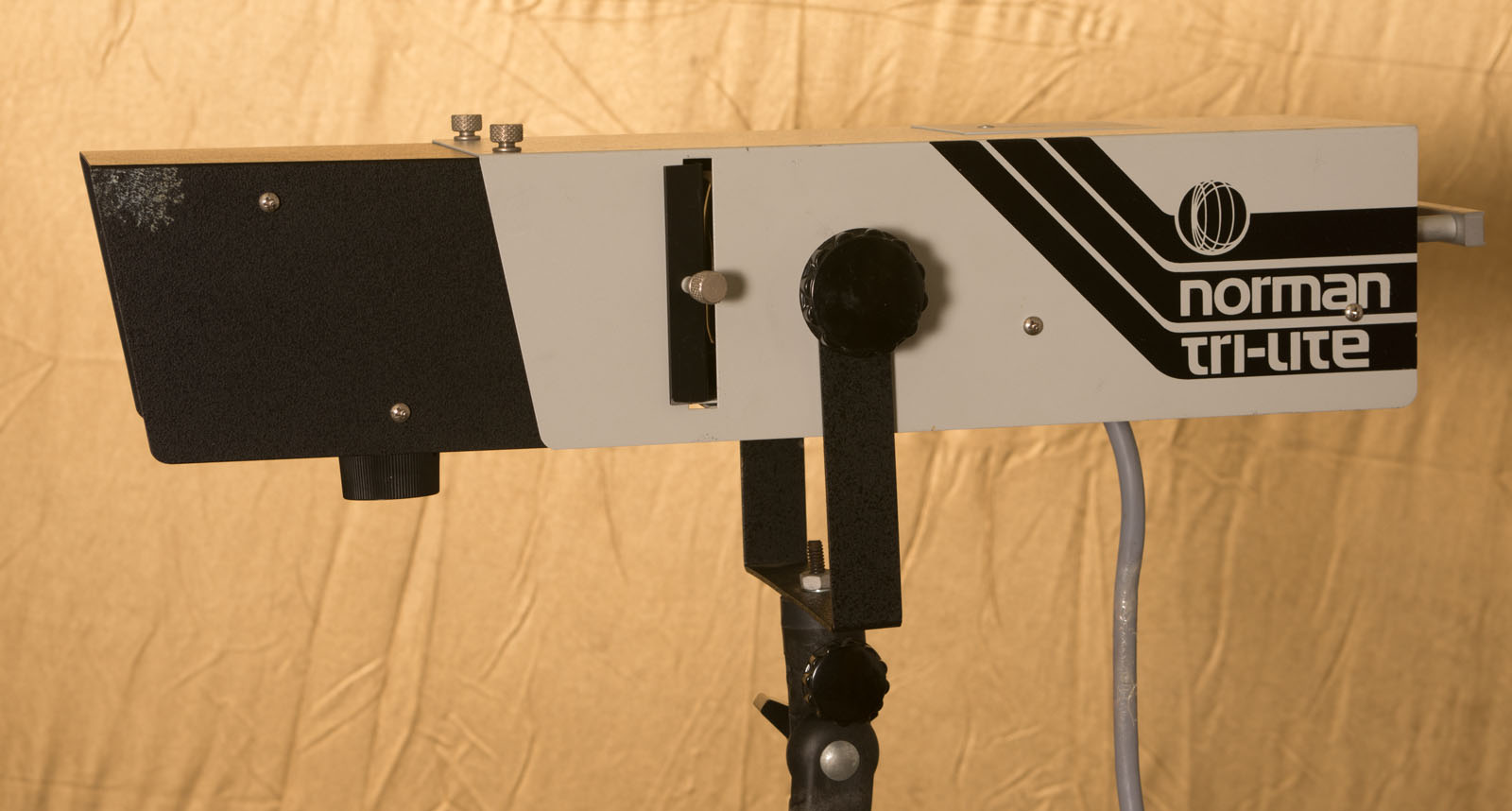
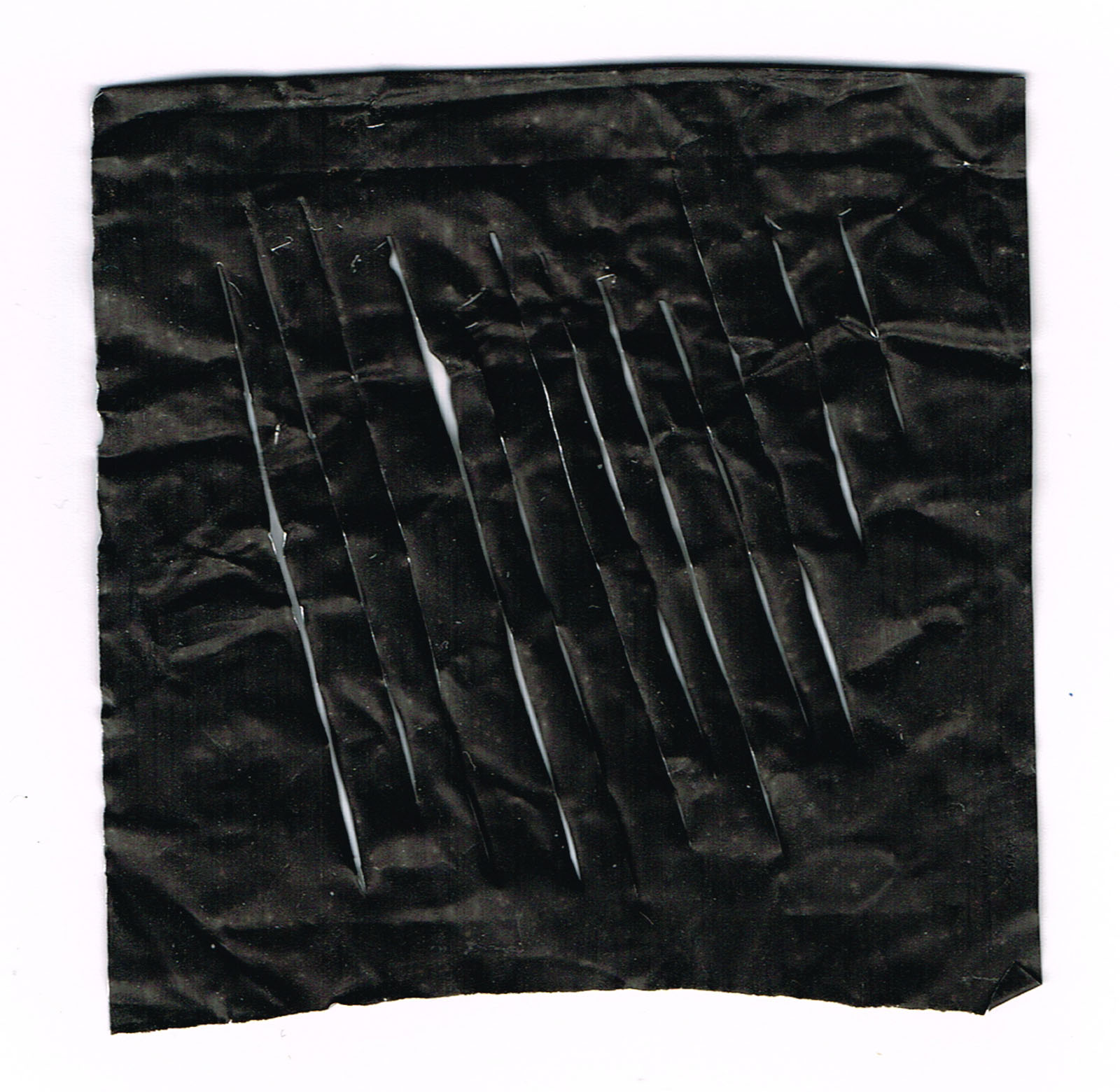
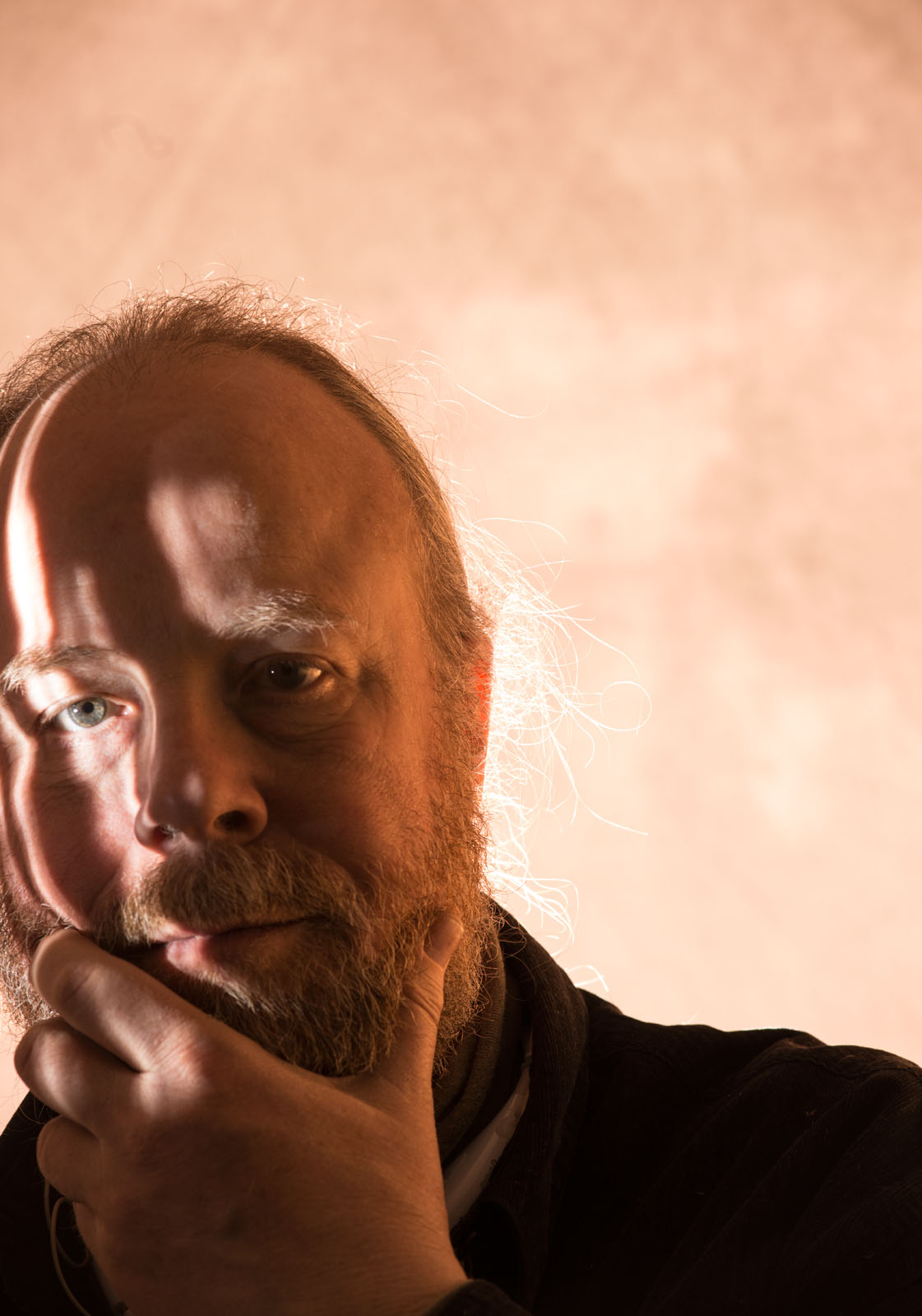
So I wanted to post a few samples made with the Norman Tri-Lite I just got. Unfortunately the only person I’ve had around the studio to inflict portraits on is myself. So I’m posting selfies. As you may remember the Tri-Lite is a sort of slide projector that uses a strobe for a light source. I’ve experimented with this before with a home built projector (https://siskinphoto.com/blog/?p=742 and https://siskinphoto.com/blog/?p=804) but the Tri-Lite is a brighter and more reliable tool. Norman doesn’t make the Tri-Lite anymore but you can find them at eBay. You need a Norman power Pack to power the Tri-Lite, it won’t plug into the wall. All the Tri-Lites I’ve seen work with the Norman 900 series power packs, but I understand some were built that use other Norman packs. If you want more information download the instructions for the Tri-Lite here. I used a simple cucoloris made out of cine foil for the shot. I put a picture of the Tri-Lite and the cucoloris below.


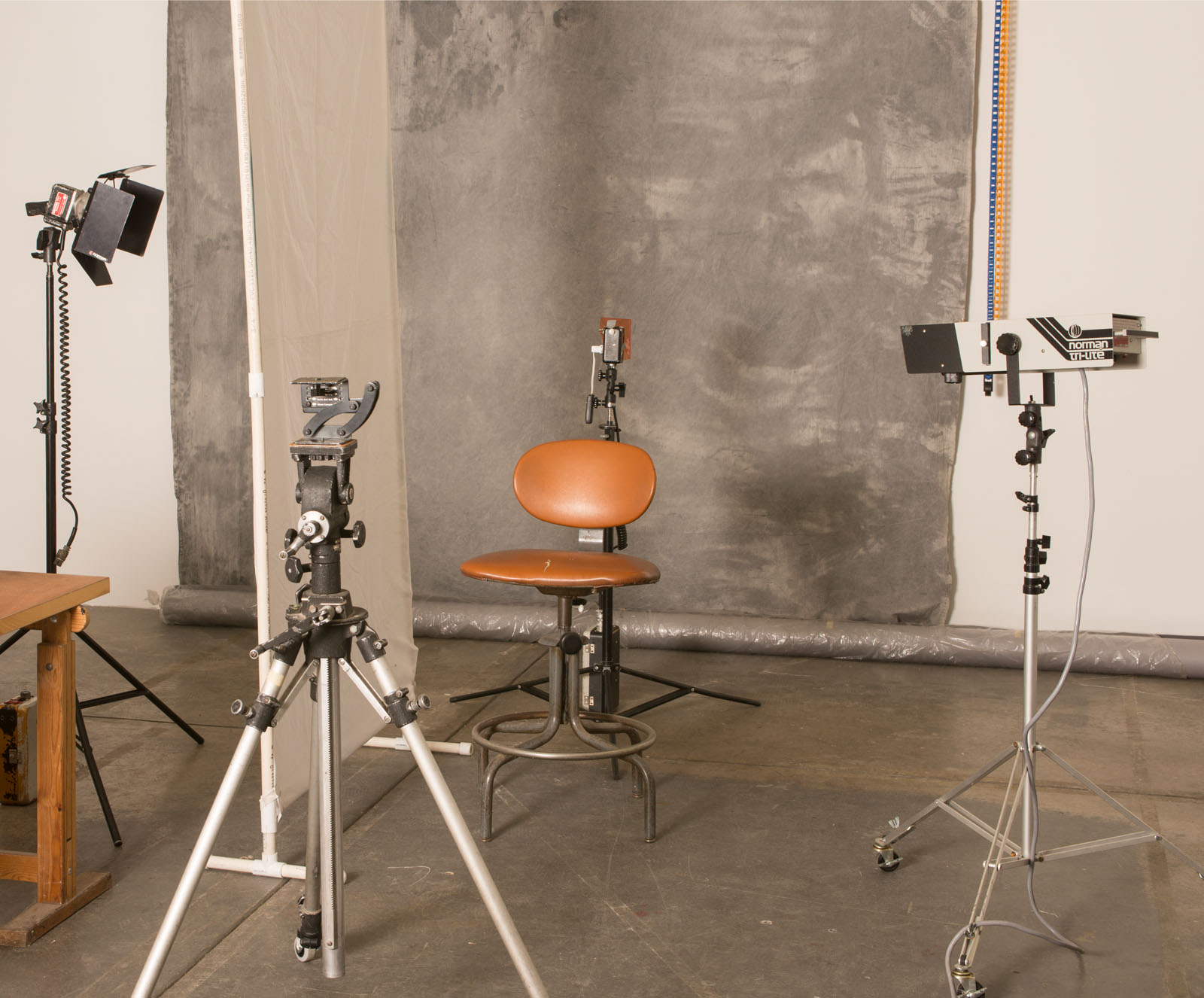
I used a bare bulb Norman 200B behind my head to make a rim light and to bounce off the light panel on my right side. You can see the set-up below. I covered the 200B with a Rosco CTO to give warmth to the background and the rim lite. On some of the shots I used a second 200B behind the light panel to give me a large light source. You can see the set-up and the bare bulb 200B with the CTO filter below.

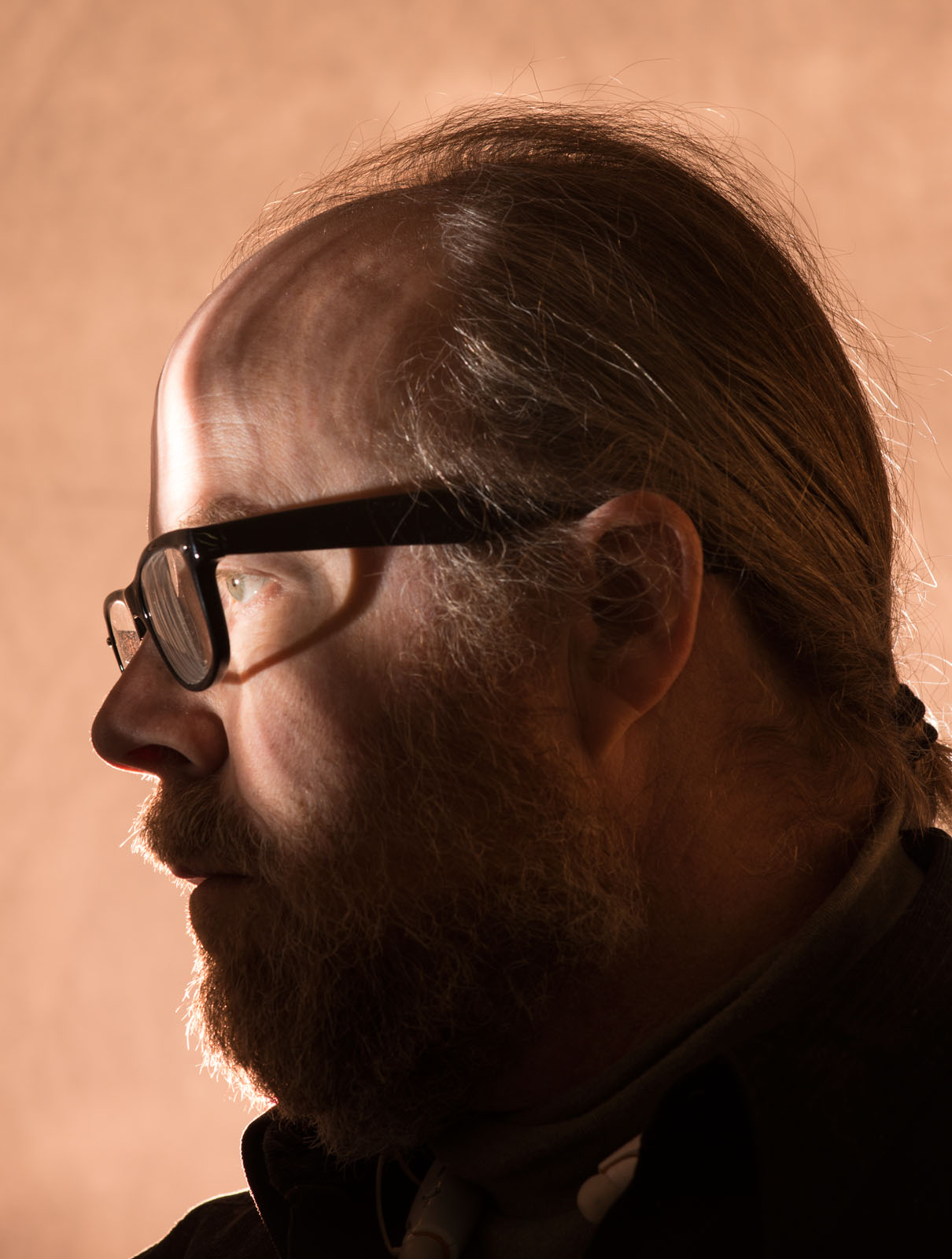
So here’s the selfies with the Tri-Lite

Here’s a couple where I missed my head with the Tri Lite. It’s really tricky to do selfies with a light source that really needs to be aimed carefully.


I wanted to update you on a few things happening here at my studio: first I’m continuing to offer the Portfolio Workshop. For more information on this and my other workshops please take a look at the workshop page on my site. You can also find information about the Matting & Framing Workshop for Photographers at the site. This is going to be a very small class, so if you’re in Indianapolis sign up now. You can also rent my studio, and get the chance to work with Normans! Call 317.473.0406 or e-mail to reserve time for a shoot or a private workshop. If you can’t get to Indianapolis you can take one of my BetterPhoto classes:
An Introduction to Photographic Lighting
Portrait Lighting on Location and in the Studio
Getting Started in Commercial Photography.

February 2, 2014

Norman Strobes

Filed under: Lighting Technique,Photographic Equipment — John Siskin @ 3:06 pm

Please check out my on-line classes at BetterPhoto: An Introduction to Photographic Lighting, Portrait Lighting on Location and in the Studio and Getting Started in Commercial Photography and the books:

I often write about lights and lighting in this blog. I think that learning how to manipulate light is perhaps the most important skill a photographer can acquire. If you can’t manipulate light your photography is mostly about what you see, rather than making pictures of what you imagine. There are many ways to put your imaginings into your photographs, but light might be the most powerful tool to do this sort of creation. In order to create photographs with light you need to learn to visualize your images and you need tools to create those images.

This month I want to say some things about my tools. I have a lot of lights; I think I’m up to twenty strobes. Most of them are from a company called Norman. Over the years I’ve said a few uncomplimentary things about Norman, and, in fact, I think I’ve had a bit of an inferiority complex about my Normans. Well it’s time to stop this and say a few nice things about Normans. Now before I start I have to say that Norman made some bad products, some of which, like the P4000D, I owned. Norman also made some products, like the P2000D, that worked reliably but were not great designs.

The occasion for this change is my new Norman Tri-lite. This is a sort of strobe slide projector, which only Norman made. It will project actual 35mm slides and cucoloris. If you’re interested you can check out the instructions: http://normanlights.com/manuals/tl2000manual.pdf. There are no new Tri-lites, and they aren’t common on eBay, but you can find them. I expect to receive the Tri-lite in a few days, of course I’ll put up some images in the future. I really appreciate the great number of unusual products Norman has made over the years. Of course there are things like barn doors and grid spots, but there are also a very wide variety of reflectors and even two different snoots for most of their strobe heads. Norman even made an optical spot, usually only found on movie sets, another very unusual product.

I have two Norman systems: the 900 series, these are studio strobes that use power packs, and the 200Bs that are both battery and ac units, and I like them both. Norman has made a couple of other systems, and even mono-lights, but I haven’t much experience with any of them. The 900 series is the most powerful system Norman makes. When I shot large format film I used the most powerful powerpack they made, but now I use the 1200/1250 watt-second packs. I recently got an M1200 powerpack. It’s the first Norman pack I’ve had with really variable output. The reason I’m getting a lot of Norman equipment now is that it’s really cheap used. I think I paid about $65 for the M1200. Keep in mind that in order to work with a studio strobe you have to have a powerpack and a matching head; you can’t just plug the heads into the wall. If you’d like a lot more information about strobes take my class: An Introduction to Photographic Lighting


The Norman 200Bs are a little harder to recommend. They’re really flexible units, and well suited for digital work. The only problem is that there are no new 200Bs, they haven’t been made in something like twenty years. That’s a long time for gear that get’s used on location. So you have to question the reliability of any 200B. This is why I have so many 200Bs (7 heads, 5 dc powerpacks, 2 ac powerpacks) if something breaks I have more. Of course Norman has come out with updated systems, both the 200C and the 400B, but there are a lot of other things I would check out before investing in one of these Norman systems. Let me tell you some good things about the 200Bs: first they recycle extremely quickly, from zero to full power in about one second. There are both battery powered and ac powerpacks, which adds to the flexibility of the strobes. The battery units run on twelve volts so you can run them off a car or even a car battery; there are cheap lead/acid batteries, about $30, that will run a 200B. There is a fine group of accessories: snoot, reflectors, glass dome reflectors, grid spots and so on. There are even sore reflectors with modeling lights. So I’m going to try to keep my 200Bs as long as I can. By the way, the pictures with this blog entry are all made with Norman 200Bs in the lighting mix.

So, if you want a larger and better toolkit to light your photos you might want to check out used Norman gear. Check out this link for more information: http://normanlights.com/owners_manuals.asp. And stay away from P4000D!

I wanted to update you on a few things happening here at my studio: first I’m continuing to offer the Portfolio Workshop. For more information on this and my other workshops please take a look at the workshop page on my site. You can also find information about the Matting & Framing Workshop for Photographers at the site. This is going to be a very small class, so if you’re in Indianapolis sign up now. You can also rent my studio, and get the chance to work with Normans! Call 317.473.0406 or e-mail to reserve time for a shoot or a private workshop. If you can’t get to Indianapolis you can take one of my BetterPhoto classes:
An Introduction to Photographic Lighting
Portrait Lighting on Location and in the Studio
Getting Started in Commercial Photography.

January 10, 2014

Critiques

Filed under: Looking at Photographs,Photographic Education — John Siskin @ 3:55 pm

To start I just want to quickly remind you about the classes: An Introduction to Photographic Lighting, Portrait Lighting on Location and in the Studio and Getting Started in Commercial Photography and the books:

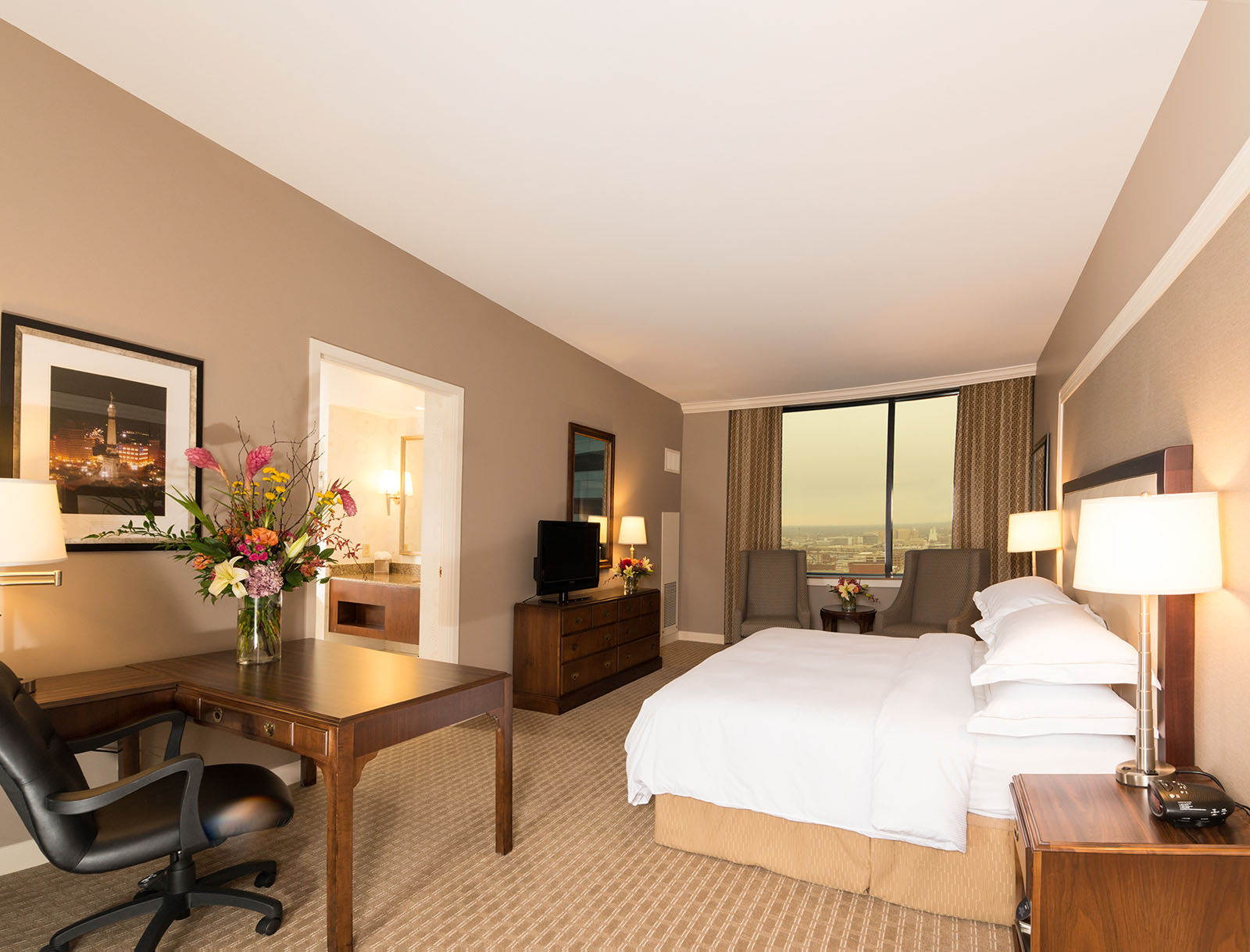
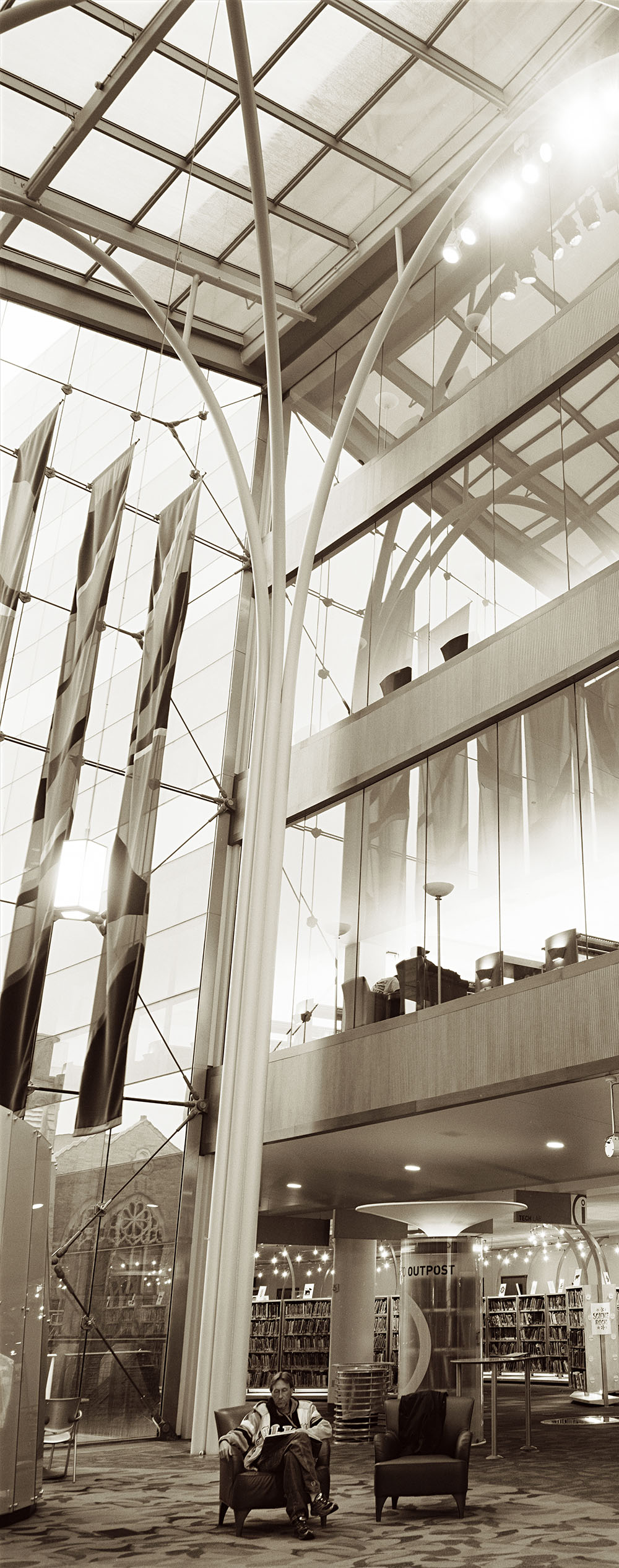
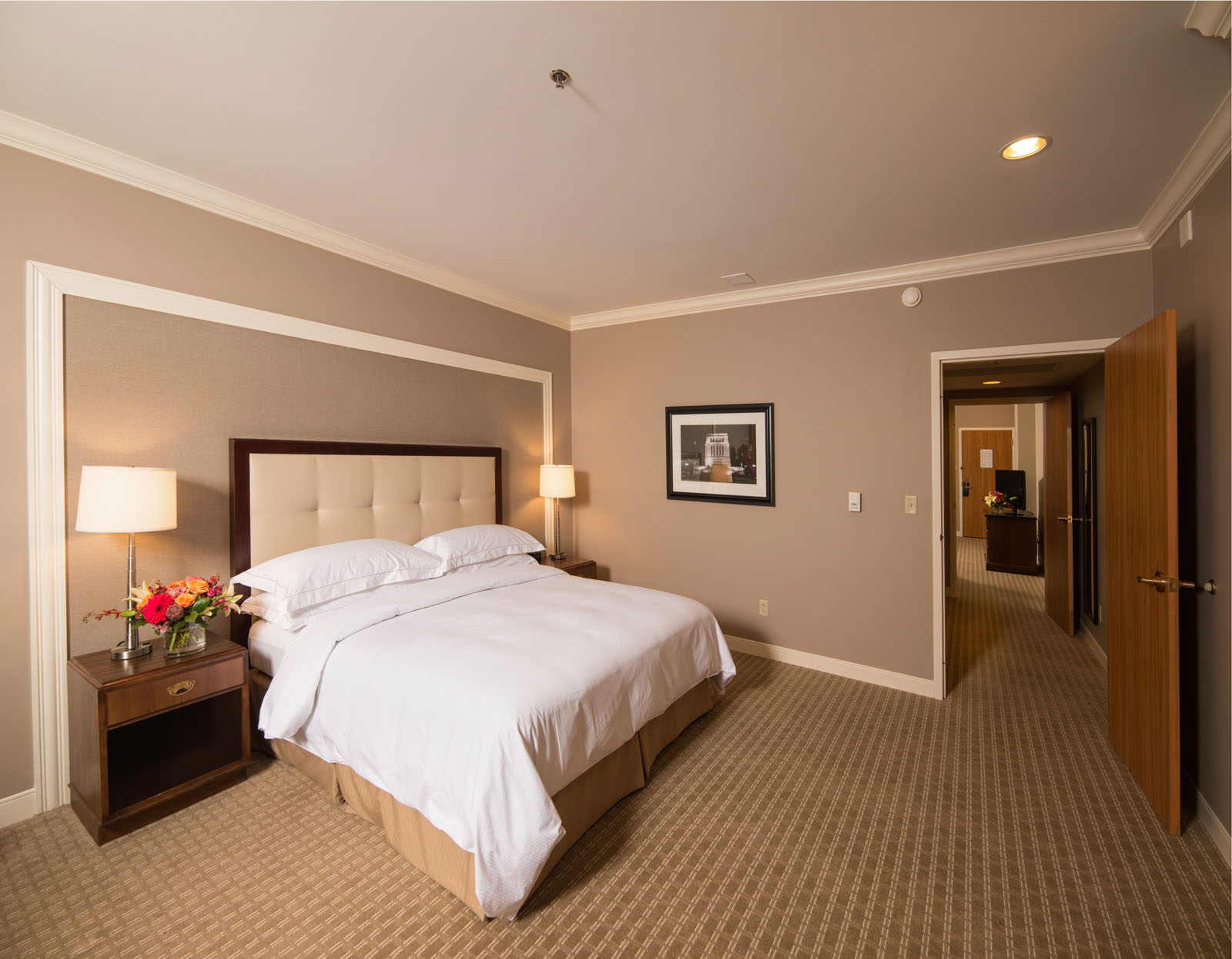
I went to the blog archive to find an entry about doing critiques, and I realized I hadn’t posted anything about this topic. Considering how may critiques I’ve written for my BetterPhoto classes, it surprised me that I haven’t done a blog entry about this topic. I’m continuing to build a portfolio class here in Indianapolis, and so this is an important topic. The pictures this week are from a shoot I did for the Indianapolis Hilton. I love shooting hotels!

A critique is different from a review. A review is done for an audience that hasn’t experienced the subject of the review. So it can be useful to give a negative review, perhaps even something scathing, because it will keep the reader from experiencing something bad. A critique is designed to give the creator of the work, a photographer in this case, information about how you respond to the image and helpful information about the image. So a review might say these are wonderful luminous images, a critique would say more. Perhaps: “I respond to the feeling of light in this image. I think you choose your subject matter well. I like the choice of paper, and the muted color palette of the image. You might have cropped tighter.” Well you get the idea.

I think the first thing you say about an image should be positive, but, frankly, that isn’t always the first part of a critique I write. One of the advantages of writing critiques is that you can organize your thoughts while you construct the critique. When you are doing a spoken critique, or participating in a class critique, you want to organize your thoughts before you begin. Certainly you don’t want to discourage anybody when you mean to help her/him. I try to start by talking about my emotional response to the image, if I have one. I want to say that I have a good feeling about the image, or a strong feeling, and to say why. So I might say that a shot of a frozen lake gives me a strong feeling of cold and distance, which might not sound good on its own, but matches the goal the photographer had for the image. One thing to keep in mind is that the emotion impact of a photograph is a big part of what a photographer wants to create in an image. Also you can create a bleak image, or a positive image, from pleasant elements by manipulating light and exposure. One of the important things is to discuss the impact of an image: are the feelings from an image mild or wild?

The next thing to discuss is what you might be able to do to strengthen the image. I like to start by discussing things that can be done with the existing image, that is things you can change in post-processing. The first, and most important, thing is cropping. I have seen so many images that are weakened simply because the photographer hasn’t cropped the image. I try to shoot with a little extra room around my image, so I expect to crop every shot that I work with. I am surprised that so many people show images that they haven’t cropped. When I do a critique on-line I’ll also be talking about the color, contrast and sharpening as well as anything else you can do in post. If I am doing an in-person critique I will talk about presentation as well. If you show me a 4X6” print of a shot I won’t thing you are as committed to your work as when you show me an 11X14 with a mat. If you aren’t committed to your work why would you expect people to take it seriously? Some images have to be big in order to work well. I have friend in Los Angeles who makes very complex images that are really quite wonderful. His prints are 20X30”, and work quite well because you can examine all the details in the big print. However if you look at these images on his website the images suffer a lot because of the small size. In addition to size I will discuss the matting and framing, as well as other presentation details.

The last section of my critiques is devoted to items that can only apply to making new shots. So I might say if you work with a back lit subject outdoors you might want to use flash fill. I may even suggest that flash fill is usually a good idea outdoors. I also find myself discussing the way you load the frame. Perhaps I’ll say something about keeping empty space on the right side of the frame or keeping the subject’s hands in a shot. This is a good time to add information about any technique.

If you’d like me to critique your shot then you might want to come to my portfolio class on Monday January 13. Or if you can’t get to Indianapolis you can take one of my BetterPhoto classes:
An Introduction to Photographic Lighting
Portrait Lighting on Location and in the Studio
Getting Started in Commercial Photography.


December 9, 2013

More Than Pressing the Button


To start I just want to quickly remind you about the classes: An Introduction to Photographic Lighting, Portrait Lighting on Location and in the Studio and Getting Started in Commercial Photography and the books:


People make pictures as a form of communication. People have been making pictures for tens of thousands of years, maybe for as long as there have been people. The oldest pictures that are still visible are made with pigments and painted in caves. These may not be the first pictures, but they seem to have lasted the longest. I suppose that pictures like the ones in caves might have been common, but time has washed them away. The reason I start with this idea is that the ability of a picture to convey information about the nature of things, or about feelings, is basic to humanity.  Of course this isn’t the only way we communicate, you’re reading this after all, but it is possibly the most basic way we communicate. Perhaps, because it is so basic people don’t receive much instruction in images. I’ve taken more English classes than I can remember, as well as other language classes. I’ve even taken classes in computer languages, learning to communicate with an inanimate object. Now, of course, I’ve also taken photography and art classes, I make photographs for a living after all, but every class I took about making images was an elective, not one was required. As a photo teacher I’m constantly amazed at how little insight my students have about how to communicate with images. Perhaps we should have more basic instruction in communicating with images.

As an example consider what is called the “rule of thirds.” The basic idea is that a line in your frame, particularly the horizon line, should run across the frame at one third of the way from the top or bottom of the frame. There are a few more considerations with this rule, like the idea that the places where the lines a third into the frame intersect are the most effective places to place the subject. If a photographer has any information about composition, this will often be the first thing he/she knows. Some of my students have followed this rule slavishly, even when it made an obviously bad image. Other basic ideas, like leading lines or placing the subject in a place where the eye will find it quickly are rarely known. Too bad, really. So many photographers have the idea that composition is an innate skill, something you do with your gut, rather than your brain. People often refer to this skill as the eye: “he has a really good eye.” We spend so much of our time discussing equipment and technique, but ignore the most critical skill, building better images. I think there is more to it than choosing what to make a picture of; how we present a subject is at least as important as the subject.

Another consideration is how a photograph itself is presented. If somebody shows me photos of a model mixed in with photos of their last vacation and a couple of pictures she/he took at an antique show, it’s going to make all the images more confusing and less effective. Choosing images that support each other builds a portfolio that is stronger than the individual images. Presenting the images in a consistent manner can also help strengthen the individual images. Most people I know are presenting their images in an electronic format, either on line or in a tablet. I do present this way this too, but I think it is a weaker way to show images. In general this presentation means that the images are small, and there is a sameness to reviewing images on a screen that you don’t have in a print portfolio. If you go to a museum or gallery you’ll notice that the size and frame of an image are part of the artwork. A Sunday Afternoon on the Island of La Grande Jatte and Guernica look depressingly similar on my computer screen, but Seurat’s painting is 10 feet long and Guernica is something like 25 feet long. So what you see on your computer screen is not what these paintings look like, unless you have a 25-foot screen. Maybe you think that these images don’t look very similar; perhaps you should go see them in person.

I’ve been tying to start a group here in Indianapolis that would work on building portfolios and better images. Frankly it’s not going very well. I’m hoping to find a group of around ten people who will commit to building a group of images that work together, or on portfolio groups. I’ll be working on a couple of things myself. I hope the participants will have new images most months. I expect them to discuss their reactions to the other participants’ images. Getting feedback from several people is probably the best way to learn how others react to your images. Also, it’s easier to listen to a critique from someone who is also building a portfolio and presenting images. If there are enough people then we could have separate groups for commercial work and fine art. So this is a group effort, not presentation where you sit back and watch.

I’ve attached images from one of my tablet portfolios. I’m going to present these images at facebook as well. Tablets are clearly a wonderful tool for an informal portfolio presentation. You can have an extensive portfolio with you wherever you go. You can choose different groups of images to show different audiences. Also you have some control over the way your images appear, at least because you can choose which tablet to buy. However if the tablet is the only way you present yourself you’ll limit your print sales, if nothing else.

If you’re interested in the portfolio class please contact me at john@siskinphoto.com or 317.473.0406. Also check out the workshop (http://www.siskinphoto.com/Workshop.html) page of my blog for more information. I’m not doing a portfolio project on line, at this time, but I am still teaching at BetterPhoto.com. I have three classes there, all of which involve critiques of images as well as technical information. I hope you will check them out:
An Introduction to Photographic Lighting

Portrait Lighting on Location and in the Studio
Getting Started in Commercial Photography.


Please keep in mind that the classes and the books help to keep this blog going, so do your holiday shopping here! Happy New Year!


« Newer PostsOlder Posts »

Powered by WordPress